OPERATION OF THE SOFTWARE MENU
Imager Duo Operator’s Manual
4.51
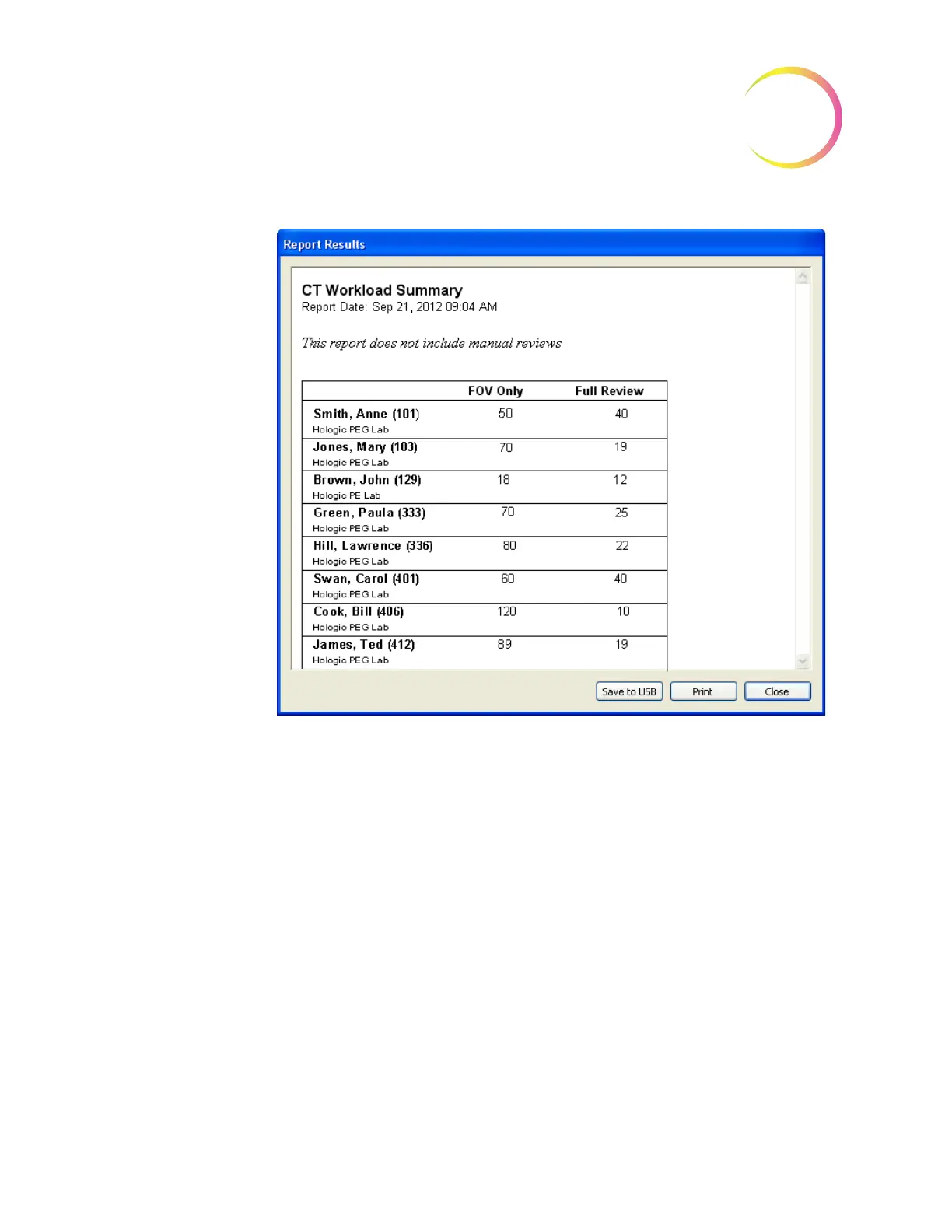
Figure 4-66 CT Workload Summary Report
To print the report, click on the
Print
button. Click on the
Save to USB
button to
save the report to a USB key, or the report may be saved to the NAS drive (if
your system is configured with H
net
). To close the report, click on the
Close
button to return to the Workload display.
The CT workload history generates a report of activity by operator. In the Oper-
ator ID drop down menu, select which ID to display. Also, the date range and
time interval may be specified. Click on the
View
button to see the report. (See
Figure 4-67.)












 To Next Page