OPERATION OF THE SOFTWARE MENU
4.50
Imager Duo Operator’s Manual
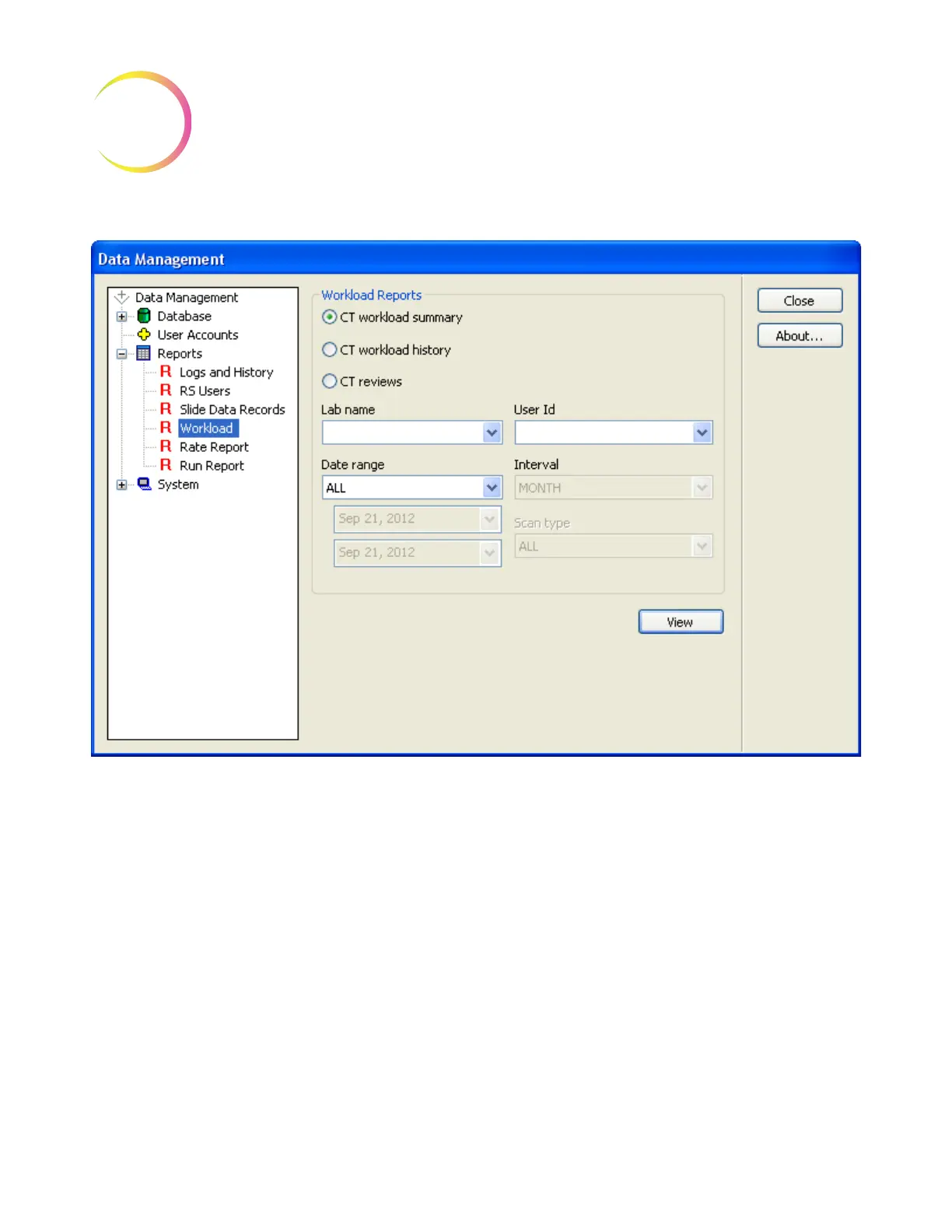
Figure 4-65 Workload Window
The CT Workload Summary displays a tally of all the auto reviews a CT has
performed over a specified period of time. The review count is split into FOV
(field of view) only screenings, in which no cells were marked during Autolo-
cate, and Full Review screenings, in which cells were marked and a full scan
(Autoscan) of the cell spot was required. The report does not include manual
reviews. (See Figure 4-66.)
The sort parameters are for which laboratory (if more than one are in the data-
base), date range and time interval.












 To Next Page