OPERATION OF THE SOFTWARE MENU
Imager Duo Operator’s Manual
4.49
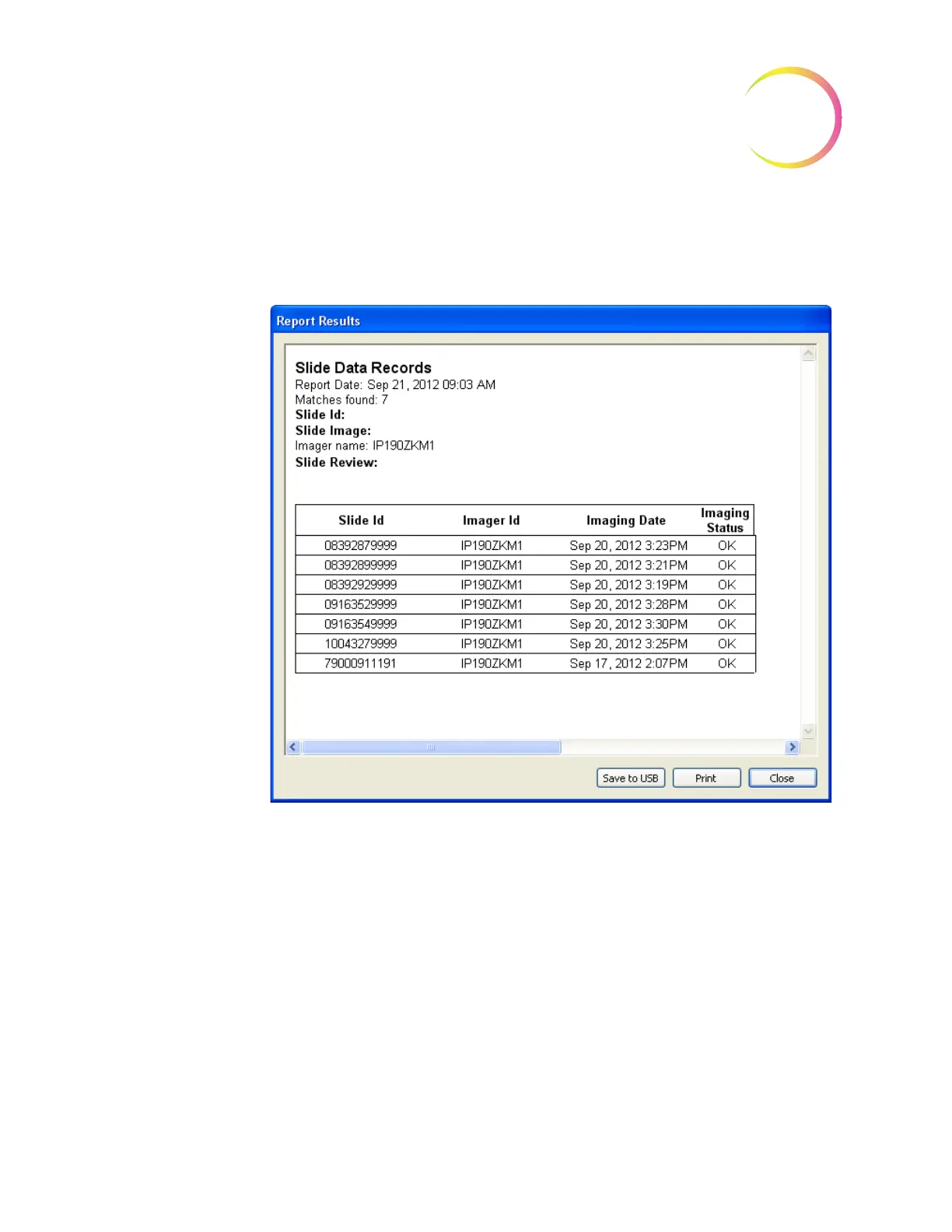
Slide Data Record Report
When all sort parameters have been selected for the slide data report, click the
View
button to see the report.
Figure 4-64 Slide Data Record Report
The report will list all slide data records within the parameters that were
selected. IDs will list by slide ID, from lowest to highest. To print the report,
click on the
Print
button. Click on the
Save to USB
button to save the report to a
USB key, or the report may be saved the NAS drive (if your system is config-
ured with H
net
). To close the window and return to the main menu, click the
Close
button.
Report - Workload
The workload report displays a tally of slides reviewed. Click on
Workload
to
open the Workload report window (Figure 4-65.)
Note:
If Security is enabled, this module will not appear in the Data Manage-
ment menu. A password is required to view and print from these dialog
windows. Refer to “System - Security” on page 4.61.












 To Next Page