OPERATION OF THE SOFTWARE MENU
4.48
Imager Duo Operator’s Manual
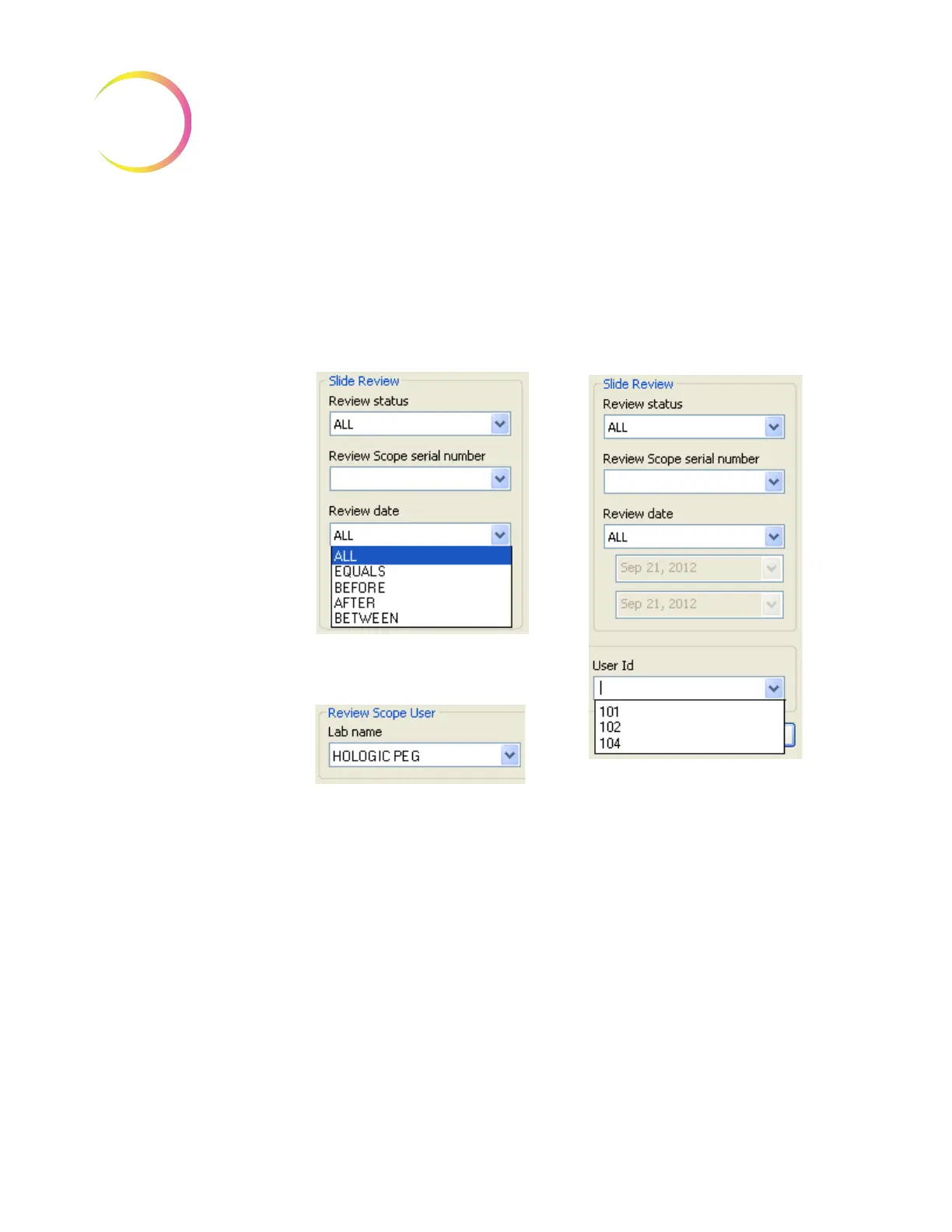
Slide Review Date - the report may be modified to show slide records for a par-
ticular date, or for a data range that you specify or for all dates.
Lab Name - this is to select which lab the data is associated with.
Operator ID - the slide data report may be sorted according to which operator
reviewed slides. Select the operator ID number from the pull down list.
Figure 4-63 Slide Review Sort Parameters continued
Pull down menu to select date
qualifier for the report
Pull down list to select operator ID
(The user IDs that display depend
on which lab name was selected.)
Pull down list to select which lab
name












 To Next Page