OPERATION OF THE SOFTWARE MENU
Imager Duo Operator’s Manual
4.47
Slide Review Parameters
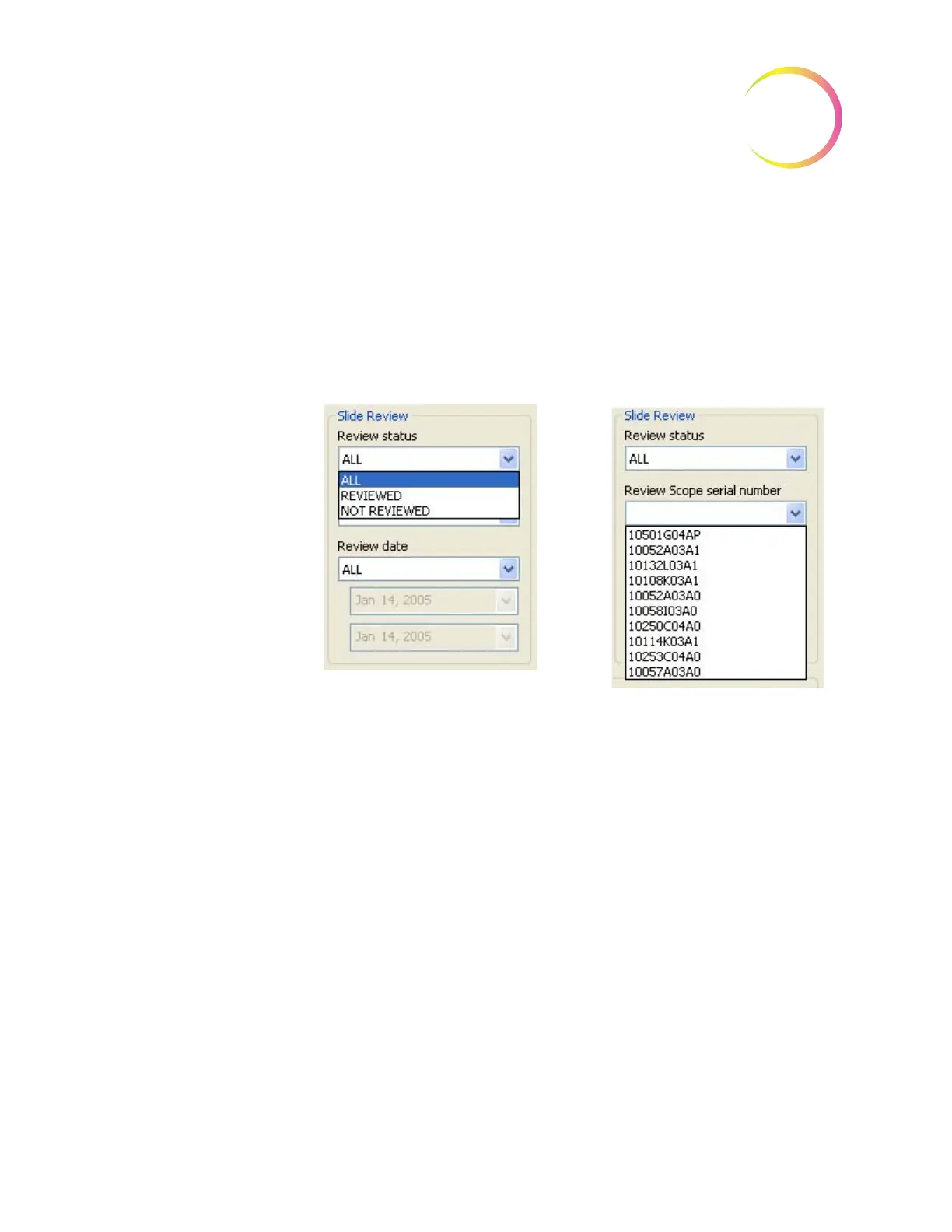
Review Status - data may be queried by the review status; those slides that have
been reviewed, those that have not been reviewed or all slides, regardless of
whether they have been reviewed.
Review Scope Serial Number - slide data reports may be sorted according to
which Review Scope they were screened on. Select the serial number from the
drop down list.
Figure 4-62 Slide Review Sort Parameters
Pull down list to view all Review
Scope serial numbers
Pull down list to select slide
review status












 To Next Page