OPERATION OF THE SOFTWARE MENU
4.46
Imager Duo Operator’s Manual
Slide ID
A slide data report may be sorted by slide ID, a range of IDs or IDs containing a
particular character string. When the slide ID qualifier menu is pulled down,
you may choose an option and type in the condition or select All.
Figure 4-60 Slide ID Sort Parameters
Image Parameters
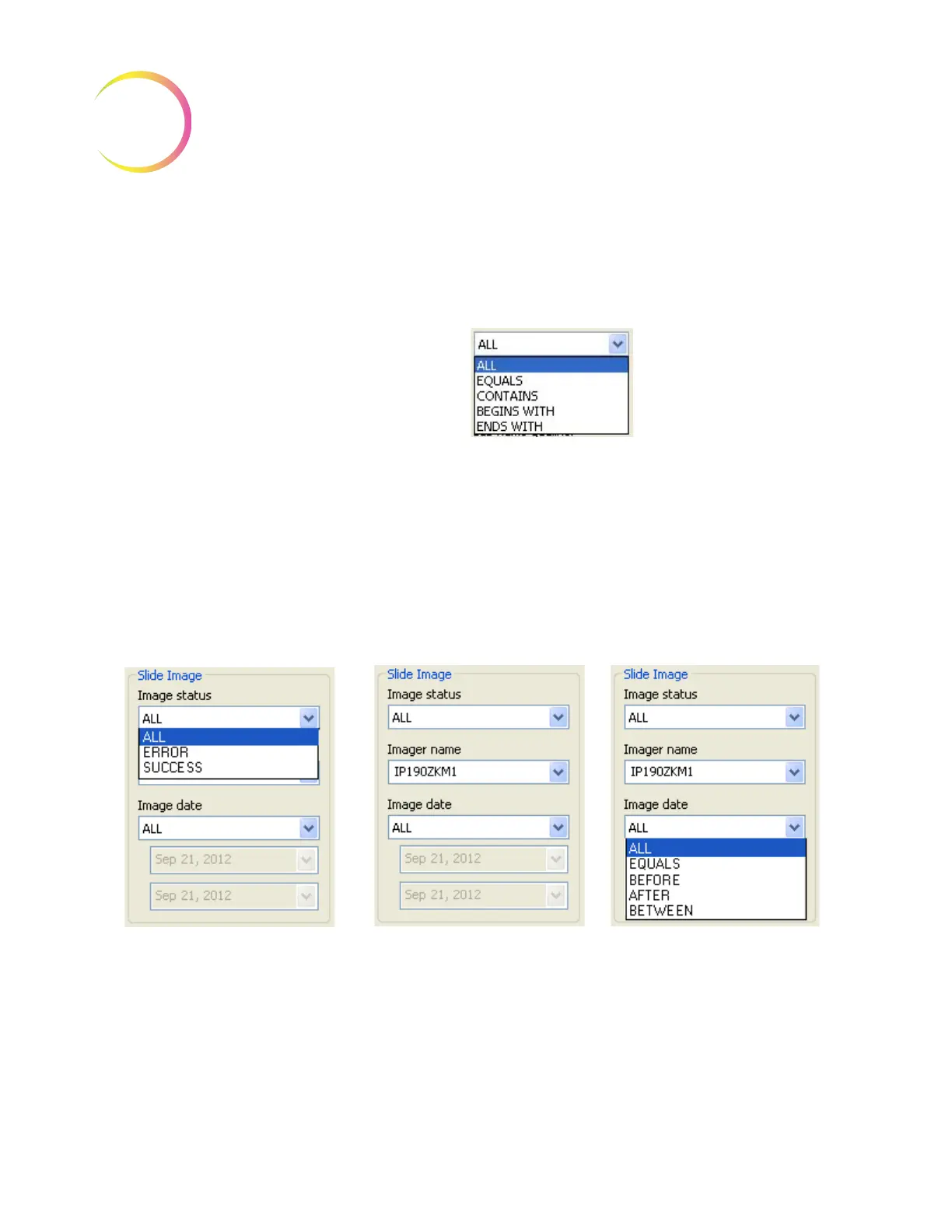
Data may be queried by the image status - those slide records that were imaged
successfully, not imaged due to error, or all slide data records.
Name - Slide data reports may be sorted according to which Imager they were
imaged on. Select the Imager name from the drop down list.
Image date - the report may be modified to show slide records for a particular
date, or for a date range that you specify or for all dates.
Figure 4-61 Slide Image Sort Parameters
Pull down menu to select
Imager name
Pull down menu to select
Image status as a parameter.
All lists all slide data records
Error lists slides not imaged
due to error
Success lists slides imaged
successfully
Pull down menu to select date
qualifier for the report.
All lists all dates
Equals lists a date you type in
Before & After are exclusive of
the date you type in
Between is inclusive of the date
you type in












 To Next Page