OPERATION OF THE SOFTWARE MENU
Imager Duo Operator’s Manual
4.45
Report - Slide Data Records
Slide data records may be sorted in a wide variety of ways, depending on how
specifically you care to define your database query. Select the
Slide Data
Records
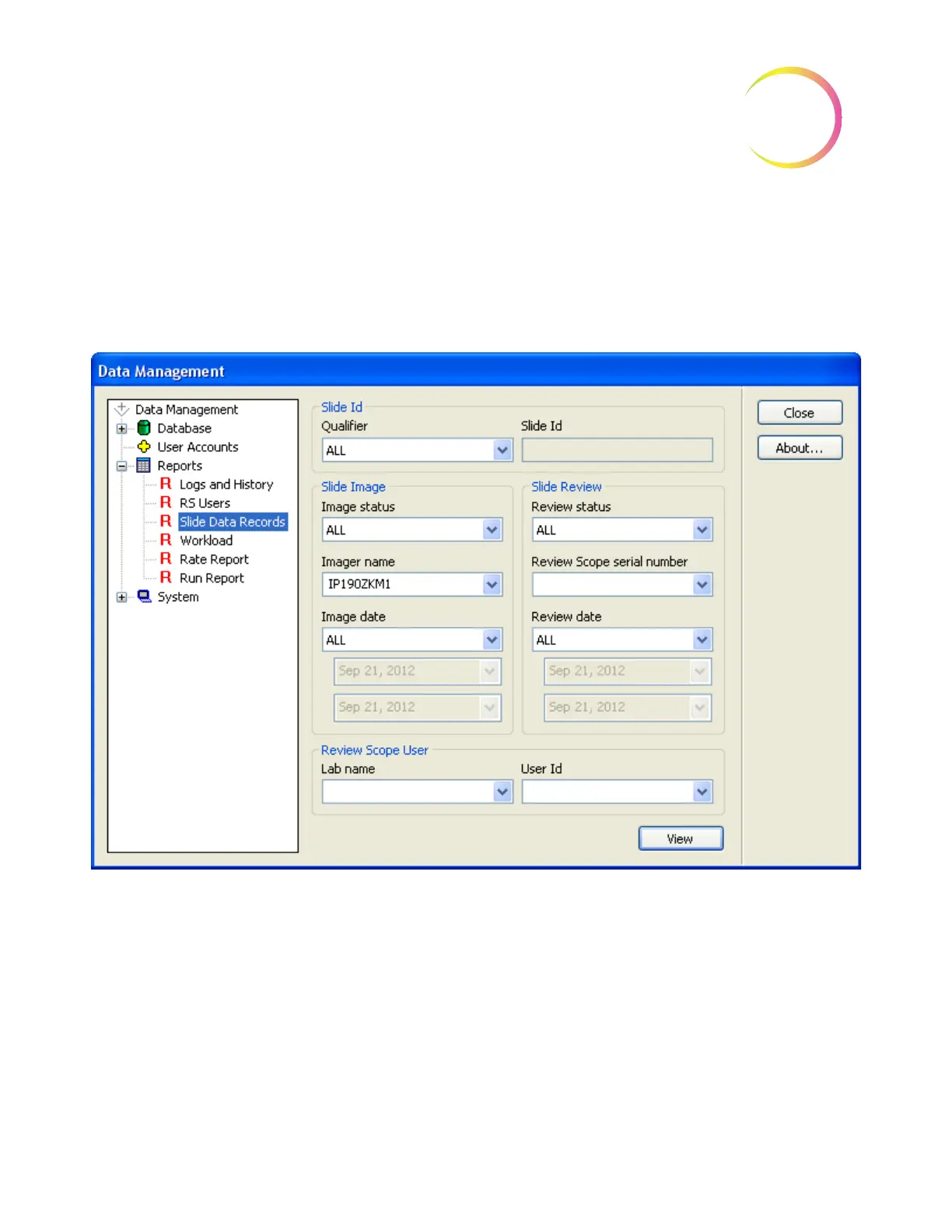
option from the Data Management menu to open the window. (Figure
4-59.)
Figure 4-59 Slide Data Record Window
The slide data record report may be sorted by slide ID information, by slide
image parameters, by slide review parameters or a combination of these qualifi-
ers.
The report will display as many lines of data as selected in the report limit set-
ting (500 to 5000), refer to “System - Lab Settings” on page 4.56.












 To Next Page