OPERATION OF THE SOFTWARE MENU
4.44
Imager Duo Operator’s Manual
• Begins With means a list of all entries that begin with a particular string
of characters
• Ends With means a list of all entries that end with a particular string of
characters.
Click on the
View
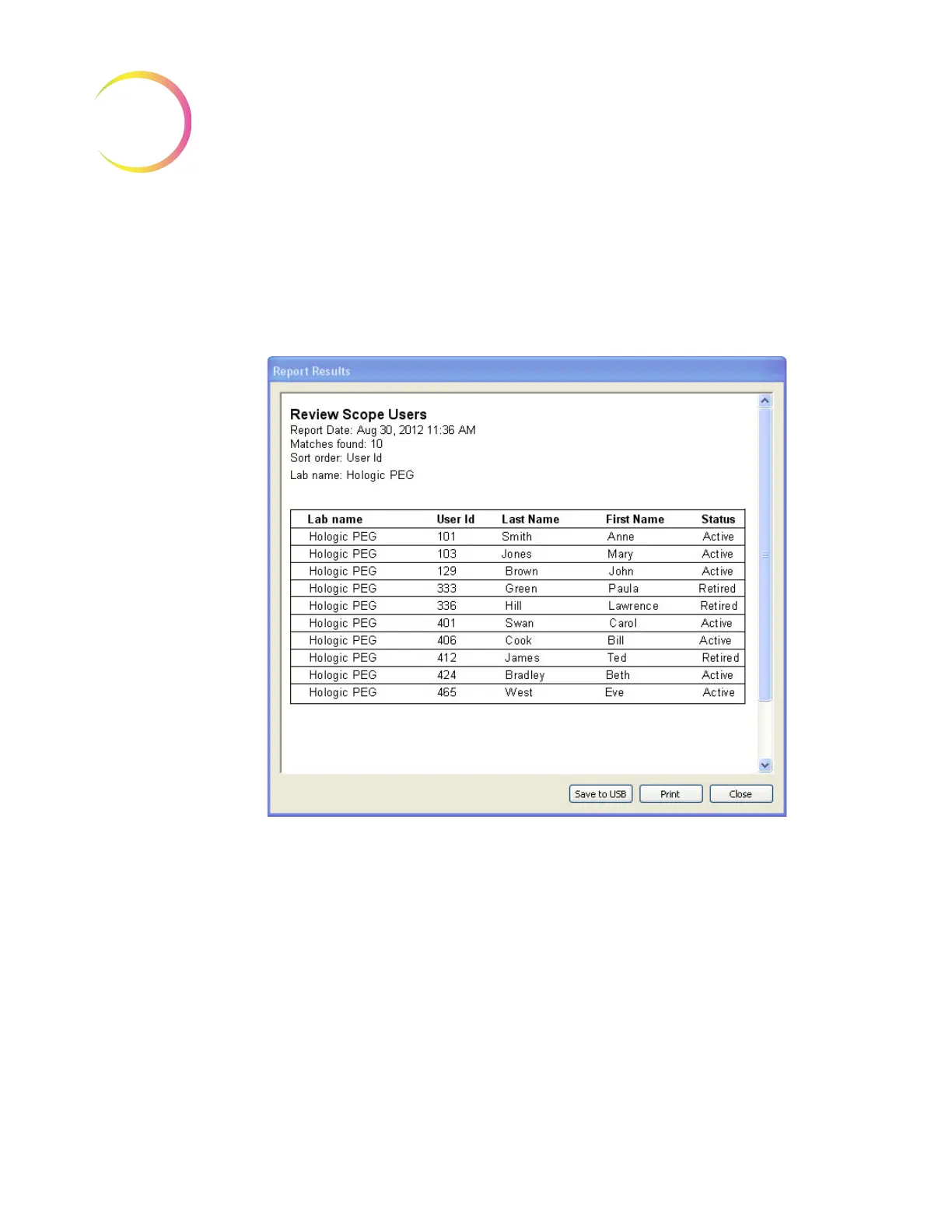
button to view the report (see Figure 4-58).
Figure 4-58 Operators Report
Click on
Print
to print the report. Click on the
Save to USB
button to save the
report to a USB key, or the report may be saved the NAS drive (if your system is
configured with H
net
). Click on
Close
to close the report and return to the main
menu.












 To Next Page