OPERATION OF THE SOFTWARE MENU
Imager Duo Operator’s Manual
4.43
Report - RS Users
This report lists all the operators that have been entered into the database. It
may be sorted by all operators, or by first name, last name or lab name.
Note:
This is for reporting only - to add or change the status of an RS User, see
User Accounts
in the Data Management menu.
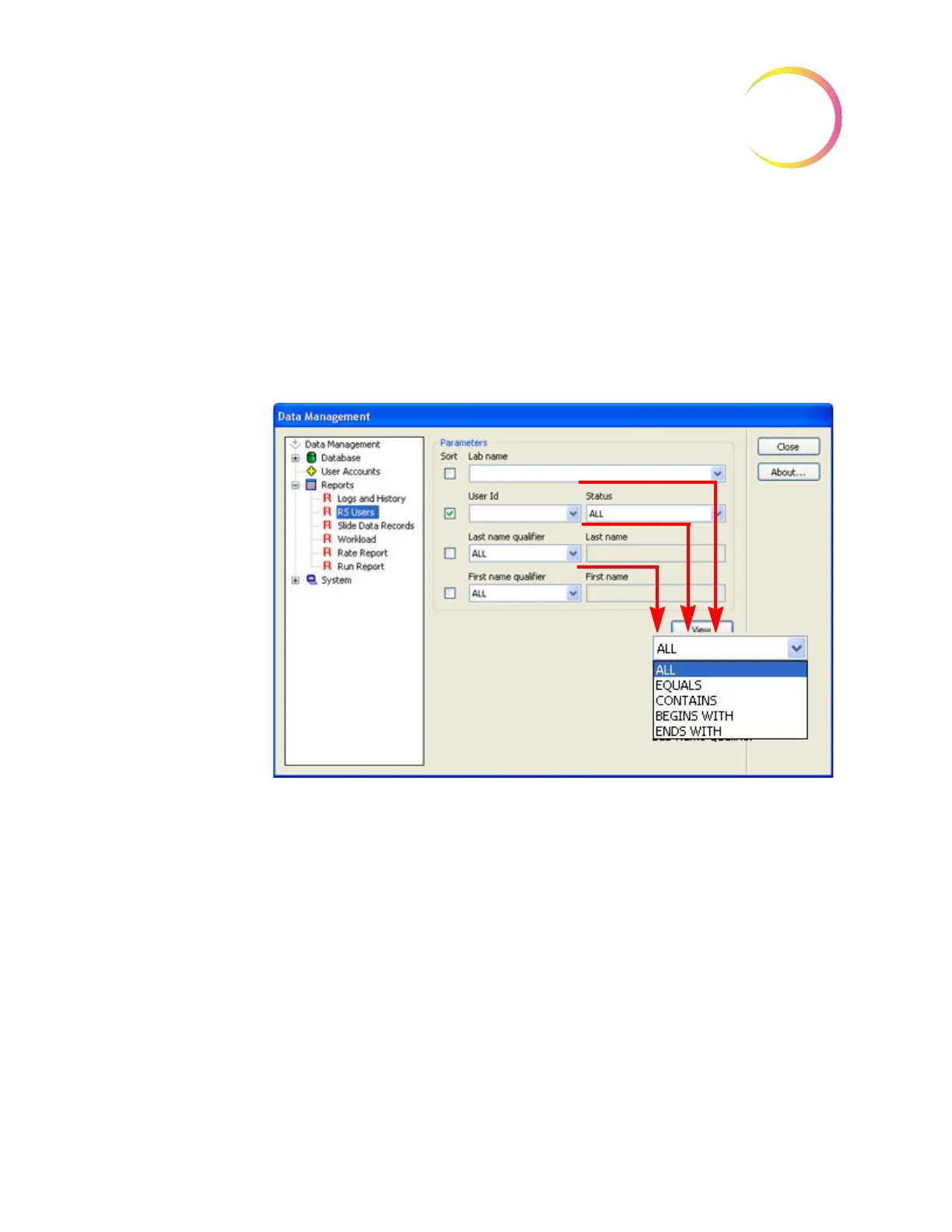
Click on the RS Users submenu to open the window (see Figure 4-57.)
Figure 4-57 Report - Operators Window
Select which parameter you would like to have the database query (lab name,
ID, names) and which option for that parameter.
For the modifier option pull down,
• All means a list of all names available
• Equals means a list that matches a typed in value (for instance a name,
“Jones”)
• Contains means a list that has a particular string of characters that is
typed in (for instance, all entries with “mar” in them)
The pull down list has the same
modifier options.












 To Next Page