OPERATION OF THE SOFTWARE MENU
Imager Duo Operator’s Manual
4.69
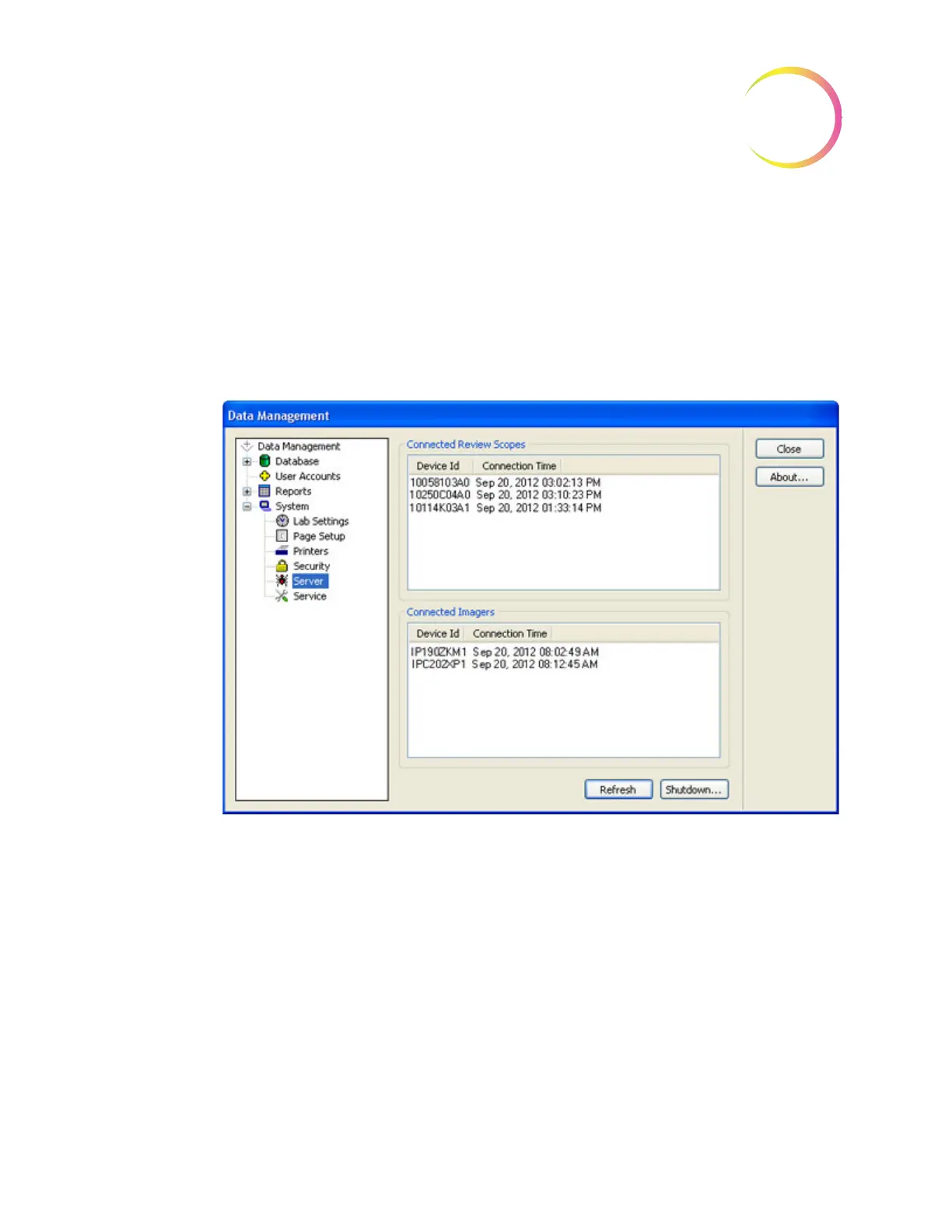
System - Server
The server window displays all Imagers and Review Scopes that are actively
communicating with the network. The
Refresh
button is used to review active
network connections. Instruments that have been turned off and are no longer
communicating will not appear on the list. Instruments that have been turned
on will appear on the list.
To shut down the server, click on the
Shutdown
button.
Figure 4-90 Server Window
System - Service
The SAM service feature is for use by Hologic Service personnel. It is password
protected.
Gather Diagnostics
Gather Diagnostics is a function intended for instrument troubleshooting by
Hologic Technical Support. It gathers and zips the error history logs and other
instrument operating information. The zip file contents are password protected.
Put a USB device into one of the USB ports and click the
Gather Diagnostics
button. The system gathers the files and zips them, placing the zip folder on a
USB drive the user has placed in the USB port.












 To Next Page