OPERATION OF THE SOFTWARE MENU
4.68
Imager Duo Operator’s Manual
Disable
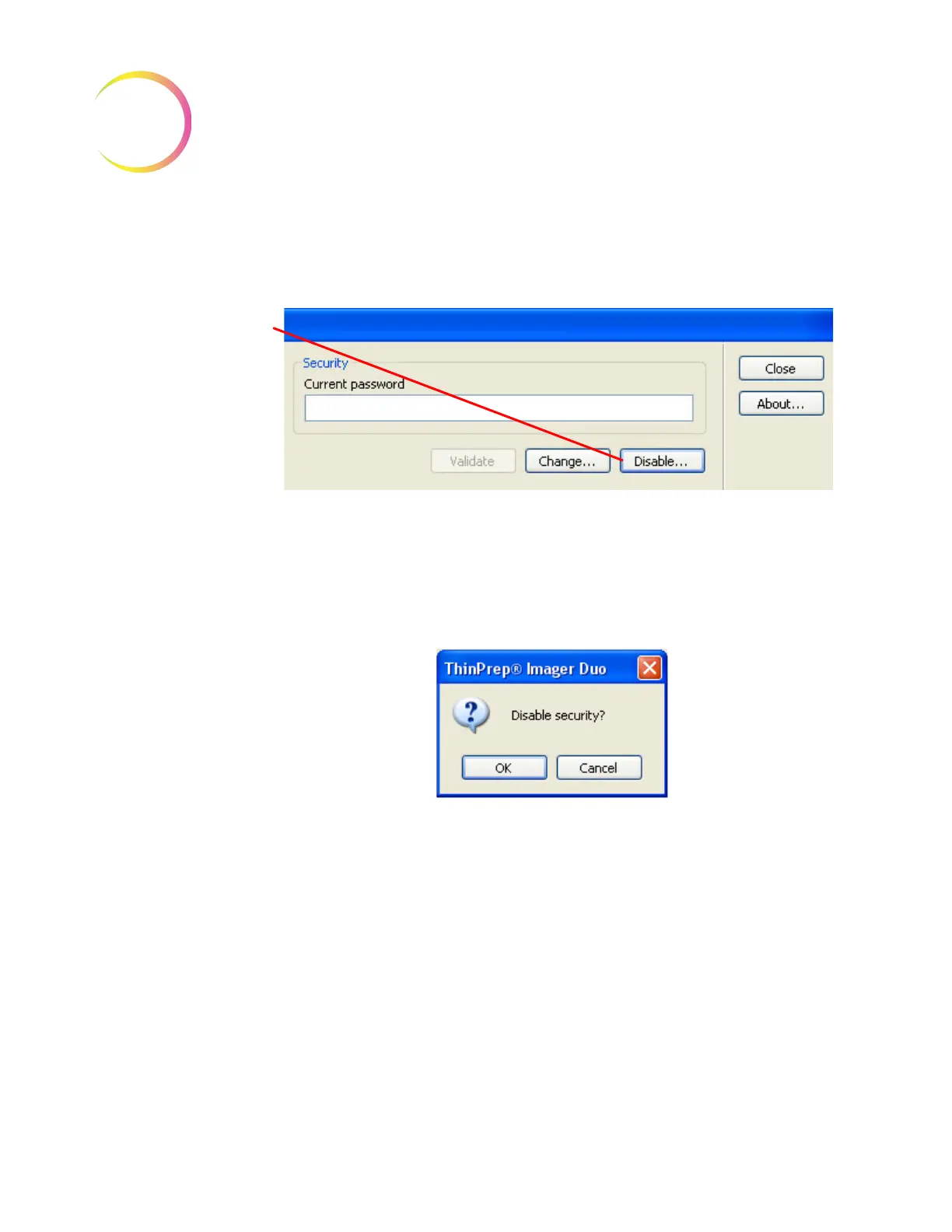
Once a security password has been activated, a
Disable...
button is displayed as
an option on the security window. See Figure 4-88.
Figure 4-88 Security Disable Window
To disable the password security, click on the
Disable...
button. A dialogue box
will appear, with the question Disable Security? Click
OK
to disable the pass-
word protection. Click
Cancel
to keep the password protection enabled. (Figure
4-89.)
Figure 4-89 Disable Security
Click on the
Disable...
button to disable pass-
word security and allow
open access to all
reports and windows












 To Next Page