TROUBLESHOOTING
6.2
Imager Duo Operator’s Manual
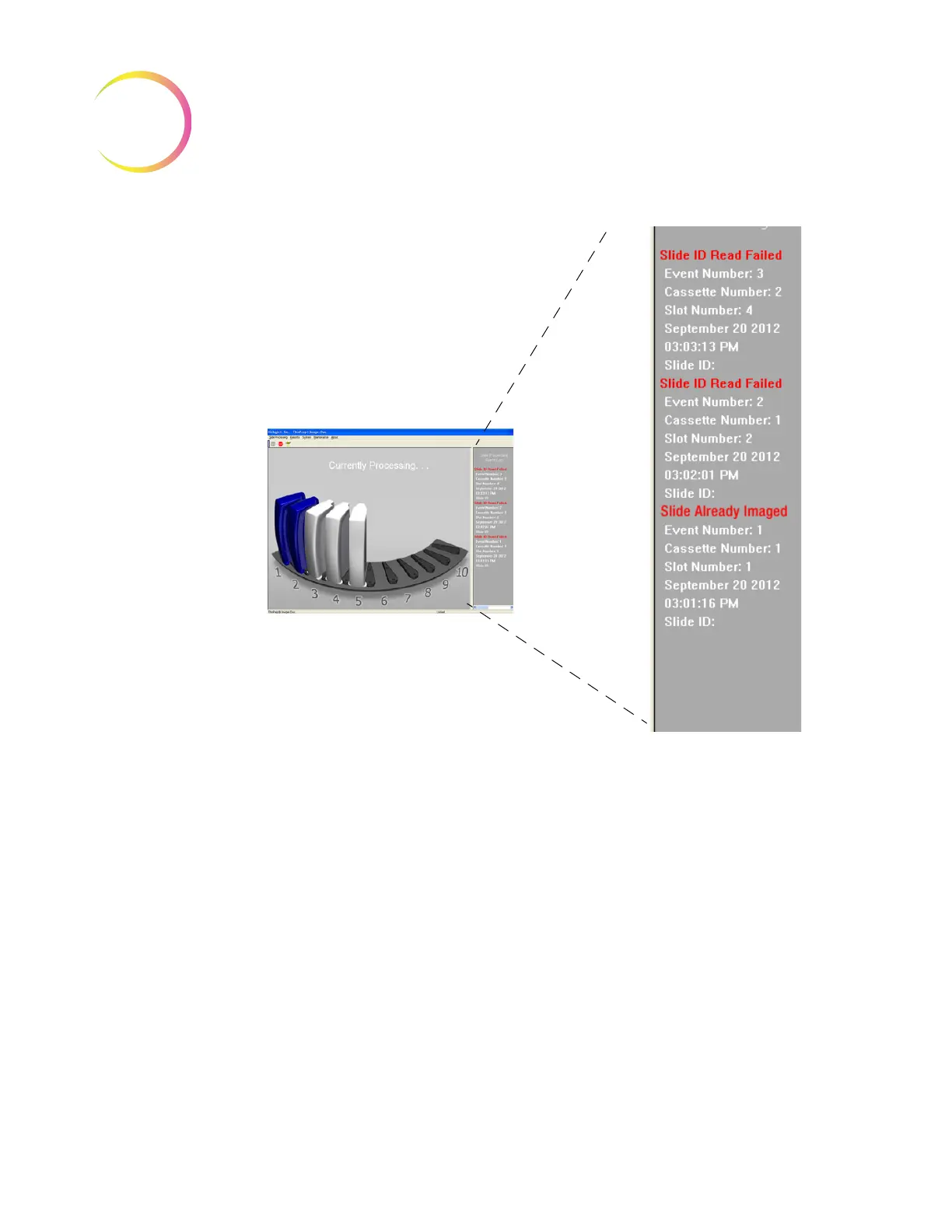
Figure 6-1 Event Log Display
Slide events indicate some condition of the slide that makes the imaging pro-
cess not possible (with the exception of the slide already imaged). When the
batch ends, inspect the specific slides listed in the error log to see if the slide
problem can be corrected and the slide imaged in another batch.
Note:
If a slide was not successfully processed by the Image Processor, the
same slide cannot undergo Autoreview at the Review Scope. The slide
must be manually reviewed.
The Slide Processing Event Log displays slide events of the batch in progress.
Any Slide Processing Event Log visible during instrument idle mode is that of
the last batch run. Beginning a new batch will start a new Event Log display.
The last 100 batch reports are available via the Run Report function. (Refer to
“Run Report” on page 4.2.) With each subsequent batch, the oldest batch report
will be deleted and replaced with the newest report. Batches with no slide
events will have a report with no Slide Event section in it.












 To Next Page