REMOTE SITE SERVER USER’S GUIDE
10.6
Imager Duo Operator’s Manual
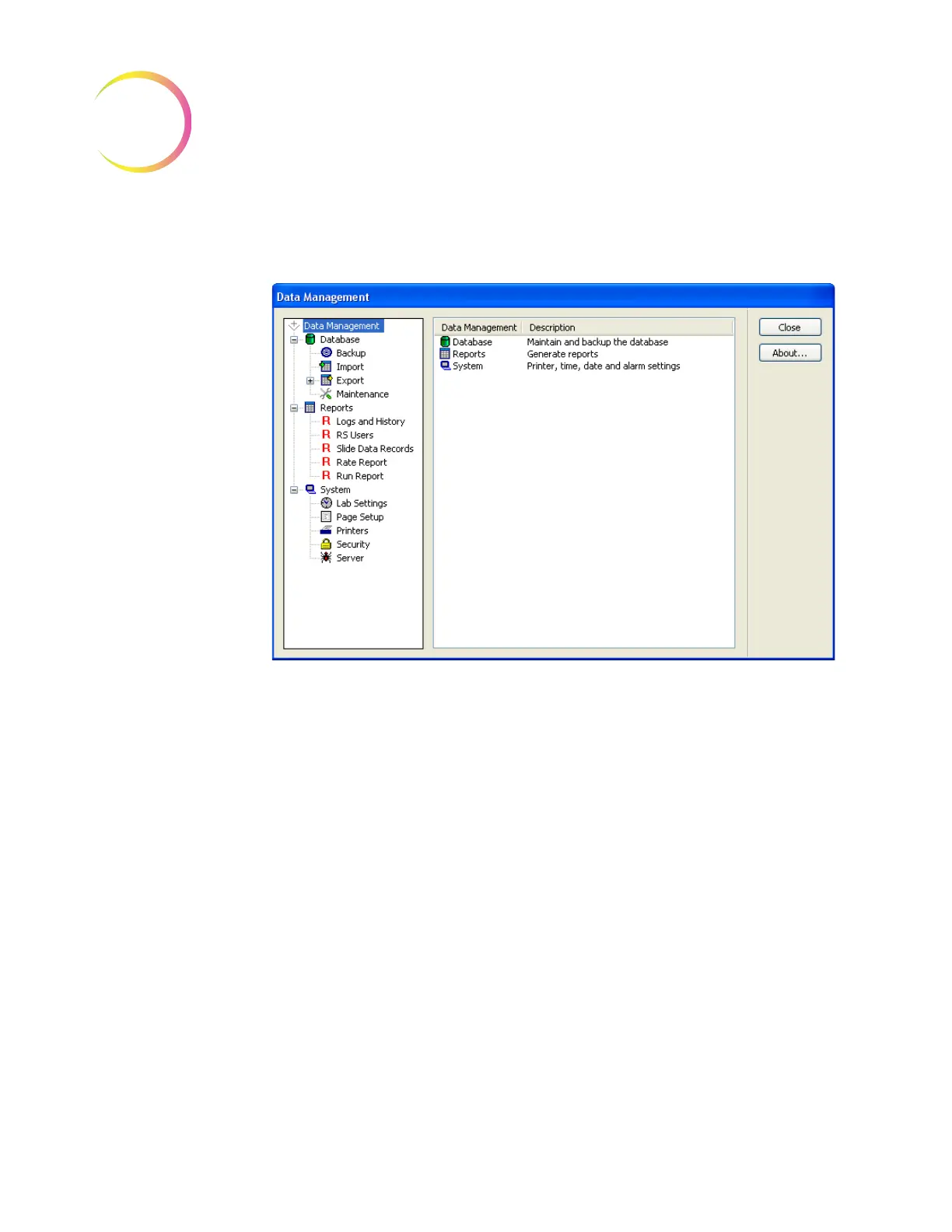
Click on the
Data Management Program
link to access the Data Management
menu options.
Figure 10-5 Data Management Window
Refer to Chapter 4, Section D, DATA MANAGEMENT MENU, for instructions
on operating the Data Management functions.
Note:
The Server user interface only has the
Data Management
portion of the
Imaging System application. The other menus described in Chapter 4
are used by the IPC at Imaging sites.
SHUT DOWN THE SERVER
WARNING:
Never turn off power to the equipment without shutting down
the system via the User Interface!












 To Next Page