OPERATION OF THE IMAGER DUO
3.20
Imager Duo Operator’s Manual
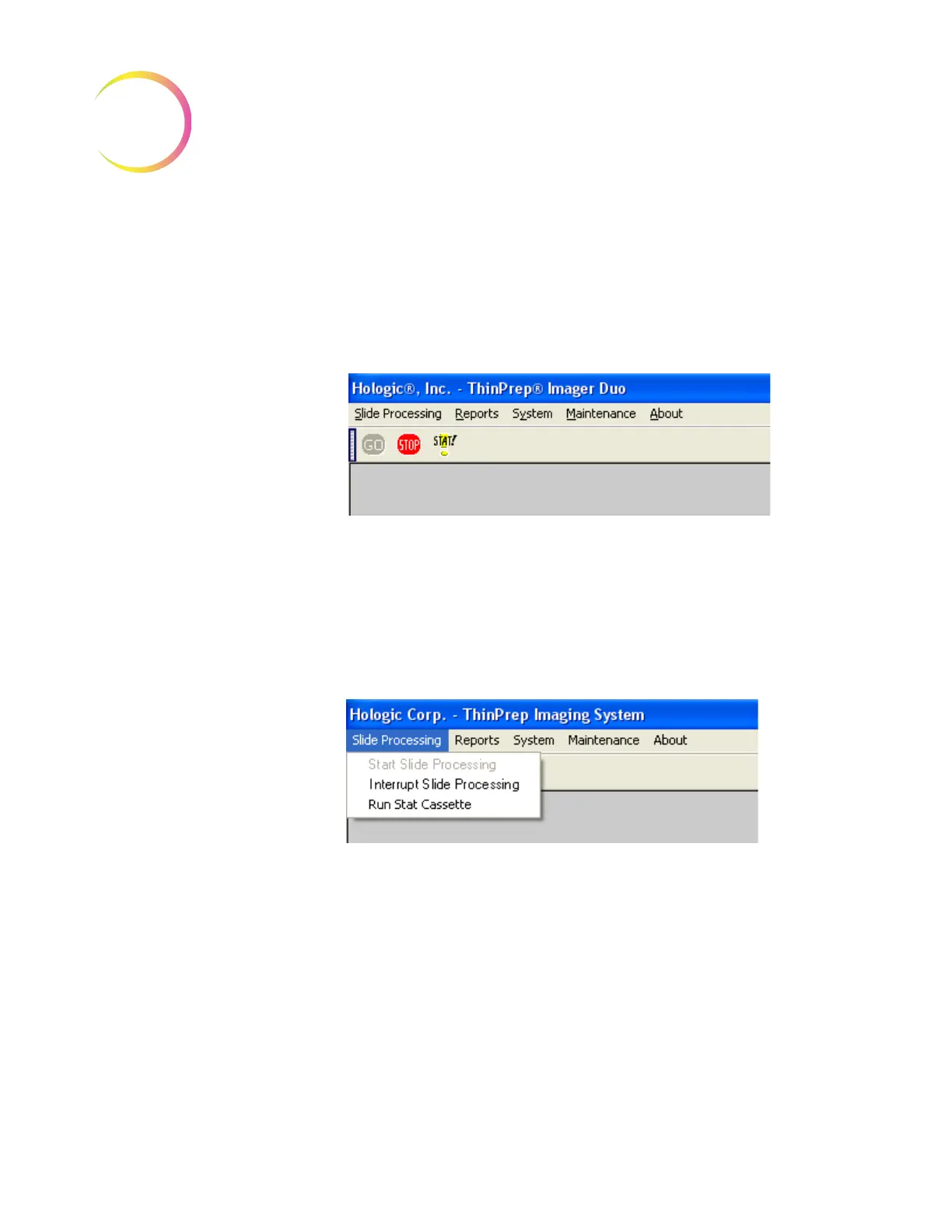
1. Interrupt the slide processing operation by using the mouse to perform
EITHER of the following:
a. At the top of the display, position the cursor on the red STOP button
and click once. (Figure 3-20.)
Figure 3-20 Slide Processing - Stop Button
OR
b. At the top of the menu bar, select Slide Processing and then in the drop-
down menu, click once on Interrupt Slide Processing. (Figure 3-21.)
Figure 3-21 Interrupt Slide Processing - Menu Selection
2. An option selection menu will be displayed. The slides will continue to be
processed until an interrupt option is selected. (Figure 3-22.)












 To Next Page