Rev. 1.60 38 August 20, 2019 Rev. 1.60 39 August 20, 2019
BS66F340/BS66F350/BS66F360/BS66F370
Touch A/D Flash MCU with LED Driver
BS66F340/BS66F350/BS66F360/BS66F370
Touch A/D Flash MCU with LED Driver
Flash Program Memory
The Program Memory is the location where the user code or program is stored. For these devices
series the Program Memory are Flash type, which means it can be programmed and re-programmed a
large number of times, allowing the user the convenience of code modication on the same device. By
using the appropriate programming tools, these Flash devices offer users the exibility to conveniently
debug and develop their applications while also offering a means of eld programming and updating.
Device Capacity Banks
BS66F340 4K×16 —
BS66F350 8K×16 —
BS66F360 16K×16 0~1
BS66F370 32K×16 0~3
Structure
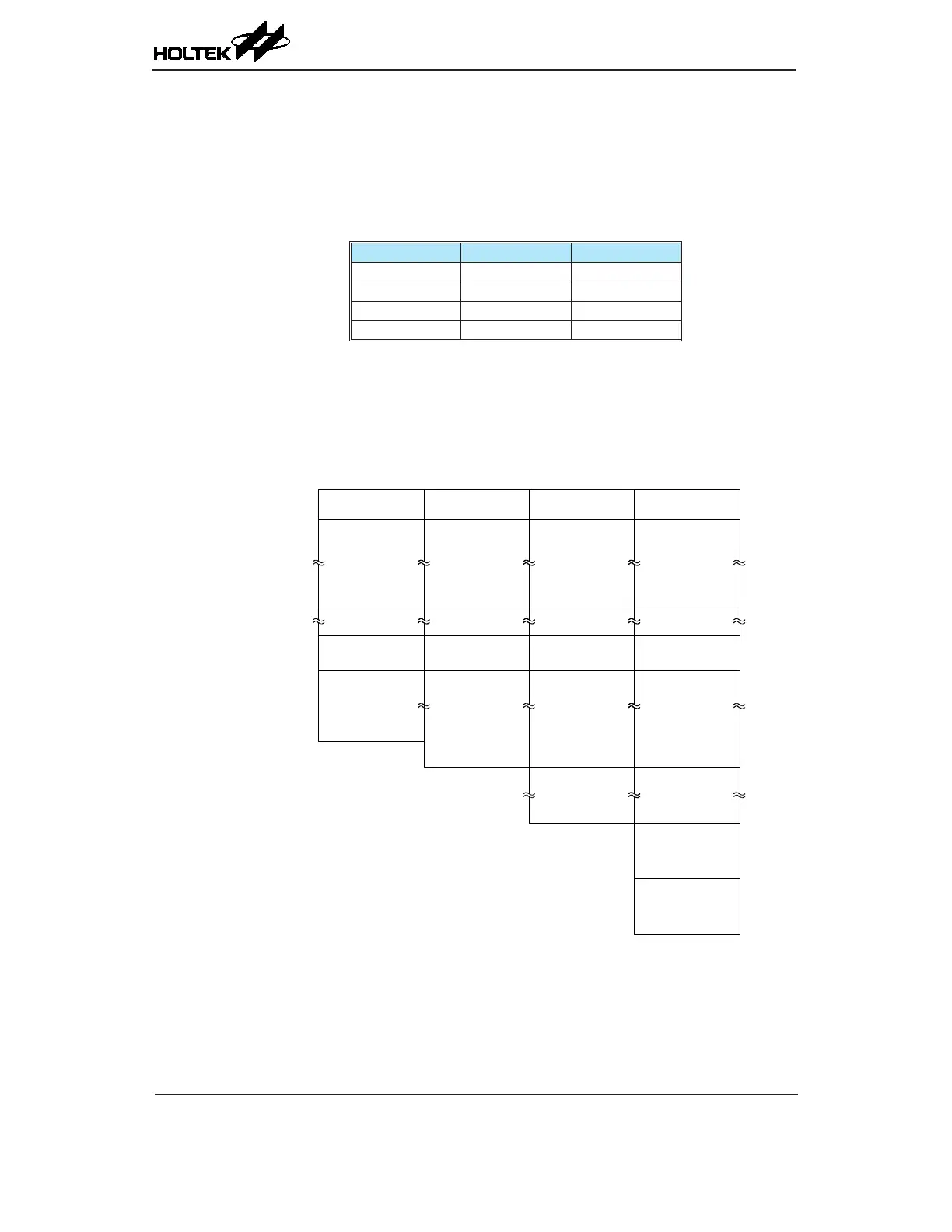
The Program Memory has a capacity of 4K×16 to 32K×16 bits. The Program Memory is addressed
by the Program Counter and also contains data, table information and interrupt entries. Table data,
which can be setup in any location within the Program Memory, is addressed by a separate table
pointer registers.
000H
Initialisation Vector
004H
FFFH
16 bits
Interrupt Vectors
Look-up Table
n00H
nFFH
BS66F340
Initialisation Vector
16 bits
Interrupt Vectors
Look-up Table
BS66F350
1FFFH
Initialisation Vector
16 bits
Interrupt Vectors
Look-up Table
BS66F360
Bank 1
3FFFH
2000H
02CH
Initialisation Vector
16 bits
Interrupt Vectors
Look-up Table
BS66F370
Bank 1
Bank 2
Bank 3
4000H
5FFFH
6000H
7FFFH
Program Memory Structure
Special Vectors
Within the Program Memory, certain locations are reserved for the reset and interrupts. The location
000H is reserved for use by these devices reset for program initialisation. After a device reset is
initiated, the program will jump to this location and begin execution.



 To Next Page