74-2760—1 20
Changing From One Arming Mode to Another
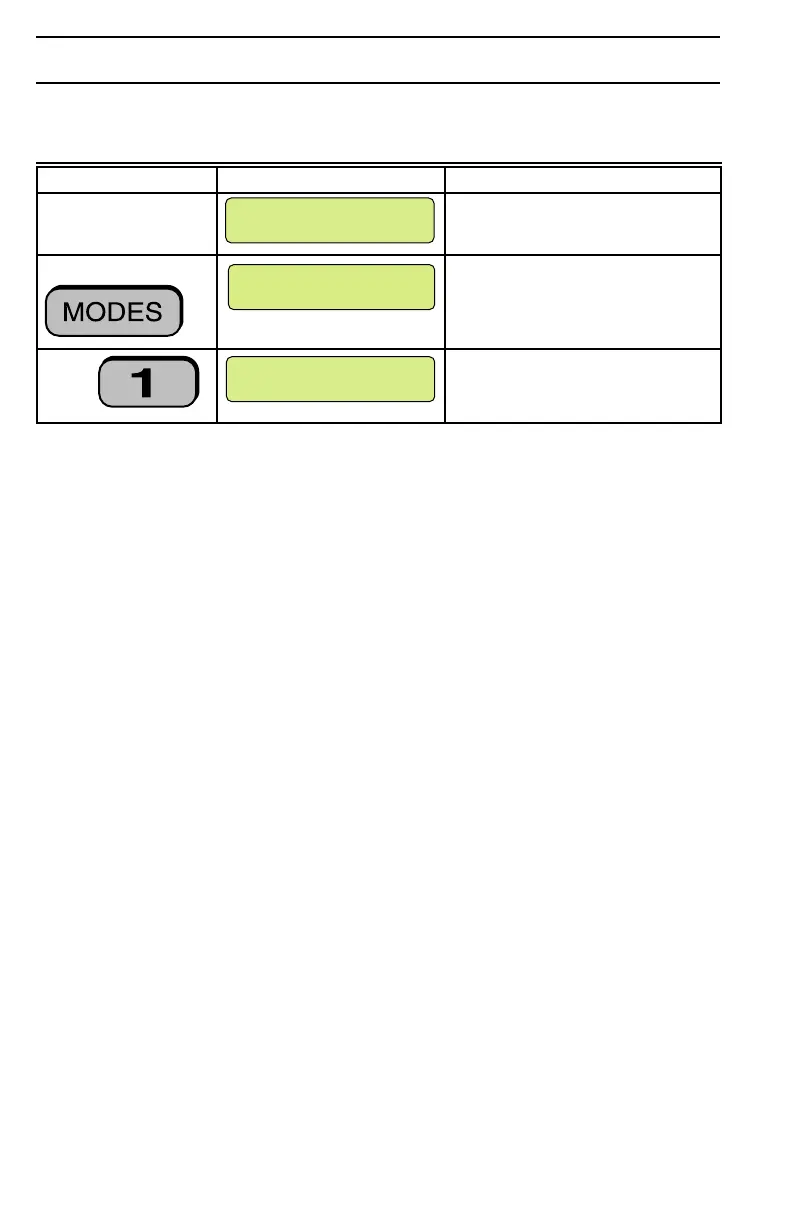
You can easily change from one arming mode to another arming mode without having
to disarm the system. See the following example:
What You Do What You See What Happens
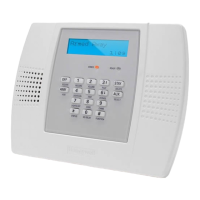
View user keypad The current mode is displayed.
Press The Mode menu displays.
Press The selected mode displays.
HOME
M6947
1– AWAY ALL ON
2– AWAY PARTIAL
M6943
AWAY ALL ON
EXIT NOW
M6944A
Selecting a new mode with a higher security level (one that arms all or part of your
security system) or selecting one that leaves the status unchanged does not require a
passcode.
Selecting a new mode with a lower security level (one that disarms all or part of your
security system) will display a prompt for you to enter your passcode.



 To Next Page
 Loading...