59 74-2760—1
TECHNICAL INFORMATION
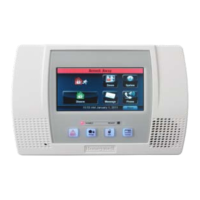
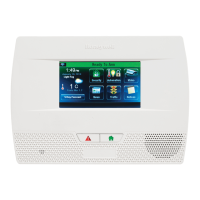
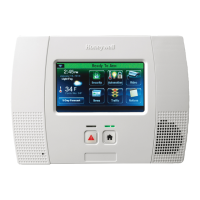
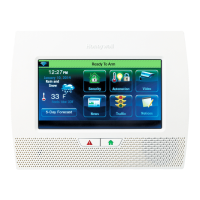
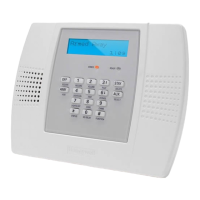
Custom Security Panel (Control Panel)
Your system control panel is the master component of your security system. It controls
the security, modes, and output features. Keep it locked at all times and keep the key
in a safe place, away from the control panel.
Inside your control panel are:
1. The power switch. Use the power switch to turn off all power to the system in an
emergency. This switch silences all alarms and completely disables your entire
security system including the 24-hour points. When you turn the power back on,
you must reset the system time clock.
2. The standby batteries. Rechargeable standby batteries supply power to your
system for a minimum of four hours and take over automatically in the event of a
power failure. If the power outage lasts longer than the life of the battery, your
system stops working.
M12015
CUSTOM
SECURITY
PANEL
BATTERY
POWER
SWITCH
IMPORTANT
The control panel communicates with the Honeywell Customer Service
Center via the telephone lines to your home. To prevent an alarm signal
from being interrupted during transmission, your in-home telephone
service is automatically disconnected for the duration of the transmission
(about 30 seconds). Normal telephone service is restored as soon as the
alarm transmission is complete.
California State Fire Marshal 24-Hour Requirements
California State Fire Marshal requires a minimum of 24-hour backup on all residential
fire systems installed in the State of California. To comply, your California installation
has an optional battery backup to keep the system operating for a maximum of 24 hours.
UL installations require a minimum of four hours of backup power.



 To Next Page
 Loading...