MAN0964-13-EN_XL4_UM
A u g u s t 6 , 2 0 2 1 P a g e 152 | 194
16.3 microSD File System
The microSD Memory Card slot uses the PC-compatible FAT32 File System. This means that a
PC, with a microSD-compatible card reader, can read files that have been written by the XL4
OCS and can write files that can be read by the XL4 OCS.
However, the XL4 OCS does not support long filenames, but instead implements the 8.3
filename format. This means that all file and directory names must consist of up to eight (8)
characters, followed by an optional dot, and an optional extension with up to three (3)
characters.
Directories and sub-directories can be nested up to 16 levels deep as long as each pathname
string does not exceed 147 characters.
16.4 Using the Removable Media Manager
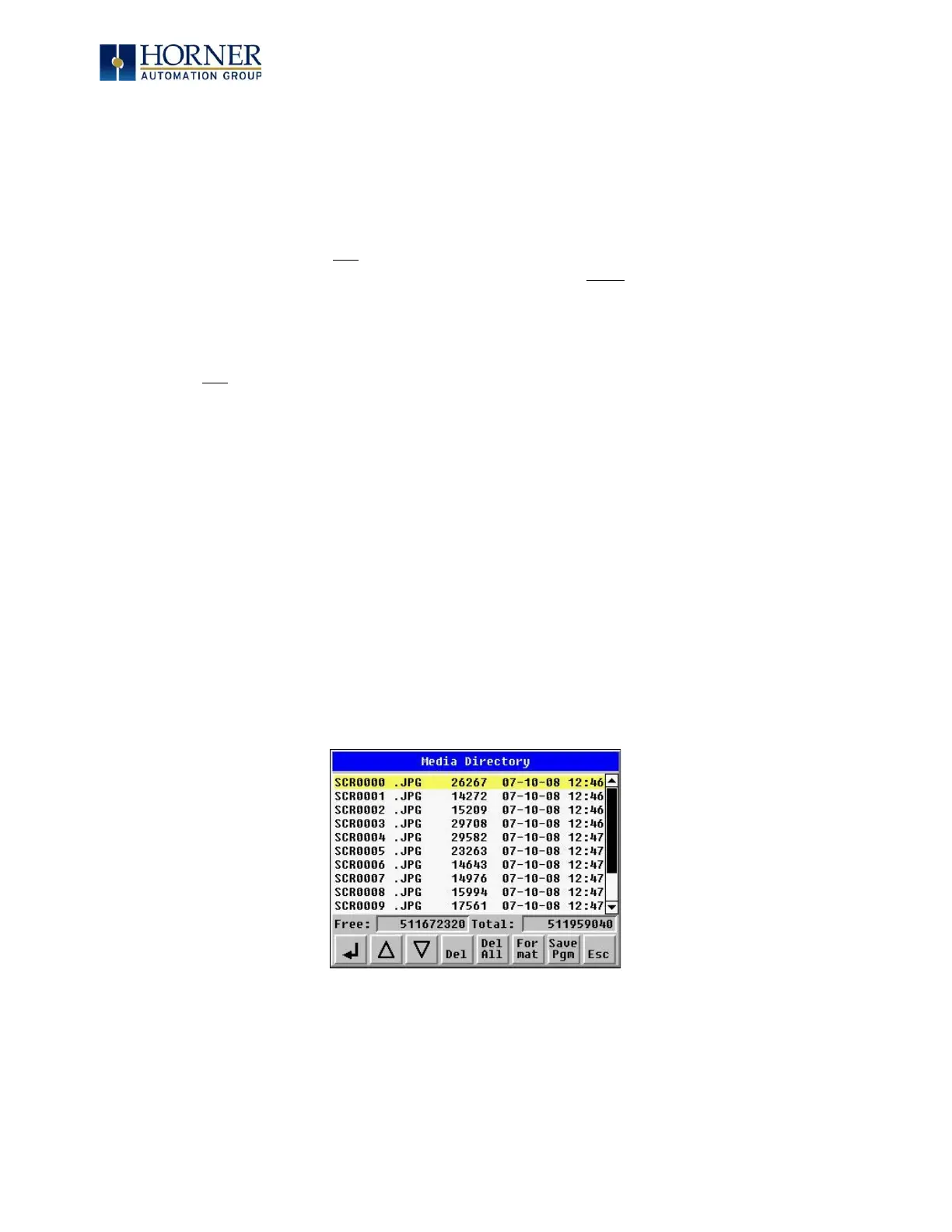
The Removable Media Manager is an interactive XL4 OCS screen that performs the following
functions:
a. Display number of total and free K bytes
b. Browse file and directory lists
c. Delete files and directories
d. Format a microSD card
e. Load and save application programs
f. View screen capture bitmaps
The Removable Media Manager can be accessed via the System Menu or by using Cscape to
place a Removable Media Manager object on an application graphics screen.
Figure 16.3 – Removable Media Submenu



 To Next Page