EasyManua.ls Logo

Horton 4100-PLUS - Set Primary Function Settings

Horton 4100-PLUS
94 pages
Print Icon
To Next Page IconTo Next Page
To Previous Page IconTo Previous Page
Loading...
20
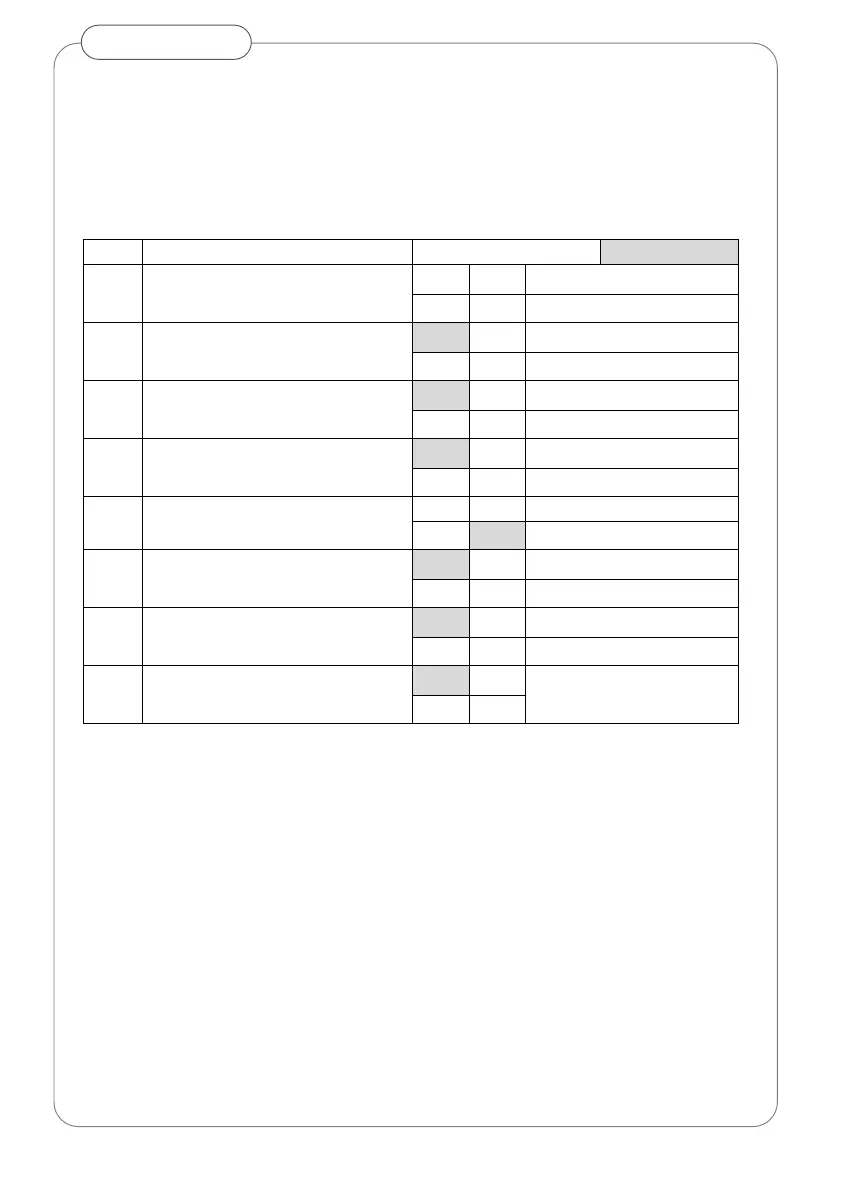
3. Set Primary Function Settings
Primary functions and options of operator are set via dip-switches on
control board (Fig 19 C)
Set switch according to desired operation and installation type.
dip
Parameter
Option
Default is shaded
1
Arm selection
OFF
Push arm
ON
Pull arm
2
Operating Mode
OFF
Full Power
ON
Low Energy
3
PUSH & GO
OFF
Disabled
ON
Enable
4
Key mode
OFF
Bi-stable
ON
Mono-stable
5
Operator Type
OFF
4100 Plus M (motor only)
ON
4100 Plus S (motor & spring)
6
Closing mode
OFF
Closing by motor
ON
Closing by spring
7
Stall function - spring only closing
OFF
None
ON
Recycle open
8
Not used
OFF
ON
Changes to switch settings should only be made with power off