8
Safety Devices
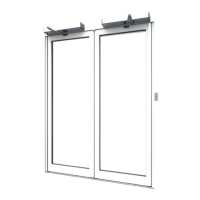
According to risk assessment, doorsets are provided with safety devices to
inhibit, stop or recycle movement when a person is detected within its
path.
To check function of safety sensor monitoring closing face of door:
• Activate door to open
• Stand or place object within closing face sensor safety zone
• Check that the door remains in the fully open or stops before contact.
To check function of safety sensor monitoring opening face of door:
• Stand or place object within opening face sensor safety zone
• Activate door to open
• Check that the door stops before contact or slows.
A test object representative of a small child, as interrupted from EN16005
by the Automatic Door Suppliers Association, may be used where a more
rigorously applied testing method is desired.
Signage
Signage provided with doorset should be clearly displayed.
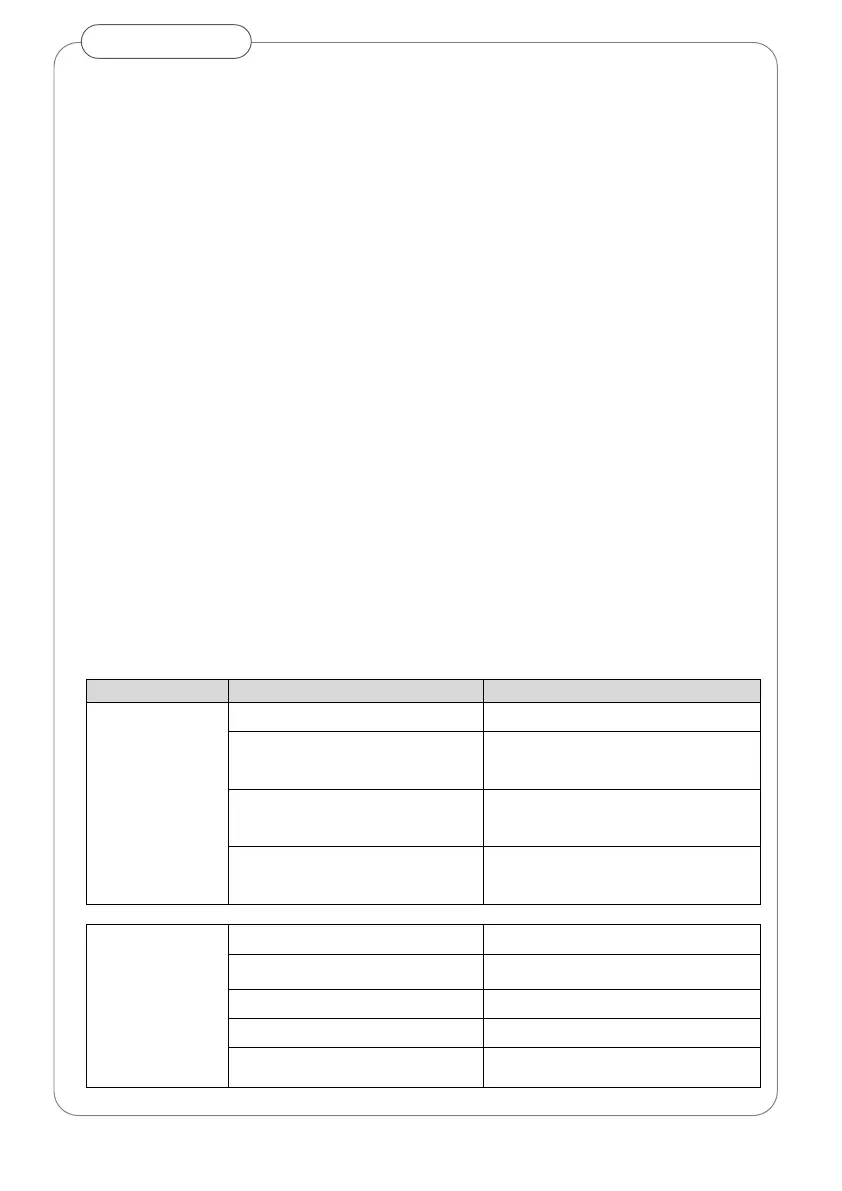
TROUBLE-SHOOTING
closing
or re-opening
‘Hold Open’ mode selected Select alternative operating mode
Physical obstruction
Turn off and check free movement of
door manually, remove obstruction
Closing face safety sensor active
(orange light)
Remove any objects in area of sensor.
Sensor to standby (green light)
External input i.e. access control Correct fire/access control system state
Doors not opening
‘Off’ mode selected Select alternative operating mode
Mains power failure Check mains supply
Obstruction in path of door Remove obstruction
Doors manually locked Release manual locks
Opening face safety sensor active
(red light)
Remove any objects in area of sensor.
Sensor to standby (green light)


 To Next Page