Camera and Video 153
JustlaunchtheCameraapptotakephotos,andthenapplytheeffectsinGalleryafterwards.See
DuoEffectsformoreinformation.
HerearesometipstokeepinmindsothatyourphotosarereadyforGallery.
Settings
SwitchtoCameramodeandbesuretohavetheseoptionssettothefollowing:
n Scene:Auto
n Flash:Off
n Filters:None
n
Aspectratio:Wide16:9(in > >Crop)
n Zooming:Minimumzoomlevel
n Continuousshooting:Notsupported
Lighting
n UseDuocamerainanenvironmentwherethereisagoodlightsource.Post-processingeffects
forDuocameradonotworkforlowlightphotographyorwhenyou'reusingthecameraflash.
n
Iflightingisuneven,likewhenthebackgroundisalittlebitunderoroverexposed,touch > to
adjusttheexposuresettings.
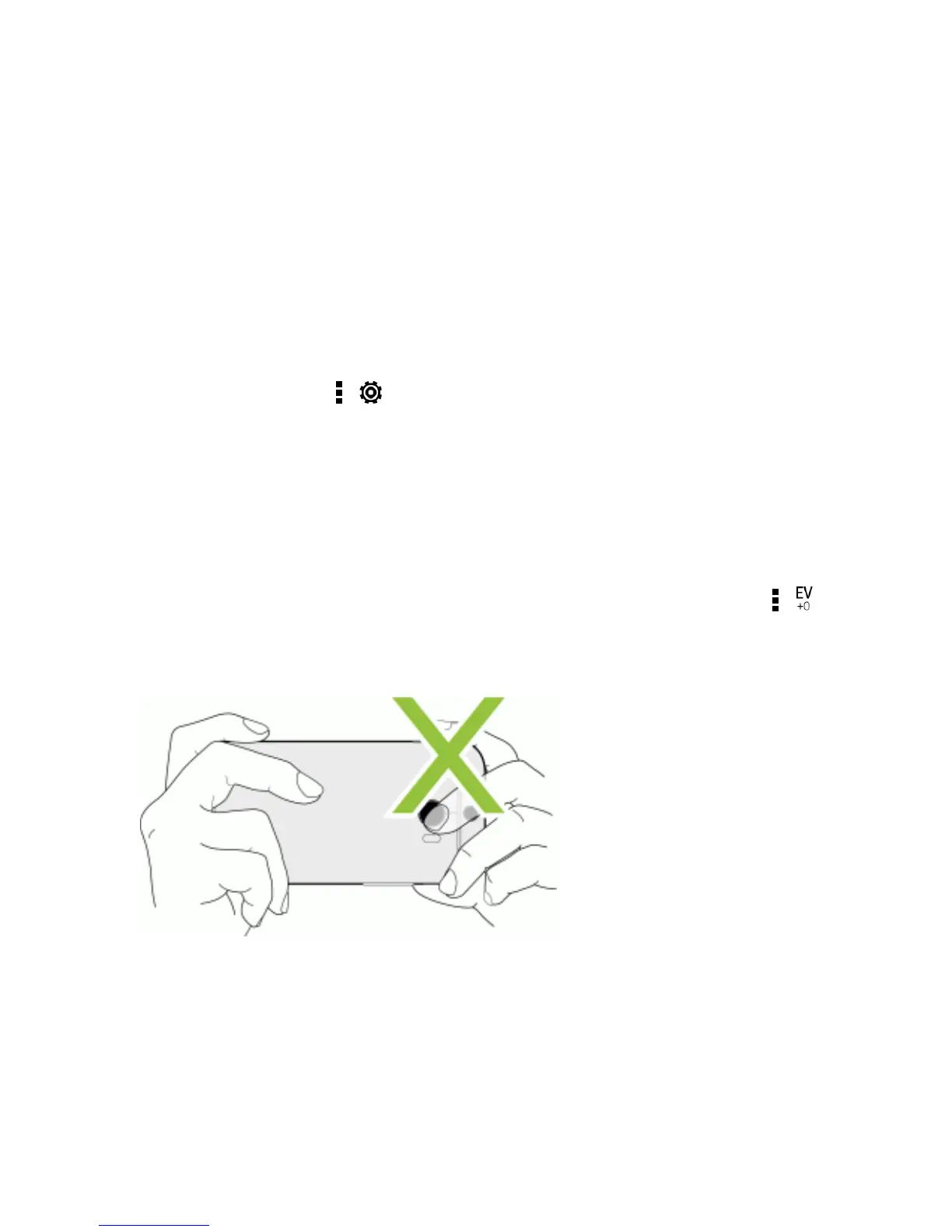
n Holdyourphonesothatyoudon'tblockthesecondcameralens.
Composition
n Matchyoursubjectwithaninterestingbackground.Positioningyoursubjectwithsomelightsora
gardeninthebackgroundwilladdcoloranddistinctiontoyourphoto,especiallyifyou'llusethe
UFocus™featureinGallery.SeeDuoEffectsfordetails.


 To Next Page