Accounts and Messaging 85
Check Your Mail Inbox
WhenyouopentheMailapplication,itdisplaystheinboxofoneofyouremailaccountsthatyou’ve
setuponyourphone.
1.
Touch > >Mail.Theinboxofoneofyouremailaccountsappears.
2. Doanyofthefollowing:
l Touchanemailmessagetoread.
l
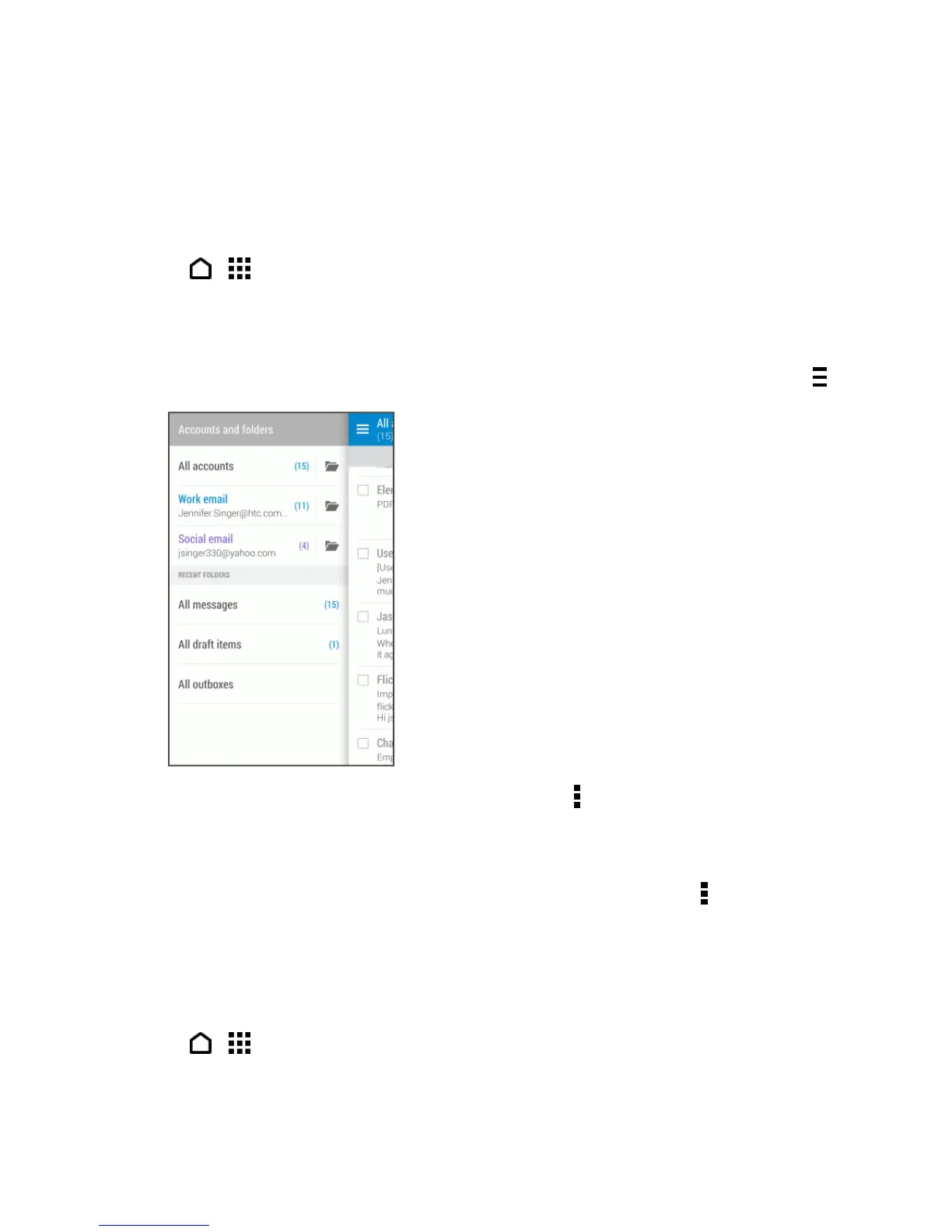
Toswitchbetweenemailaccountsorviewemailmessagesfromallyouraccounts,touch .
l
Todisplayemailmessagesinanothermailfolder,touch >Folder,andthentouchthefolder
youwanttoview.
l Torefreshtheinbox,pulldownthescreen.
l
Tochangeanemailaccount’ssettings,selecttheaccountandthentouch >Settings.
Organize Your Inbox
Organizeyouremailmessagesintotabsandquicklyfindthemessagesyouwant.
1.
Touch > >Mail.
2. Switchtotheemailaccountthatyouwanttouse.



 To Next Page