Phone Basics 23
n Therewasnomotiongesturebeforethefingergesture.Makesuretoliftthephonefirstbefore
doingthefingergesture.
n Lengthofswipingwastooshort.Swipealongerdistanceacrossyourscreen.
n Whenswipinguptounlockthescreen,youdidn'tswipefromthebottomhalfofthescreen.
n Youmayhavecoveredtheproximitysensorwhileholdingthephone.
n Thedurationofswipingmaybetoolong.Releaseyourfingerwhenthephonevibrates.
Touchscreen Navigation
UsetouchgesturestogetaroundtheHomescreen,openapps,scrollthroughlists,andmore.
Important:WhentheTalkBackoptionintheAccessibilitysettingsisturnedonandtheExploreby
touchsettingisselected,theregulartouchgesturesarereplacedbytheTalkBackgestures.For
details,seeNavigateYourPhonewithTalkBack.
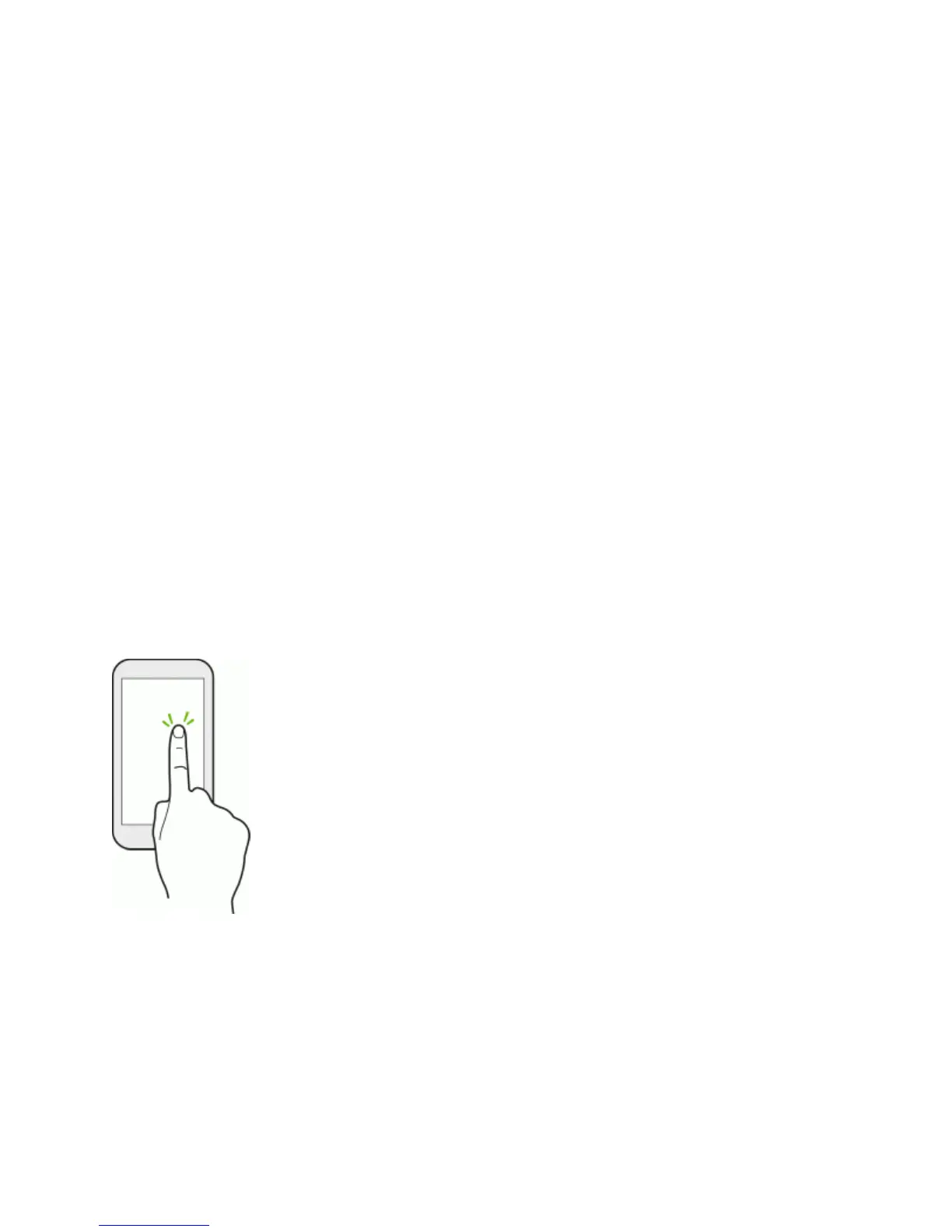
Touch
Touchthescreenwithyourfingerwhenyouwanttoselectonscreenitemssuchasapplicationand
settingsicons,orpressonscreenbuttons.
Afteryou’vescrolleddownalonglistorscreen(inSettingsandappssuchasMailandPeople),
touchthestatusbartojumpstraighttothetopofyourscreen.
TouchandHold
Toopentheavailableoptionsforanitem(forexample,acontactorlinkinaWebpage),touchand
holdtheitem.



 To Next Page