Phone Basics 21
2. PresstheVolume uporVolume downbuttonrightaway.
3. ReleasetheVolume buttonwhenthephonevibrates.
Make a Call with Quick Call
Whenthescreenisoffandyourphoneisinsleepmode,easilymakeacallbyjustswipingandusing
voicecommands.
Note:MakesureMotion Launch gesturesandQuick callareturnedoninSettings>Display &
gestures>Motion Launch gestures.
Note:Ifyou'vesetascreenlockwithcredentials,you'llbeaskedtoprovideyourcredentialsfirst
beforeyoucanmakethecall.
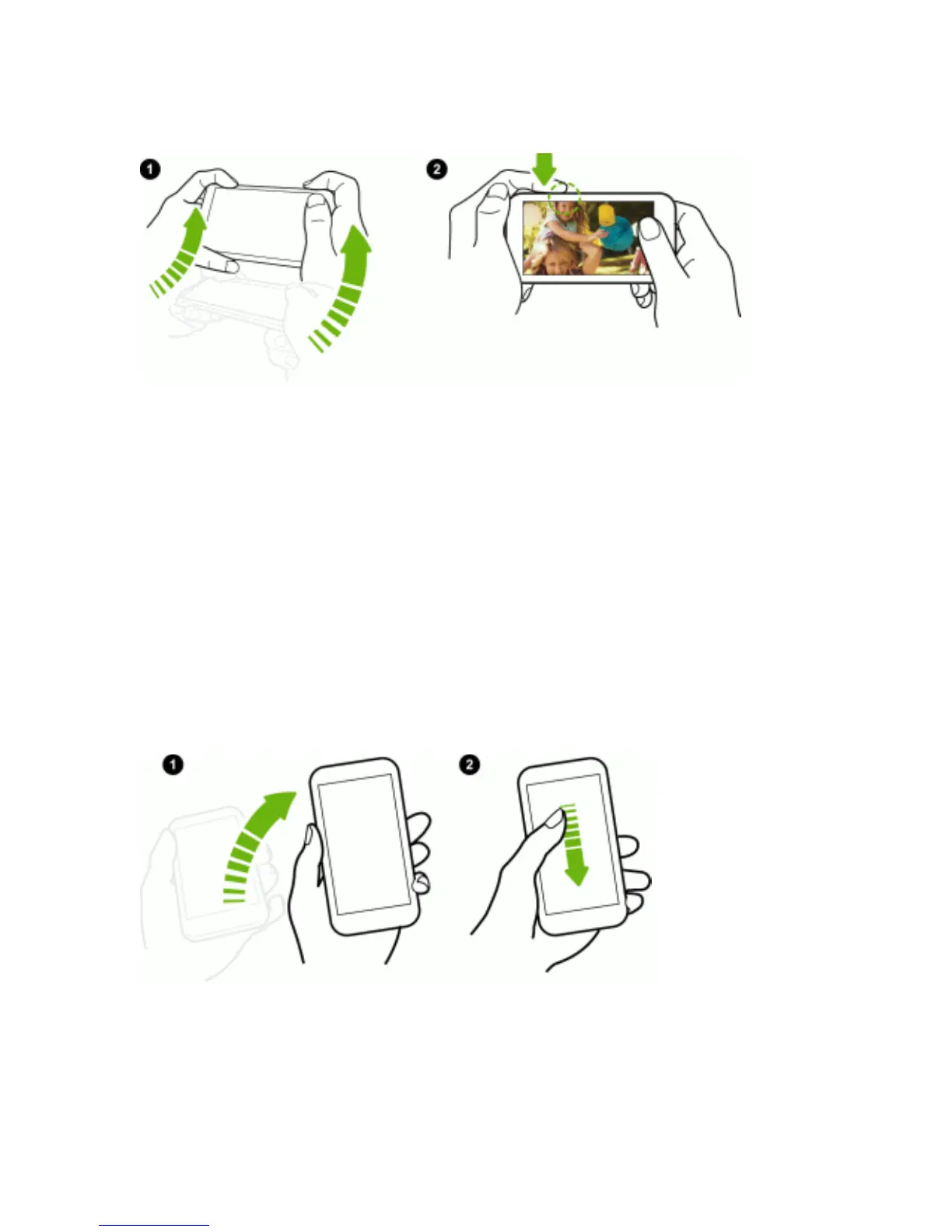
1. Liftthephoneinportraitorientation.
2. Swipedownthescreenrightaway.Youneedtostartswipingfromtheupperhalfofthescreen.
3. Whenyouseethemicrophoneicononthescreen,holdthephoneclosetoyourmouth,andthen
say"Call"andthecontactname.Forexample,say"CallAlison".
4. Youcanthendooneofthefollowing:



 To Next Page