Phone Calls 63
3. Doanyofthefollowing:
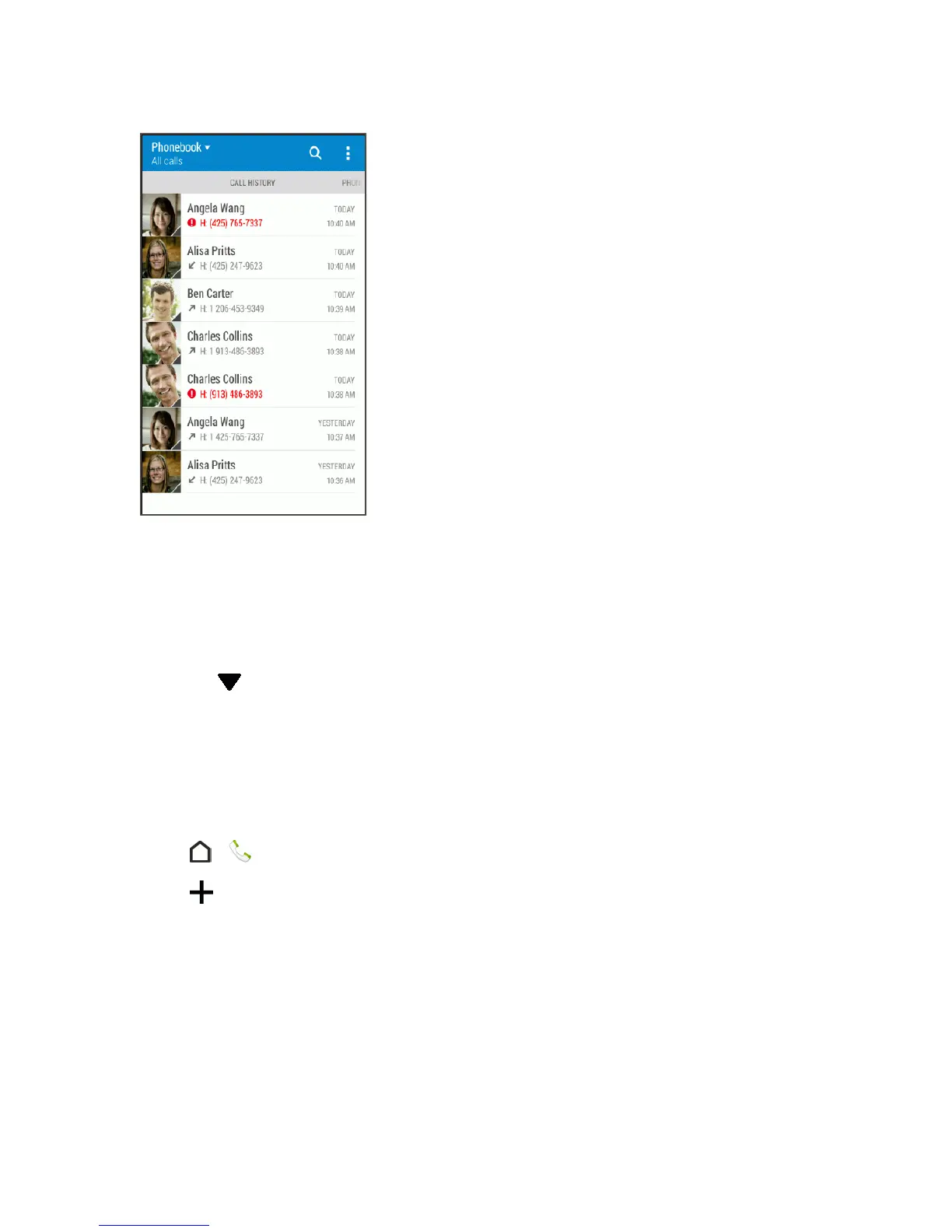
l Touchanameornumberinthelisttocall.SeeCallFromCallHistory.
l Touchandholdanameornumberinthelisttodisplaytheoptionsmenu.
l Touchacontactphototofindmorewaysofgettingintouchwiththecontact.
l
Touch todisplayonlyaparticulartypeofcallsuchasmissedcallsoroutgoingcalls.
Save a Number From Call History
IfthephonenumberofapersonwhocalledisnotinPeople,youcanchoosetosavethenumber
afteryouhangup.
1.
Touch > >CALL HISTORYtab.
2.
Touch andchoosewhethertocreateanewcontactorsavethenumbertoanexisting
contact.
Note:YoucannotsavephonenumbersalreadyinPeopleorfromcallsidentifiedasNo IDor
Restricted.



 To Next Page