Phone Basics 42
4.
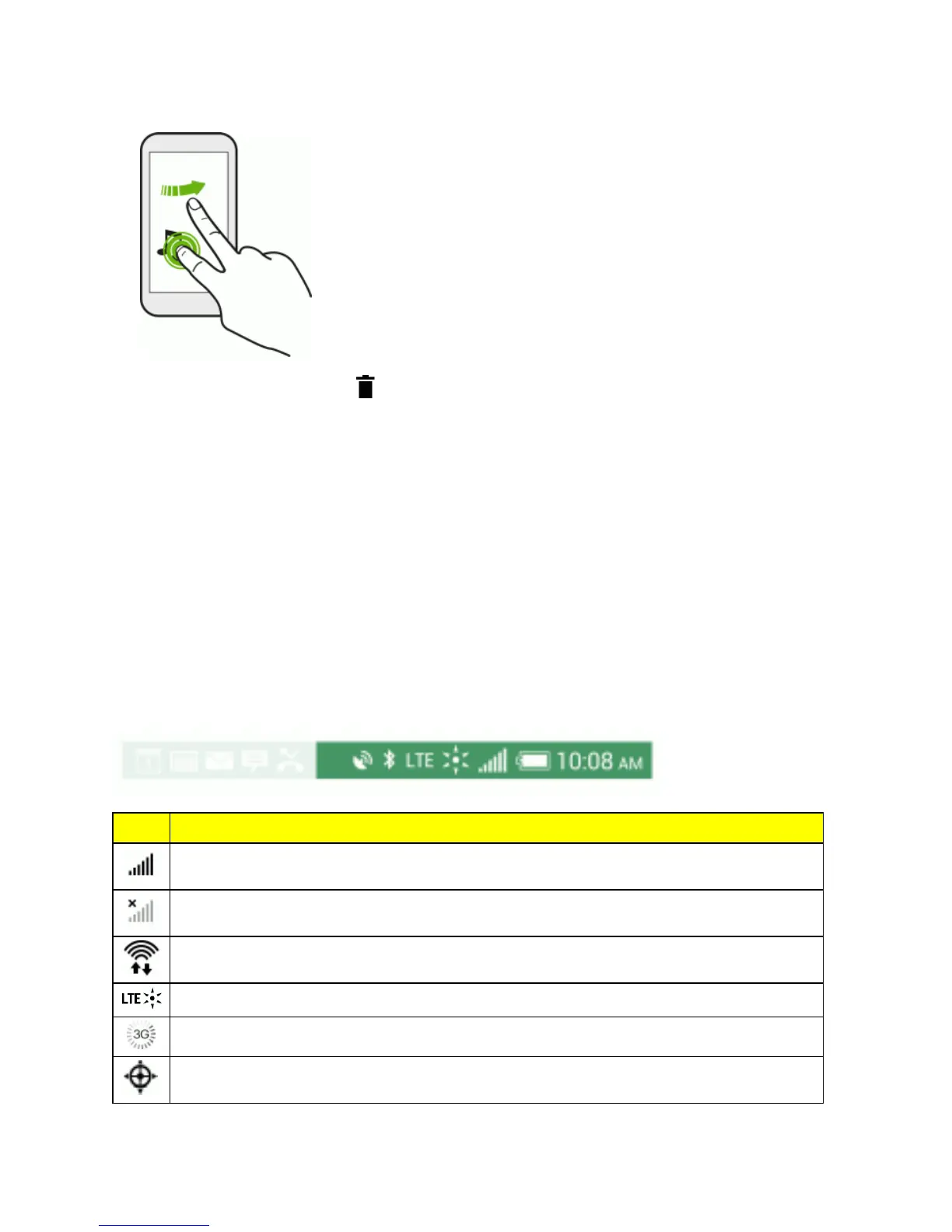
Toremovetheitem,dragitto ,andwhentheitemturnsred,releaseit.
Status and Notifications
Thestatusbarandnotificationpanelmakeiteasytoseeyourphone’sconnection,alertyouofnew
messages,andmuchmore.
Status Bar
ThestatusbaratthetopoftheHomescreenprovidesphoneandservicestatusinformationonthe
rightsideandnotificationalertsontheleft.Toviewnotificationalerts,touchandholdthestatusbar
anddragitdown.
StatusIcons
Icon Description
Signalstrength(morebars=strongersignal)
Noservice
ConnectedtoaWi-Finetwork
SprintSpark™enhancedLTEnetwork(dataservice)isavailableandactive
3G(dataservice)isavailableandactive(iconanimates)
Phone’slocationfeatureisonandavailableforlocation-basedservicessuchasGPS



 To Next Page