Phone Calls 55
4. Touchthecontactyouwanttocall.
l
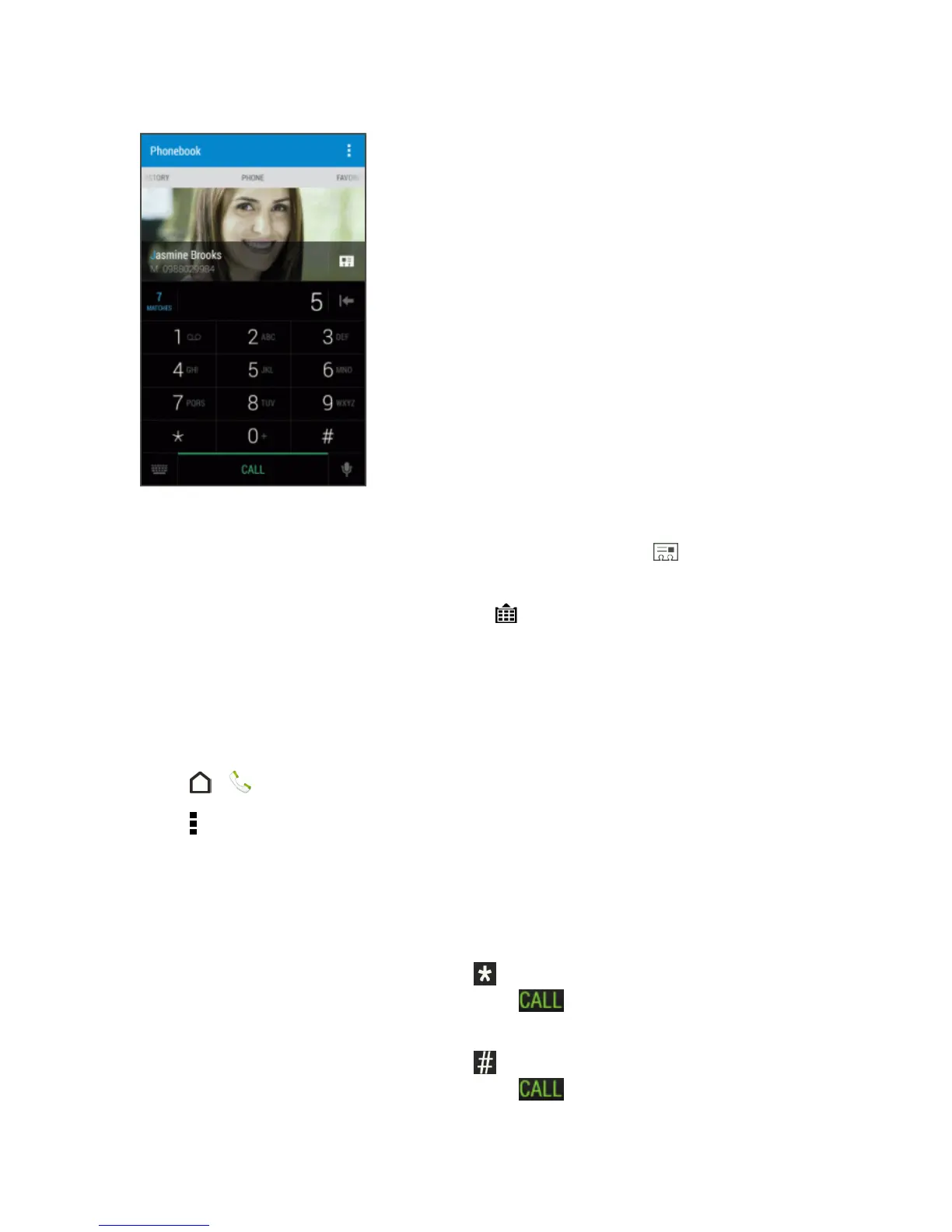
Tocheckotherphonenumbersassociatedwiththecontact,touch besidethecontact
name.
l
Ifthephonenumberhasanextension,touch afterconnectingtothemainlineandthen
dialtheextensionnumber.
5. Tohangup,touchEND CALL.
ChangethePhoneDialerLayout
Switchbetweenalargeorstandarddialkeypad.
1.
Touch > todisplaythephone’sdialerscreen.
2.
Touch >Large dial padorStandard dial pad.
Dial an Extension Number
Toskipvoicepromptswhendialinganextensionnumber,dooneofthefollowing.
n
Afterdialingthemainnumber,touchandhold .Theletterpisaddedtothenumberyouare
dialing.Entertheextensionnumber,andthentouch .Youwillbeconnectedtothe
mainlineandthentotheextensionnumber.
n
Afterdialingthemainnumber,touchandhold .Theletterwisaddedtothenumberyouare
dialing.Entertheextensionnumber,andthentouch .Afterconnectingtothemainline,



 To Next Page