Camera and Video 157
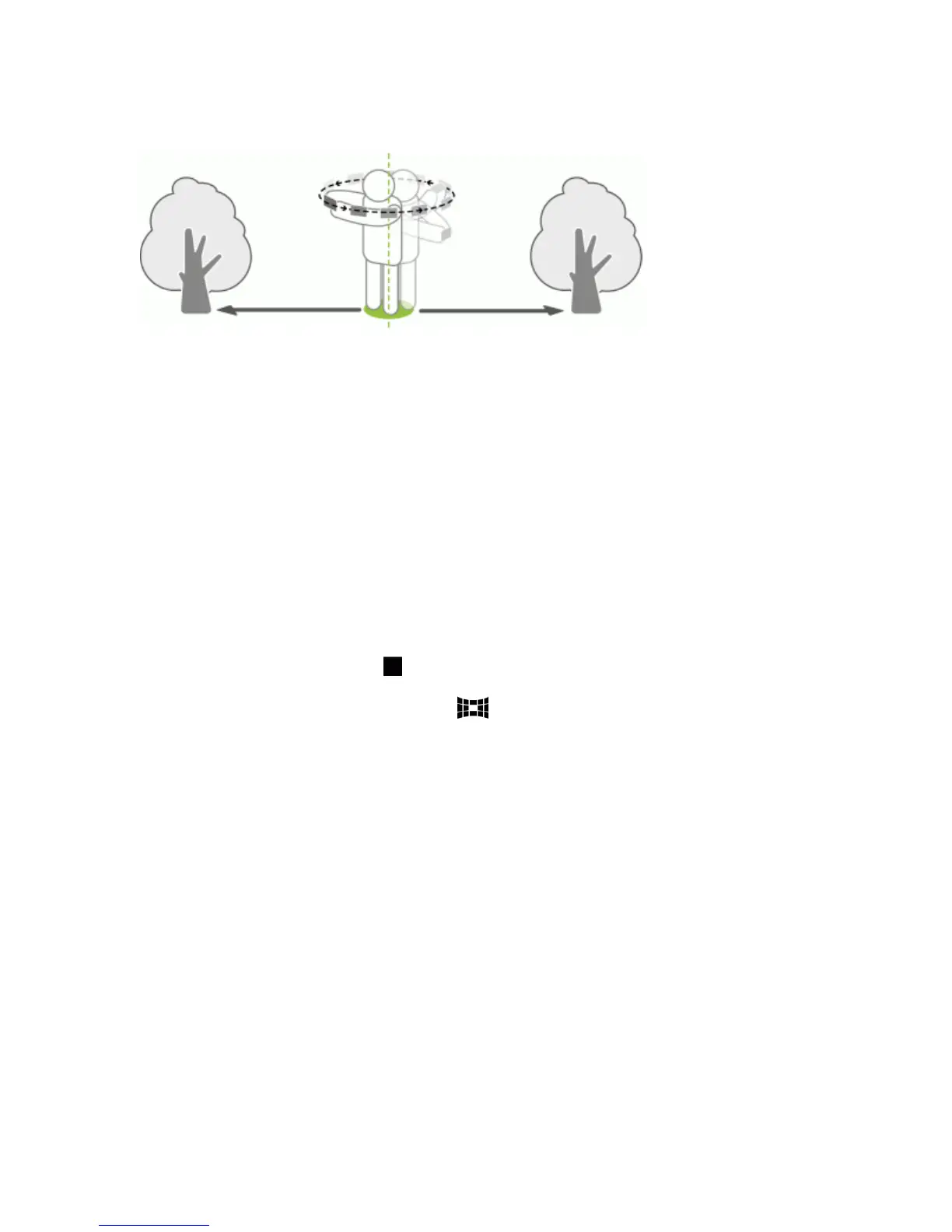
n Keepatleastfivemeters(16feet)distancefromthescene.
Note:Somecamerafeaturesarenotavailablewhenyou’reinthismode,suchaszooming.
1. OpenCamerafromthelockscreenorHomescreen.
2. SwitchtoPan 360mode.
3. Holdyourphoneatfacelevelsoyou'llhavemoreroomtocapturescenesaboveorbelowyou.
4. Whenyou'rereadytotakethefirstshot,centerthewhiteboxwithintheViewfindermarkers.
5. Standinthesamespotonceyou'vestartedcapturing,evenasyouturnaroundtotakemore
shots.
6. Totakesucceedingshots,panyourphoneassmoothlyasyoucan,andthencenteranotherbox
withintheViewfindermarkers.Dothisrepeatedlyuntilyougetyourdesiredframesorwhenyou
don'tseeanymoreboxes.
7.
Tostopcapturinganytime,touch .
PhotostakenwithPan360areindicatedbythe iconinGallery.
Use Dual Capture Mode
Youcanusebothcamerasatthesametimewhentakingshots.Withdualcapturemode,youcan
capturethesceneandyourownself-portraitinasinglephotoorvideo.
1. OpenCamerafromthelockscreenorHomescreen.
2. SwitchtoDual capturemode.
3. Choosetheprimaryframebyswitchingtoeitherthemainorfrontcamera.
4. Toadjustthesecondaryframe,dragittoitsnewpositionorslidetwofingerstoresizeit.



 To Next Page