Camera and Video 148
Camera and Video
Takegreatphotosandvideoswiththecamera,andmakethemmorememorablebyapplyinga
varietyofeffectsandscenes.
Get Started with the Camera
Capturephotosquicklywithyourphone.Justdirectlylaunchthecamerafromthelockscreen,evenif
yourphoneispasswordprotected.
1. Whenyourdisplayisoff,pressthePowerbutton.
2.
Drag upsoyoucanstarttakingphotosandvideos.
Tip:FromtheHomescreen,youcanalsotouch tolaunchit.
3.
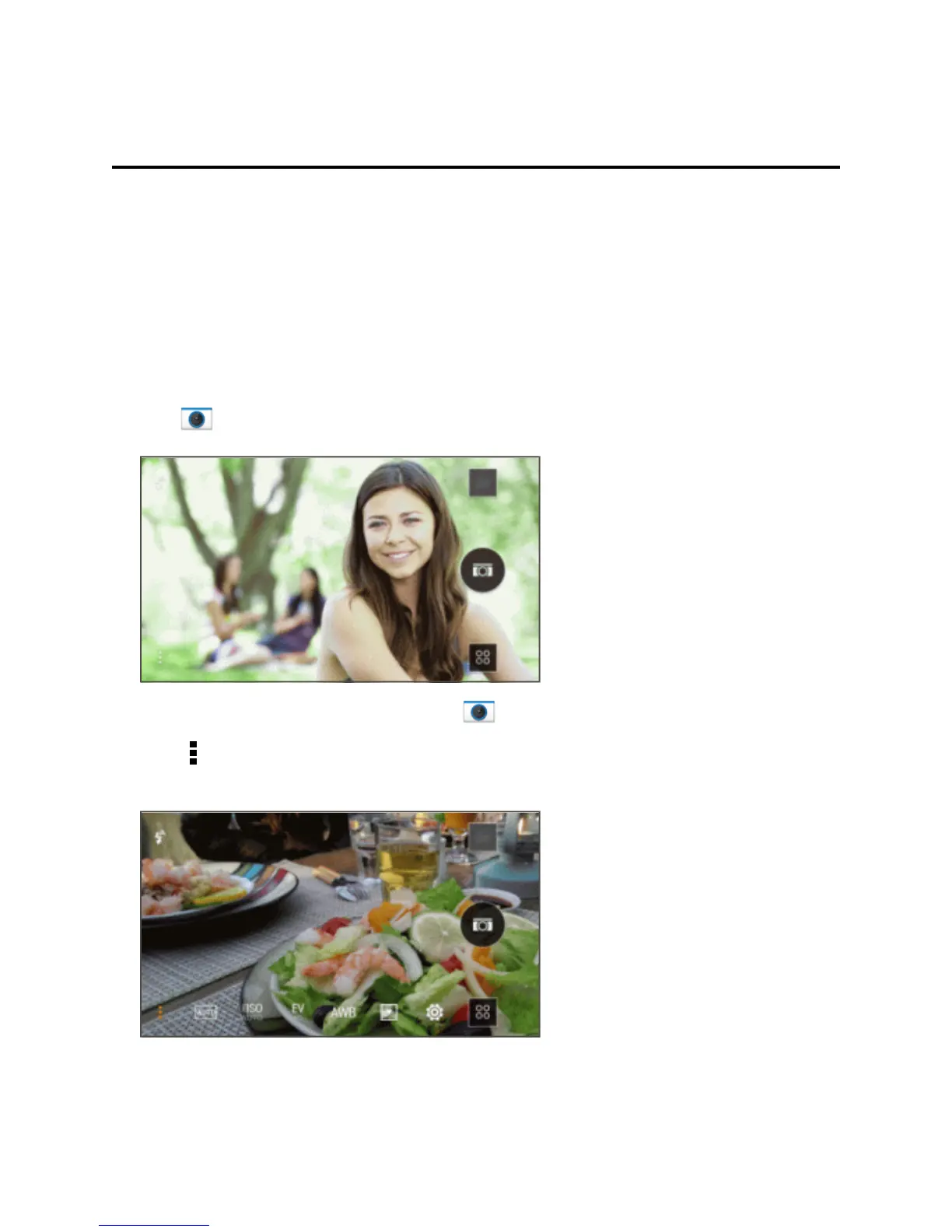
Touch toseeallcontrolsontheViewfinderscreen.Youcanusethecontrolstoswitchcapture
modes,addfilters,settheflash,andmore.



 To Next Page