Phone Basics 28
Three-fingerTouch
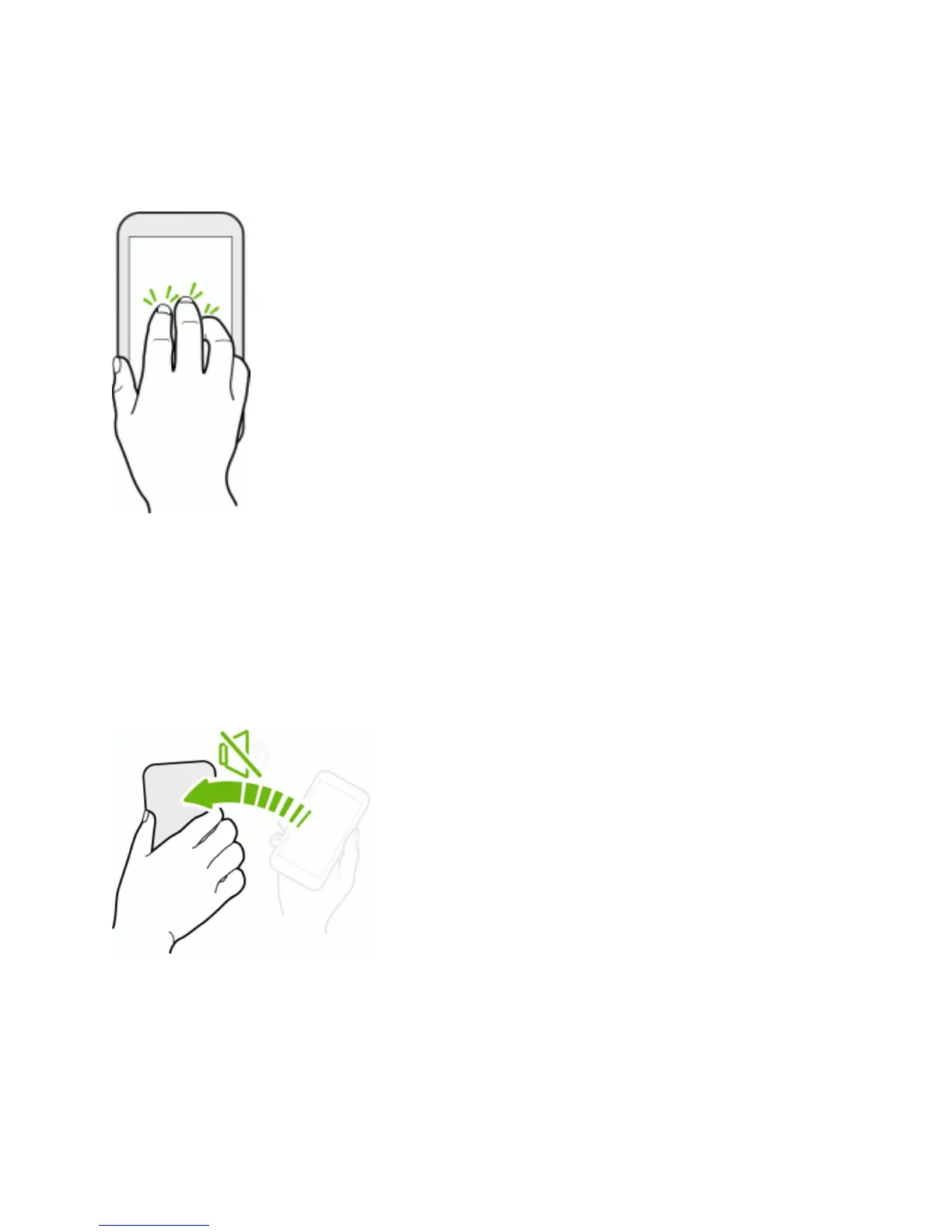
WhileusingtheHTCCarapp,touchthescreenwiththreefingerstoactivatethevoicecommand
mode.
Motion Gestures
Usemotiongesturestorotatethescreen,mute,lowertheringtonevolume,andmore.
FliptoMute
Whenacallcomesin,youcanturnyourphoneovertomuteit.
InSettings,touchSound>Flip to mutetosetyourphoneto:
n Mute once.Muteonlyonceafteryouflippedthephone.Thephonewillringagainwhenthere
aresubsequentincomingcalls.
n Mute always.Afterflippingthephonetomuteacall,keepitalwaysmutedforallincomingcalls.



 To Next Page