Phone Basics 35
Note:ThereisalimittothenumberoftilesthatcanbeshowninQuickSettings.Youmayneedto
removeanexistingitemtomakespaceforanotherone.Toremoveanitem,dragitbelowHidden
items.
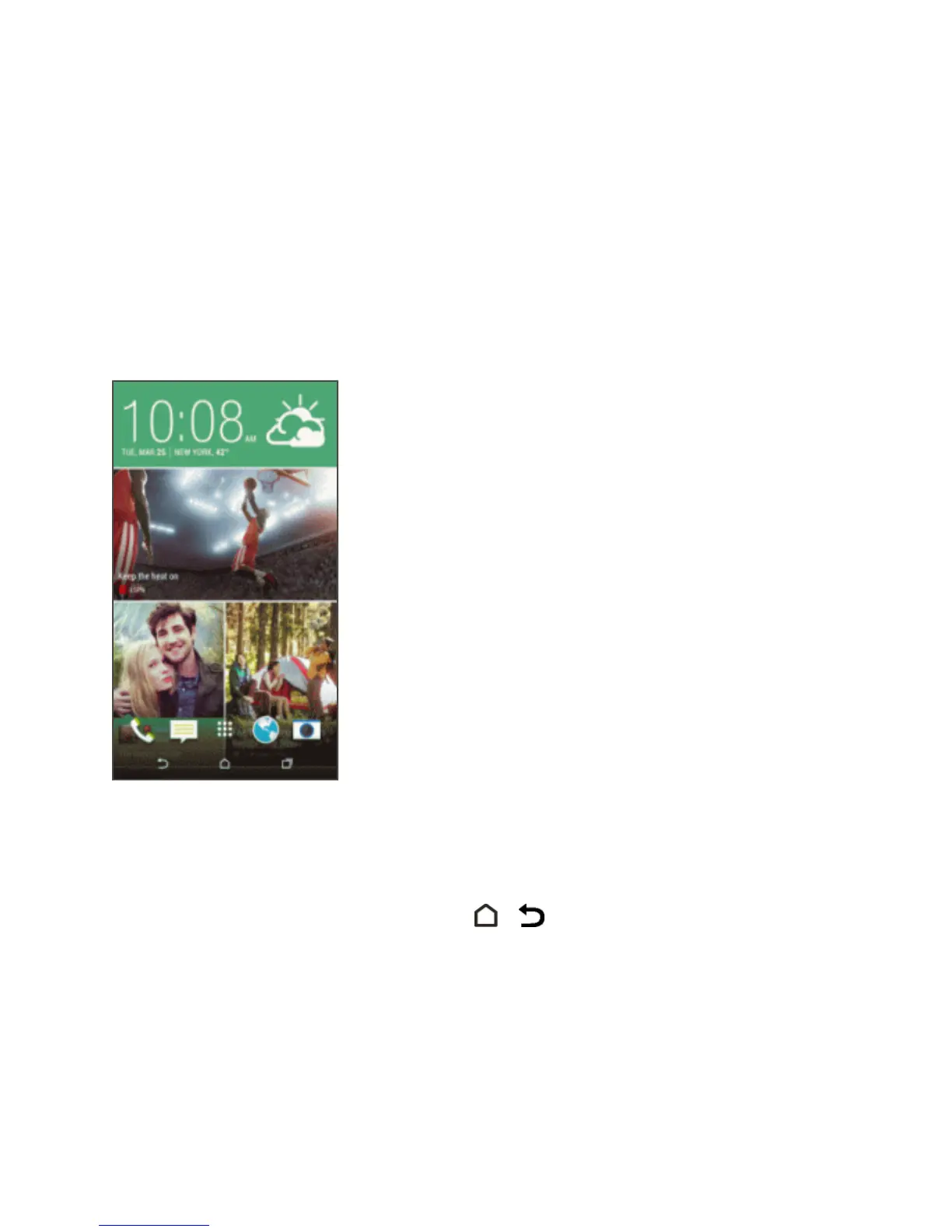
HTC BlinkFeed - Your Dynamic Home
Screen
StayintouchwithfriendsorgetthelatestaboutyourinterestsrightonHTCBlinkFeed.Setupwhich
socialnetworks,newssources,andotherinformationwillappear.
n SwipeupordowntobrowsestoriesonHTCBlinkFeed.
n Touchatiletoviewmoredetailsortocommentonapostorstatusupdate.
n Whileviewinganewsarticle,swipeleftorrighttoseemorestories.
n
WhileinHTCBlinkFeed,youcantoucheither or ,ortouchthestatusbartoscrolltothe
top.
n Scrolltothetopandpulldownonthescreentomanuallyrefreshthestream.
n SwiperightonHTCBlinkFeedtoopentheslideoutmenutochoosethetypeoraddyourcustom
topicstodisplay.
Tip:You’llseetheclockwidgetonHTCBlinkFeedifyou’vesetHTCBlinkFeedasthemainHome
screen.



 To Next Page