People 73
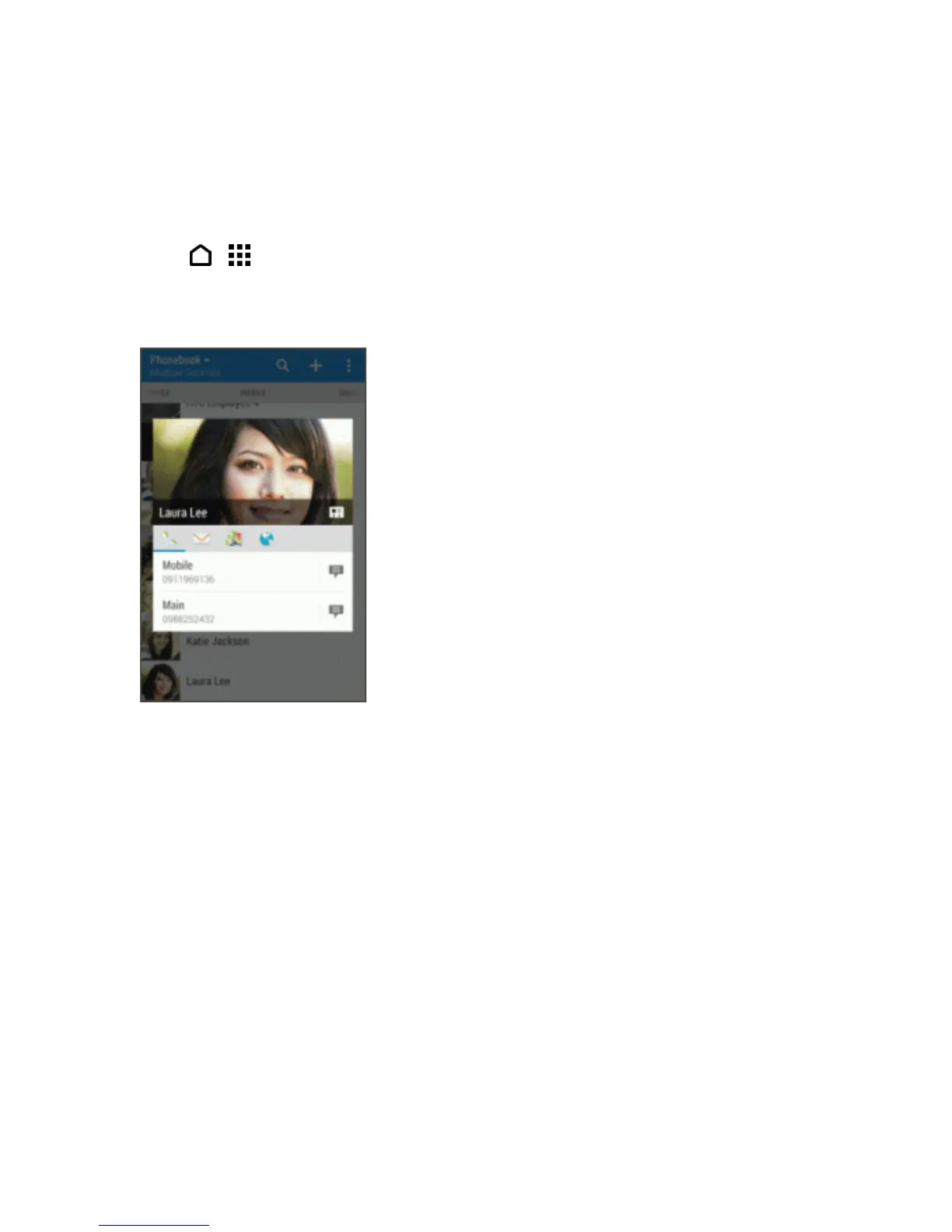
Get In Touch with a Contact
Choosethebestwaytoconnectwithyourcontacts.
1.
Touch > >People.
2. Touchacontact’sphoto(notthename),andthenchoosehowyouwanttogetintouchwiththat
contact.
Tip:Formorewaysofgettingintouchwithyourcontact,touchaniconbelowthecontactphoto.
Manage People Entries
Makesureyourcontacts’informationareuptodate.YoucaneditordeleteanentryinPeople.
Edit a People Entry
Youcanaddanotherphonenumber,emailaddress,orassignaphototoacontactinPeople.
Note:FacebookandTwittercontactscannotbeedited.
1. OnthePEOPLEtab,touchandholdthecontact,andthentouchEdit contact.
2. Enterthenewinformation.
3. TouchSAVE.



 To Next Page