Phone Basics 48
l Onsupportedapps,turnthephonesidewaystoshowalargerStandardkeyboardthatlets
youtypeeasilyusingtwothumbs.
l
Touch toclosetheonscreenkeyboard.
Tips:Toopenthekeyboardsettings,touchandholdthecommakeyuntilyousee abovethekey.
OrgotoSettings>Language & keyboard>HTC Sense Input.
ChangetheHTCSenseKeyboardLayout
Youcanchoosefromdifferentkeyboardlayoutstosuityourtypingstyle.
1.
Withtwofingers,swipedownfromthestatusbar,andthentouch >Language & keyboard.
2. TouchHTC Sense Input>Keyboard selection.
3. TouchKeyboard types,andthenselectthekeyboardlayoutyouwanttouse.
ChangetheHTCSenseKeyboardLanguage
Ifmultiplekeyboardlanguagesareavailableonyourphone,youcanchoosewhichlanguagesto
enableintheonscreenkeyboard.
1.
Withtwofingers,swipedownfromthestatusbar,andthentouch >Language & keyboard.
2. TouchHTC Sense Input>Keyboard selection,andthenchoosethelanguagesyouwant.
3. Tochangethekeyboardlanguage,doanyofthefollowing:
l Swipeleftontheonscreenkeyboard(notavailableifyou’reusingtracekeyboard).
l
Touchthelanguagekey(forexample, )untilyouseethelanguageyouwanttouse.
l Touchandholdthelanguagekey,andthendragyourfingertothekeyboardlanguageyou
wanttouse.
Enter Text with Word Prediction on the HTC Sense
Keyboard
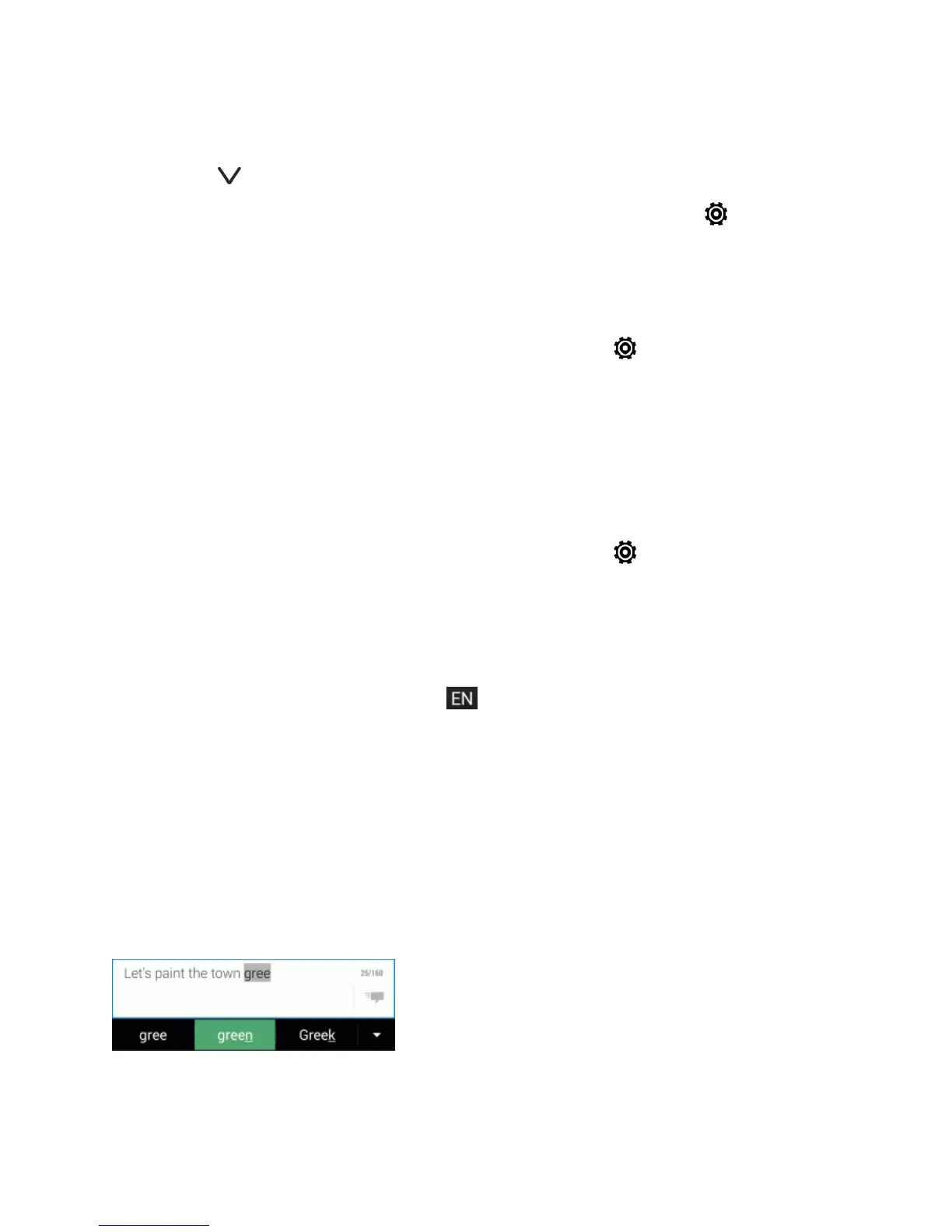
Theonscreenkeyboardhaspredictivetexttohelpyoutypequicklyandaccurately.Predictivetext
inputisenabledbydefault,andwordsuggestionsaredisplayedasyoutype.
Toenterawordinpredictivemode,doanyofthefollowing:


 To Next Page