Camera and Video 169
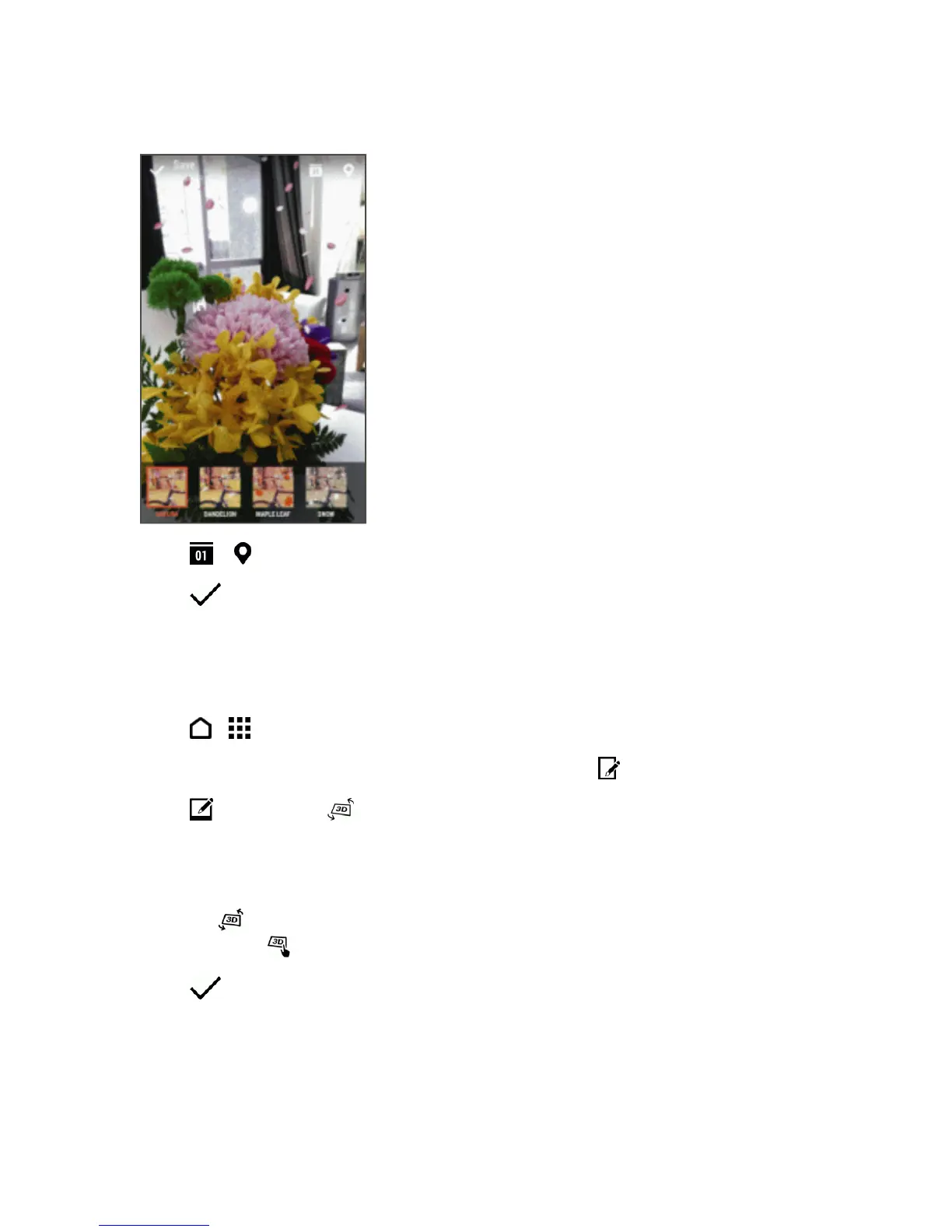
4. Touchaseasontoapplytheeffect.
5.
Touch or toaddatimestamporlocationinformationonthephoto.
6.
Touch >Save as photoorSave as video.
ChangetheAngleofthePhoto(DimensionPlus)
Viewyourphotofromaslightlydifferentviewpoint.WithDimensionPlus,youcancreatetheillusion
thatthephotowastakenatadifferentangle.
1.
Touch > >Gallery.
2.
Openthephotoyouwantinfullscreen,touchit,andthentouch .
3.
Touch andthentouch .
4. Tryanyofthefollowing:
l Tiltyourphonetoseethephotofromdifferentangles.
l
Touch atthebottom-leftcornerandthendragyourfingeronthescreentochangethe
angle.Touch toreturntotiltmode.
5.
Touch tosavethephoto,andthenchoosehowtosaveit.



 To Next Page