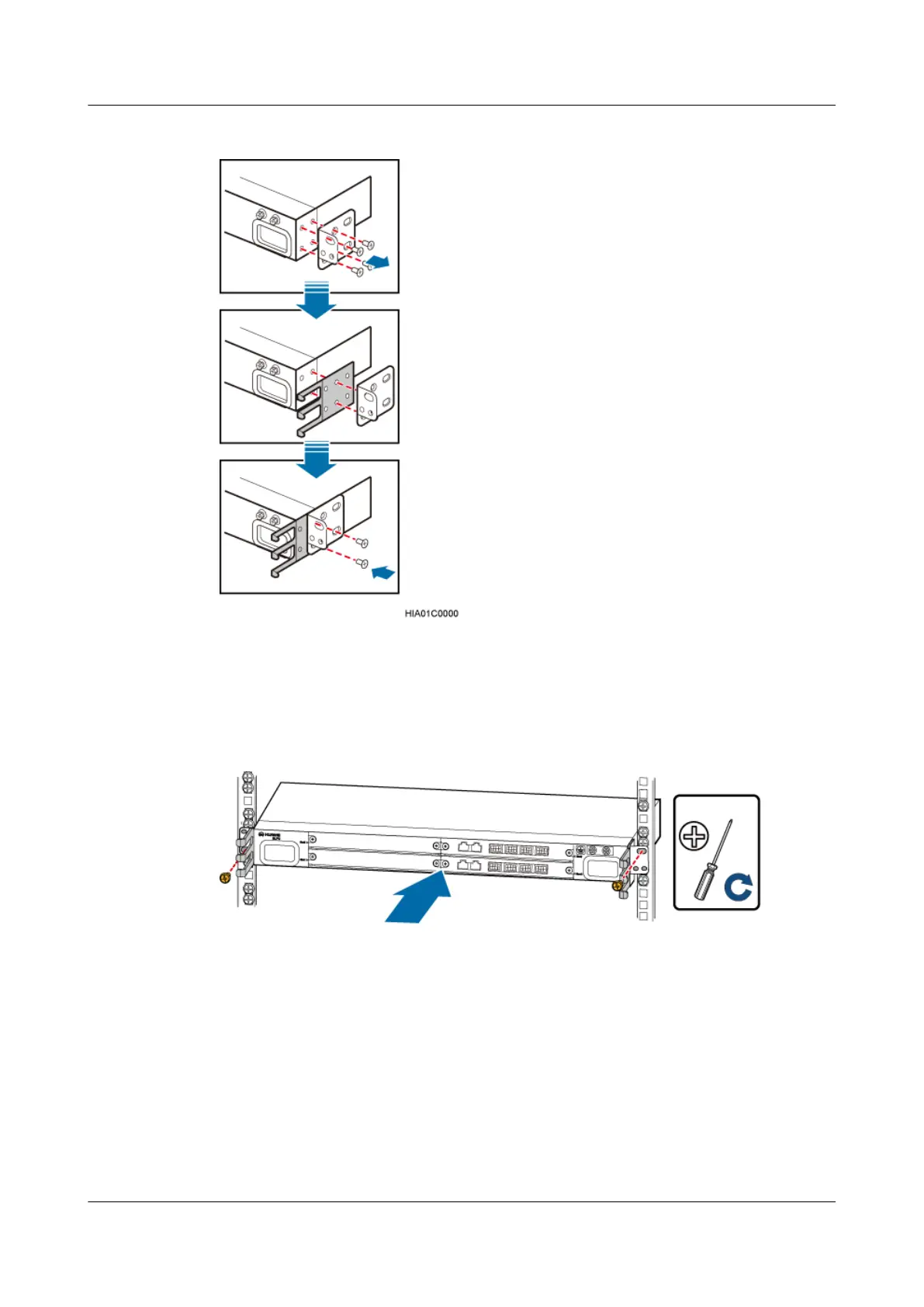
Figure 8-43 Installing cable racks
Step 2 Slide the SLPU into the cabinet, and then use the screwdriver to tighten the two screws on the
mounting ears of the SLPU, as shown in Figure 8-44.
Figure 8-44 Installing the SLPU
Step 3 Install the surge protection transfer cable for monitoring signals, as shown in Figure 8-45.
DBS3900 (Ver.B)
Installation Guide
8 Outdoor Scenario with DC Power Supply (BBU Installed
in a +24 V DC APM30H)
Issue 06 (2011-09-15) Huawei Proprietary and Confidential
Copyright © Huawei Technologies Co., Ltd.
249



 To Next Page