2.5.7 Monitoring Port for Analog Signals
This describes the monitoring port for analog signals. This port is a voltage-type analog signal
monitoring port and suitable for a bare terminal of a cable (24 AWG - 12 AWG).
Description
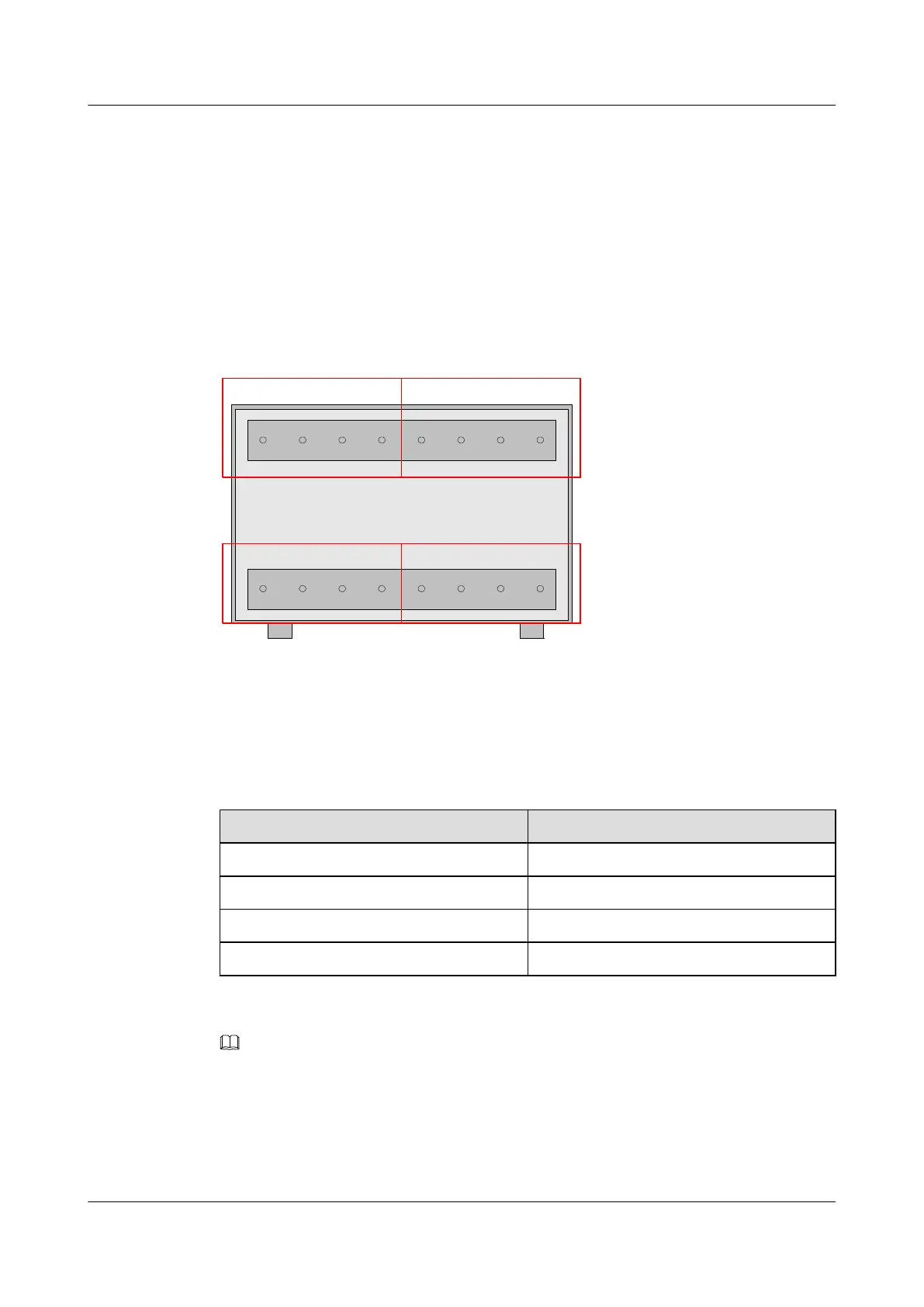
For the position of the monitoring port for analog signals, see 2.2 Exterior of the EMU. Figure
2-14 shows this port.
Figure 2-14 Monitoring port for analog signals
12V1GND1 24V1ANA1
12V2GND2 24V2ANA2
12V4GND4 24V4ANA4 12V3GND3 24V3ANA3
Table 2-11 lists the meanings of the terminals of the monitoring port for analog signals.
Table 2-11 Meanings of the terminals of the monitoring port for analog signals
Silkscreen
Meaning
24Vi (i ranges from 1 to 4) 24 V DC power output of port i
12Vi (i ranges from 1 to 4) 12 V DC power output of port i
ANAi (i ranges from 1 to 4) Analog input of port i
GNDi (i ranges from 1 to 4) Signal grounding of port i
NOTE
You can set the DIP switches SW_AE and SW_AV to choose whether to use the monitoring port for Analog
signals. For details, see 2.3 Internal Structure of the EMU.
Cable Connection
Analog Sensor of the Voltage Type
2 Overview of the EMU
EMU
User Guide
2-16 Huawei Proprietary and Confidential
Copyright © Huawei Technologies Co., Ltd.
Issue 13 (2009-12-30)



 To Next Page