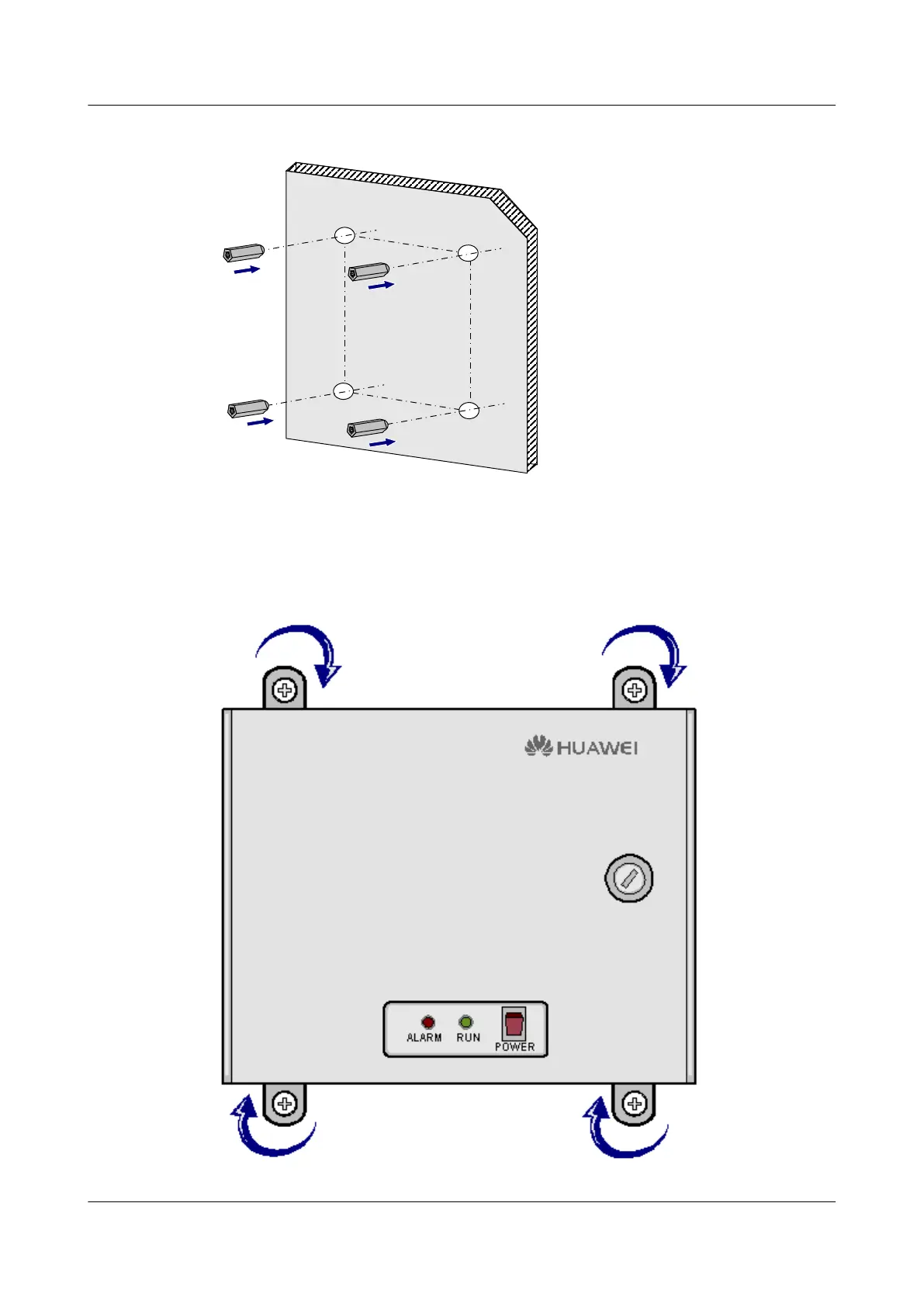
Figure 4-6 Pushing the expansion tubes into the installation holes
Step 4 Use the four delivered ST3.5 tapping screws to fix the EMU, as shown in Figure 4-7.
Figure 4-7 Fastening the tapping screws
EMU
User Guide 4 Installing the EMU
Issue 13 (2009-12-30) Huawei Proprietary and Confidential
Copyright © Huawei Technologies Co., Ltd.
4-7



 To Next Page