5.1 Installing the Water Sensor
This describes how to install the water sensor.
Context
CAUTION
l The sensor probe must be protected from liquid chloride.
l The monitored plane must not be reflective.
l The water sensor can be connected only to the terminals marked "Water", "12VW", and
"GND".
Procedure
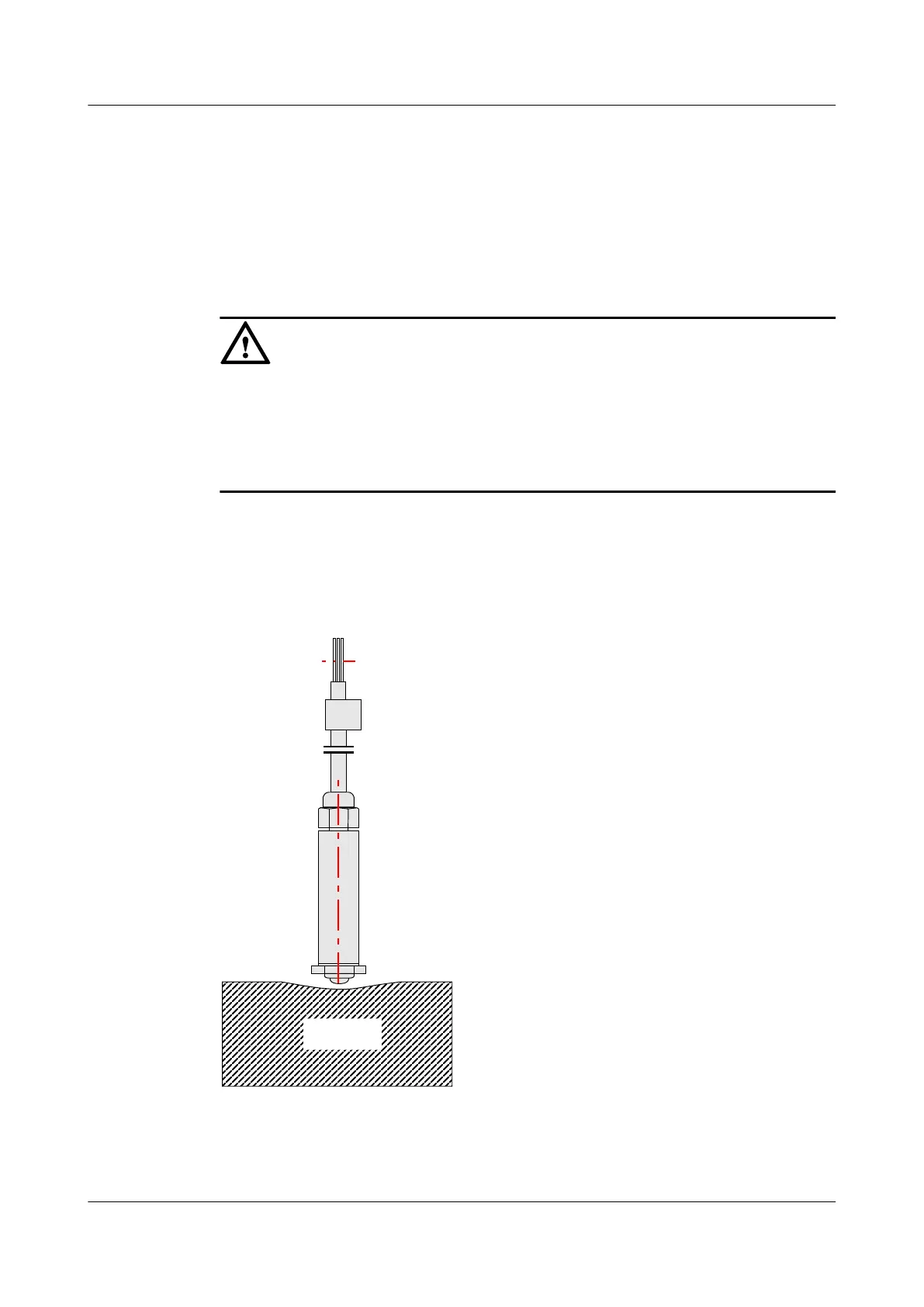
Step 1 Erect the water sensor in the selected installation position, as shown in Figure 5-2.
Figure 5-2 Installing the water sensor
Step 2 Install the leading cable of the sensor.
EMU
User Guide 5 Installing the Sensors
Issue 13 (2009-12-30) Huawei Proprietary and Confidential
Copyright © Huawei Technologies Co., Ltd.
5-3



 To Next Page