Use a PVC terminal to bridge the seam between the cable duct and the base.
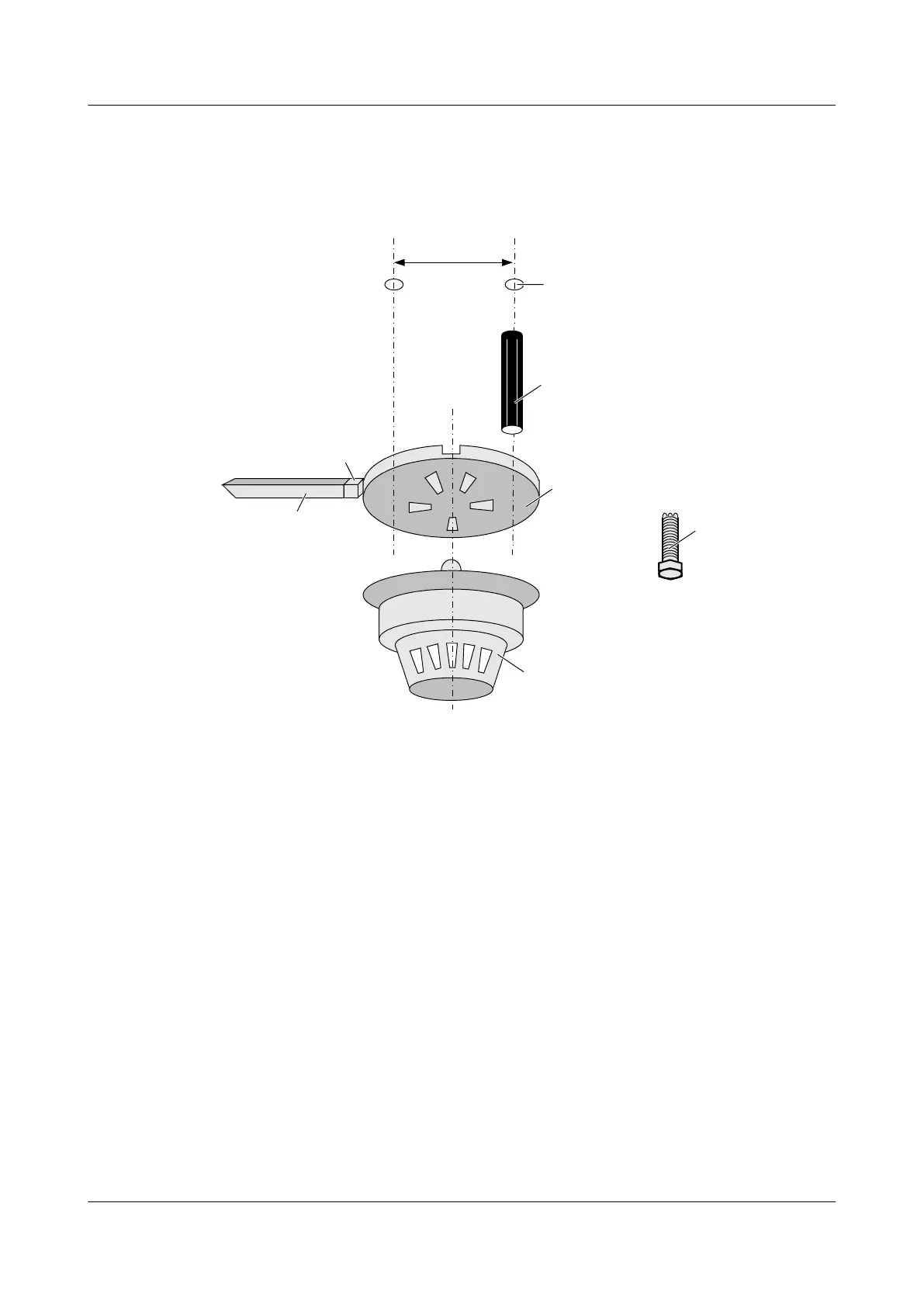
Figure 5-4 shows the installation of the smoke sensor.
Figure 5-4 Installation of the smoke sensor
(1) Cable duct (2) PVC terminal (3) Alarm indicator
(4) Base (5) Tapping screw (6) Plastic expansion tube
(7) Percussion drill hole
Step 2 Connect the smoke sensor.
Open the base of the smoke sensor. On the base, there are four wiring bars labeled 1 - 4, a plus
sign, and a minus sign, as shown in Figure 5-5.
1. Connect wiring bar 3 to the terminal marked "24VS".
2. Connect wiring bar 1 to the terminal marked "Smoke".
5 Installing the Sensors
EMU
User Guide
5-6 Huawei Proprietary and Confidential
Copyright © Huawei Technologies Co., Ltd.
Issue 13 (2009-12-30)



 To Next Page