l Screwdriver, percussion drill (φ6 drill bit)
l EMU, expansion rubber stoppers, tapping screws
Procedure
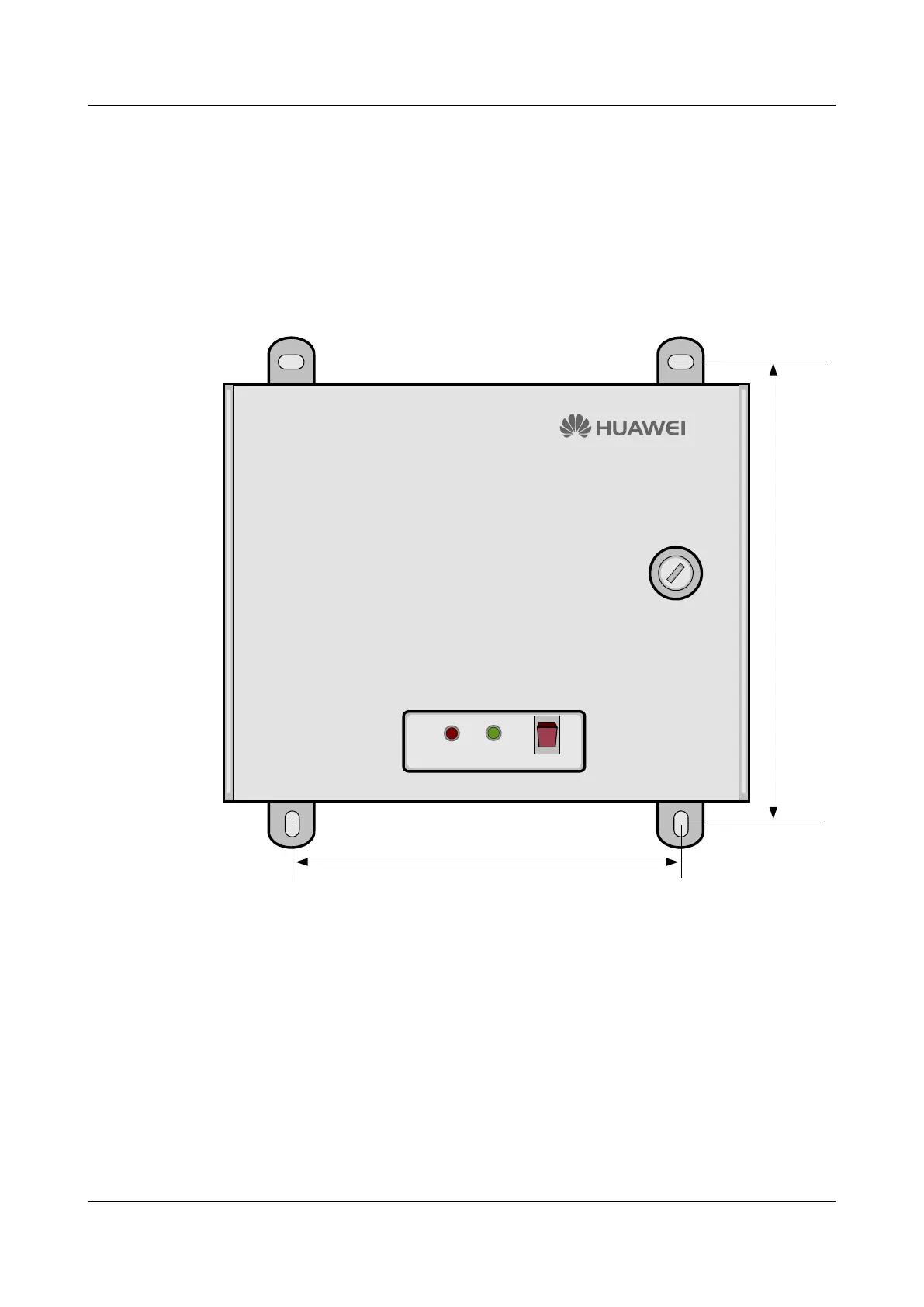
Step 1 Press the EMU against the wall, and then mark the position of the four installation holes, as
shown in Figure 4-5.
Figure 4-5 RS485 serial cable
236 mm
180 mm
ALARM RUN
POWER
Step 2 Use the φ6 drill bit to drill the four installation holes.
Step 3 Push the expansion tubes into the installation holes, as shown in Figure 4-6.
4 Installing the EMU
EMU
User Guide
4-6 Huawei Proprietary and Confidential
Copyright © Huawei Technologies Co., Ltd.
Issue 13 (2009-12-30)



 To Next Page