When you are using the text entry method for letters, the following operations are available:
l Tap the button that carries the letter you want to enter.
l Tap on the left side of the onscreen keyboard to switch between the upper case and
the lower case.
4.9.3 Text Entry Method for Digits and Symbols
Tap
to highlight the icon. In this way, the text entry method is switched to digits and
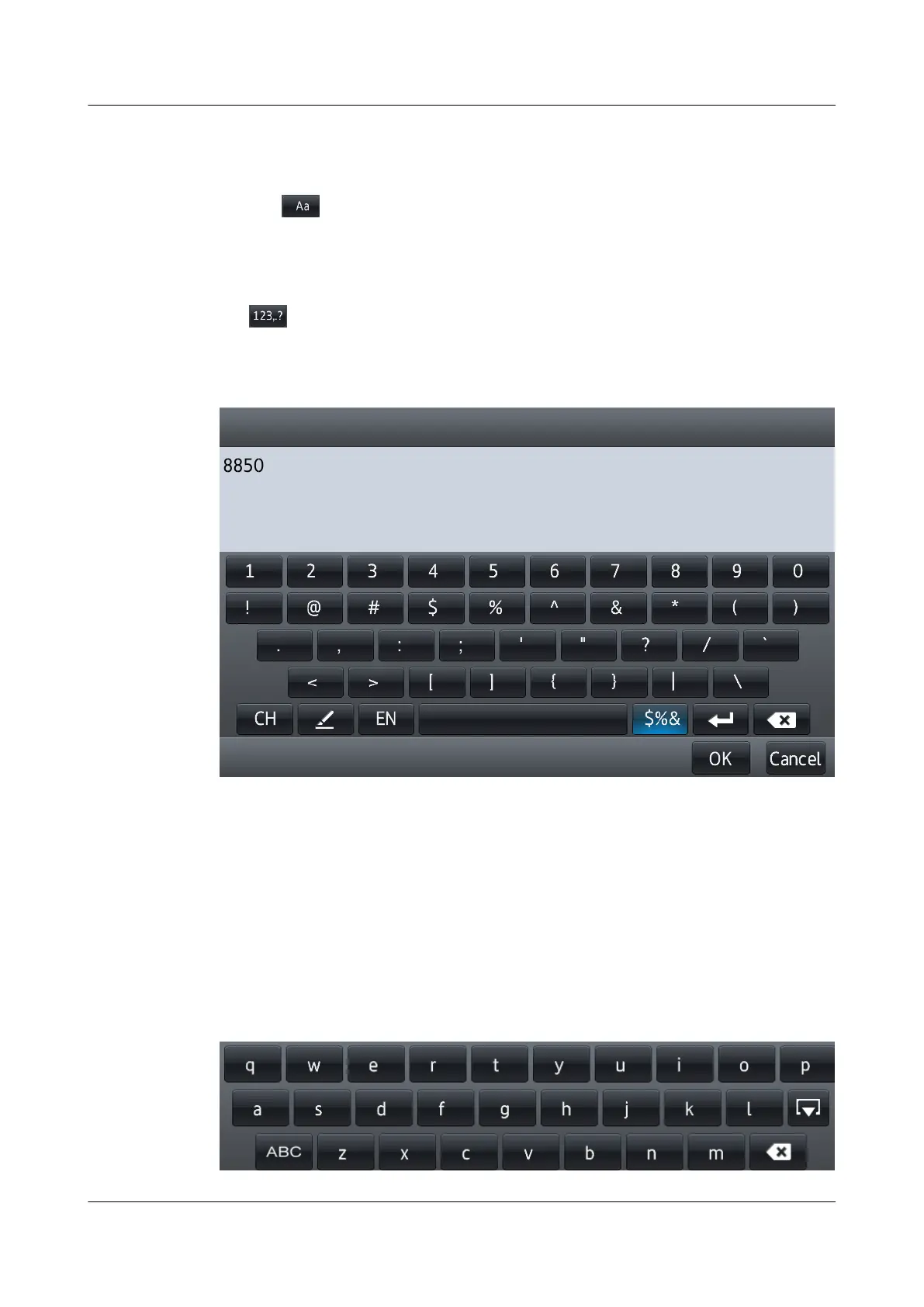
symbols. Figure 4-9 shows the Text Entry Method for Digits and Symbols screen.
Figure 4-9 Text Entry Method for Digits and Symbols
When using the text entry method for digits and symbols, tap the button that carries the digit or
symbol you want to enter.
4.9.4 Mini Keyboard
If the text to be entered contains only lower-case letters, digits, or symbols, you can use the mini
keyboard provided with eSpace 8850. As show in Figure 4-10.
Figure 4-10 Mini Keyboard
eSpace 8850 Video Phone
User Guide
4 Phone Features
Issue 08 (2014-08-25) Huawei Proprietary and Confidential
Copyright © Huawei Technologies Co., Ltd.
45



 To Next Page