No. Icon Description
10 Zoom in the web page.
11 Display the Download screen.
NOTE
When browsing web pages, you can also press the button on the front panel to return to the previous
web page.
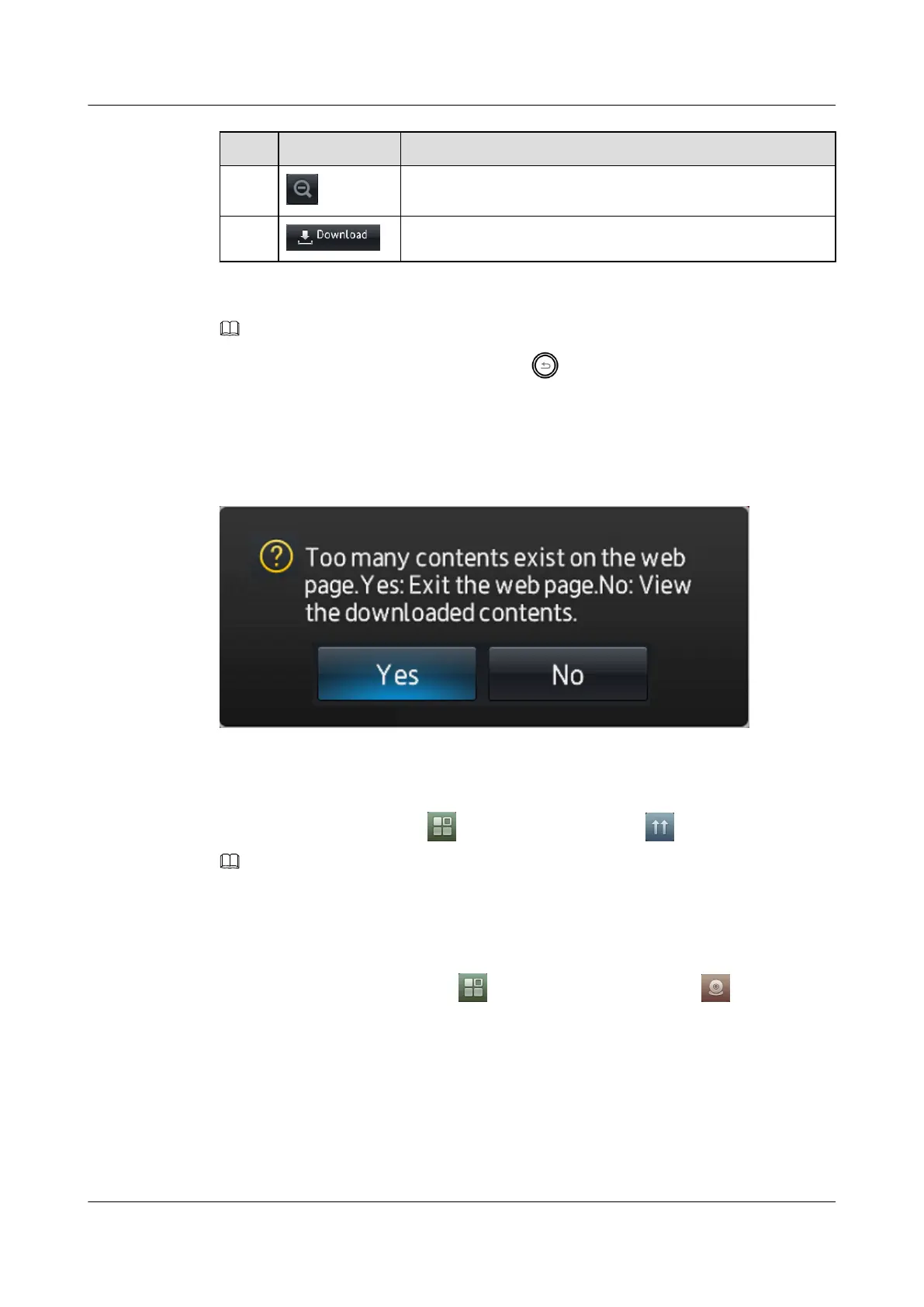
If too many contents exits on the web page, one pop-up tip box will displayed as show in Figure
8-2. Press Yes to exit the web page, press No to view the downloaded contents.
Figure 8-2 Too many contents exits on the web page
8.4 Online Upgrade
To perform online upgrade, tap on the home screen, and tap .
NOTE
If the online upgrade fails, contact your system administrator.
8.5 Local Video
You can start the camera by tapping on the home screen and tapping .
l To display the video window in full screen mode, tap 16:9.
l To display the video window in 4:3 screen mode, tap the screen, and then tap4:3
l To switch between day or night modes, tap Day mode or Night mode.
l To return to the home screen, tap Close.
eSpace 8850 Video Phone
User Guide
8 Applications
Issue 08 (2014-08-25) Huawei Proprietary and Confidential
Copyright © Huawei Technologies Co., Ltd.
73



 To Next Page