To open the browser, tap on the home screen, and tap .
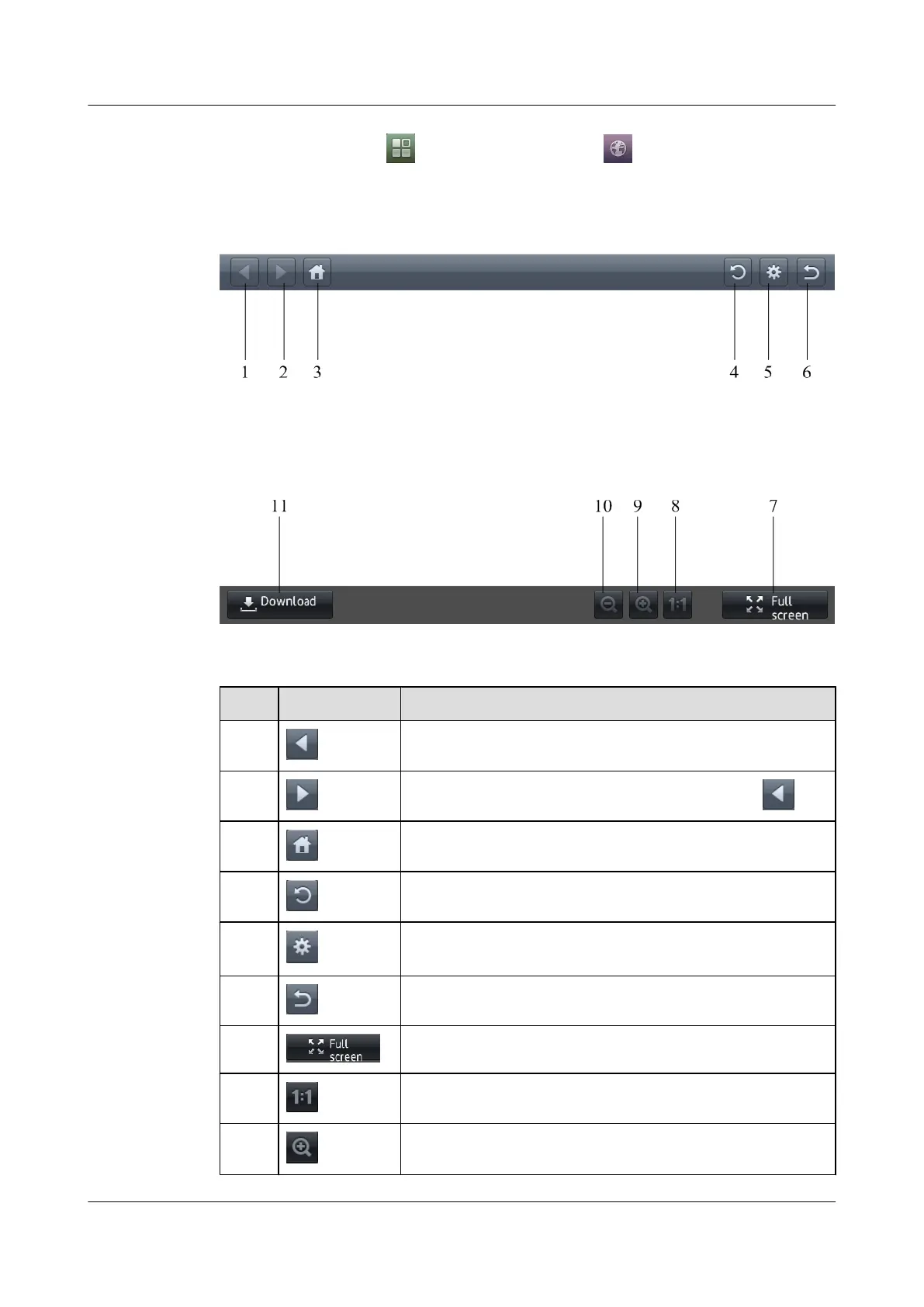
The toolbar of the browser as shown in Figure 8-1.
Figure 8-1 the toolbar of the browser.
The following table describes the components on the browser.
No. Icon Description
1 Return (Back) to the previous web page.
2
Forward to the web page displayed before you tapped .
3 Load the preset home page.
4 Reload the current web page.
5 Display the screen from which you can set the download path and
the parameters of the proxy server.
6 Exit the browser.
7 Display the web page in full screen mode.
8 Display the web page in full 1:1 mode.
9 Zoom in the web page.
eSpace 8850 Video Phone
User Guide 8 Applications
Issue 08 (2014-08-25) Huawei Proprietary and Confidential
Copyright © Huawei Technologies Co., Ltd.
72



 To Next Page