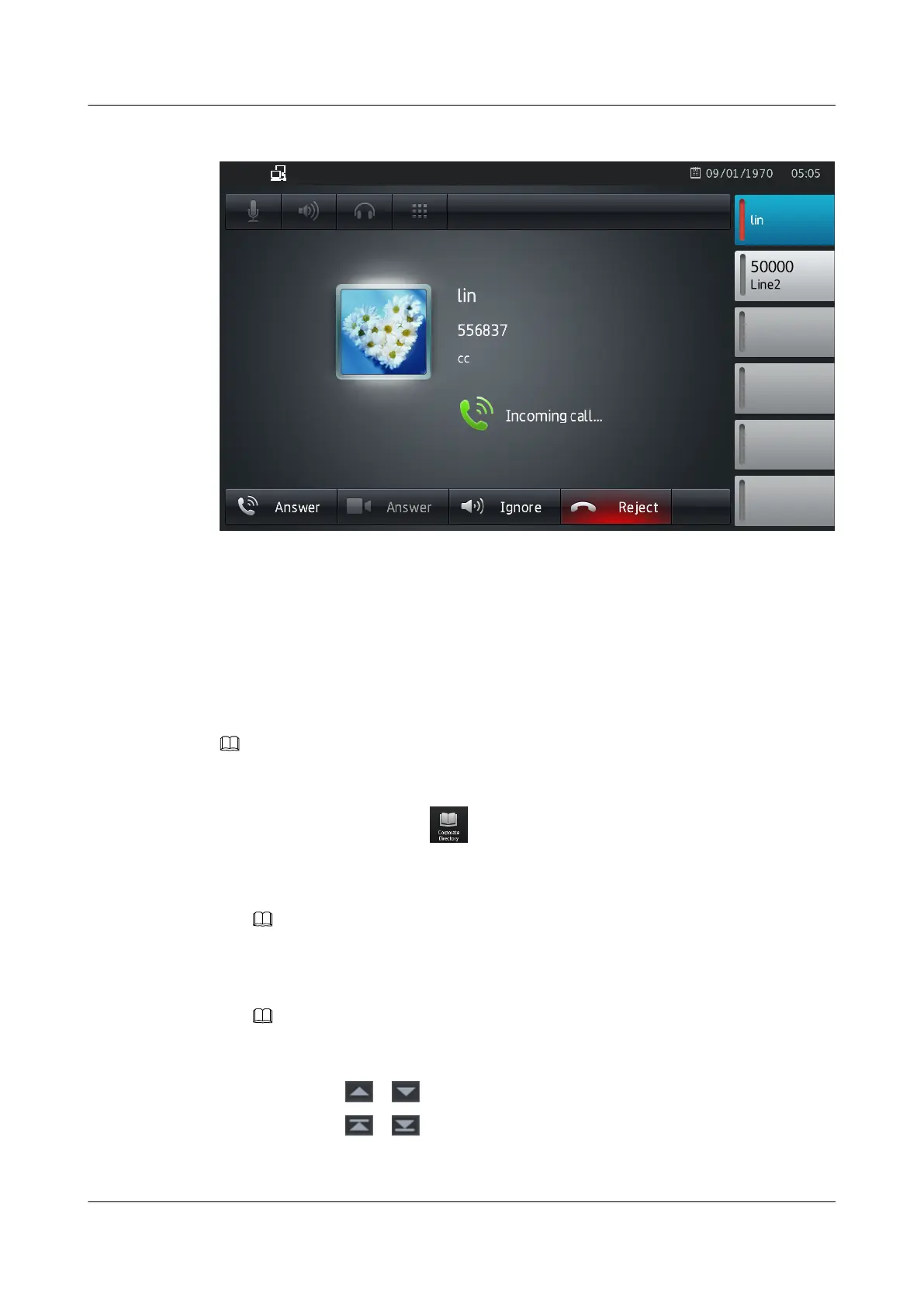
Figure 6-2 Incoming call screen
6.3 Corporate Directory
After the corporate directory is configured, you can use your phone to query the corporate contact
information in real time.
NOTE
To use the corporate directory, ensure that your account has been assigned the corporate directory service
right. If you have any questions, contact the system administrator.
1. From the home screen, tap .
The Corporate Directory screen is displayed.
2. Tap the search box, enter a contact's name or phone number.
NOTE
In the eSpace UC2.0 network environment, multi-keyword search is supported.
3. Tap Search to search for the contact. One or more contacts meet the search criteria are
displayed.
NOTE
l Searching the corporate directory requires a network connection. The response time depends on the
network speed.
l You can tap or to turn pages.
l You can tap or to go to the first or last record.
You can perform the following operations when you searched the contact:
eSpace 8850 Video Phone
User Guide
6 UC Features
Issue 08 (2014-08-25) Huawei Proprietary and Confidential
Copyright © Huawei Technologies Co., Ltd.
57



 To Next Page