OPERATION
23
PowerView
®
Gen 3 Automation
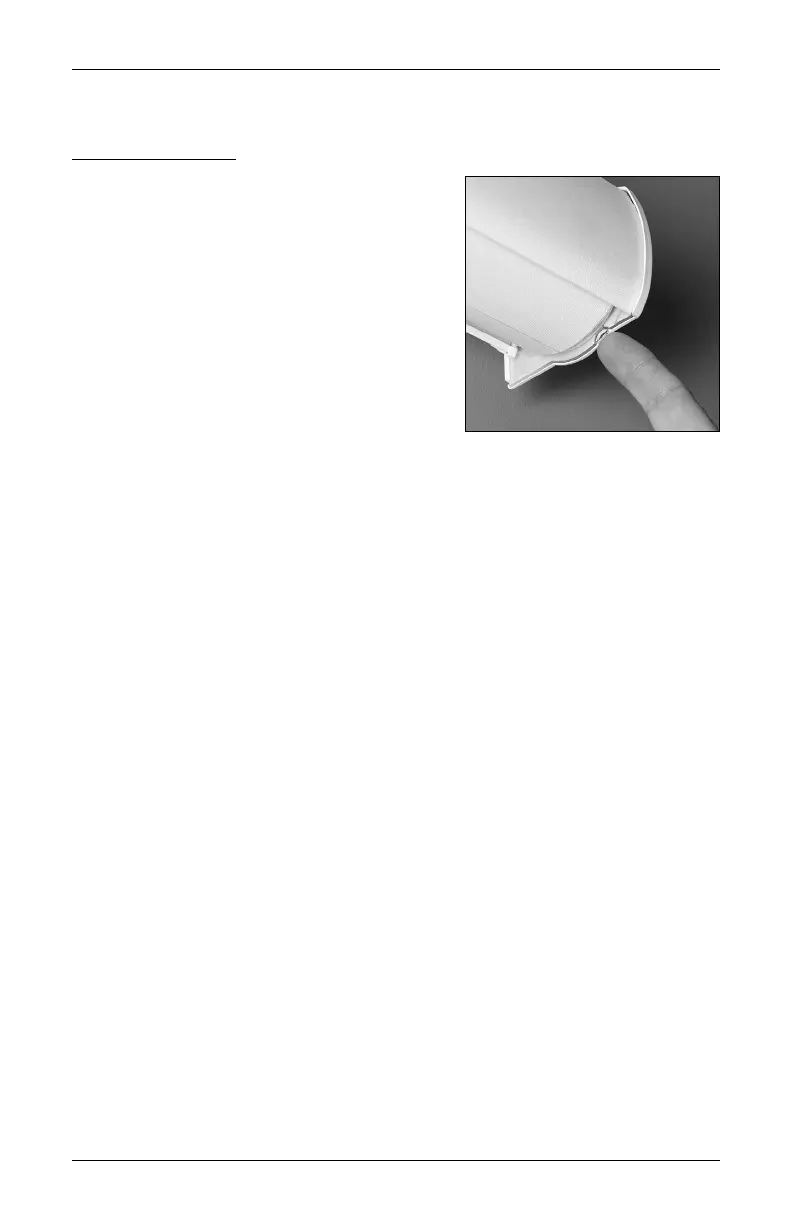
Test the Shading
Use the control button to test the shade and
ensure that the motor and power source are
working correctly.
■
Press and release the control button to begin
movement. Then press and release the button
one more time to stop the shading.
■
The control button can also be used in
combination with the PowerView App for
control of advanced shade functions and home
access. Open the App, and then press and hold
the control button to view a list of available
functions. See “Operating the PowerView App
and Gen 3 Remote” on page 24 for more information.








 To Next Page