INSTALLATION
12
STEP 3: Install the Shading
Install the Optional Back Cover (If Applicable)
The optional back cover is used on inside mounts only.
■
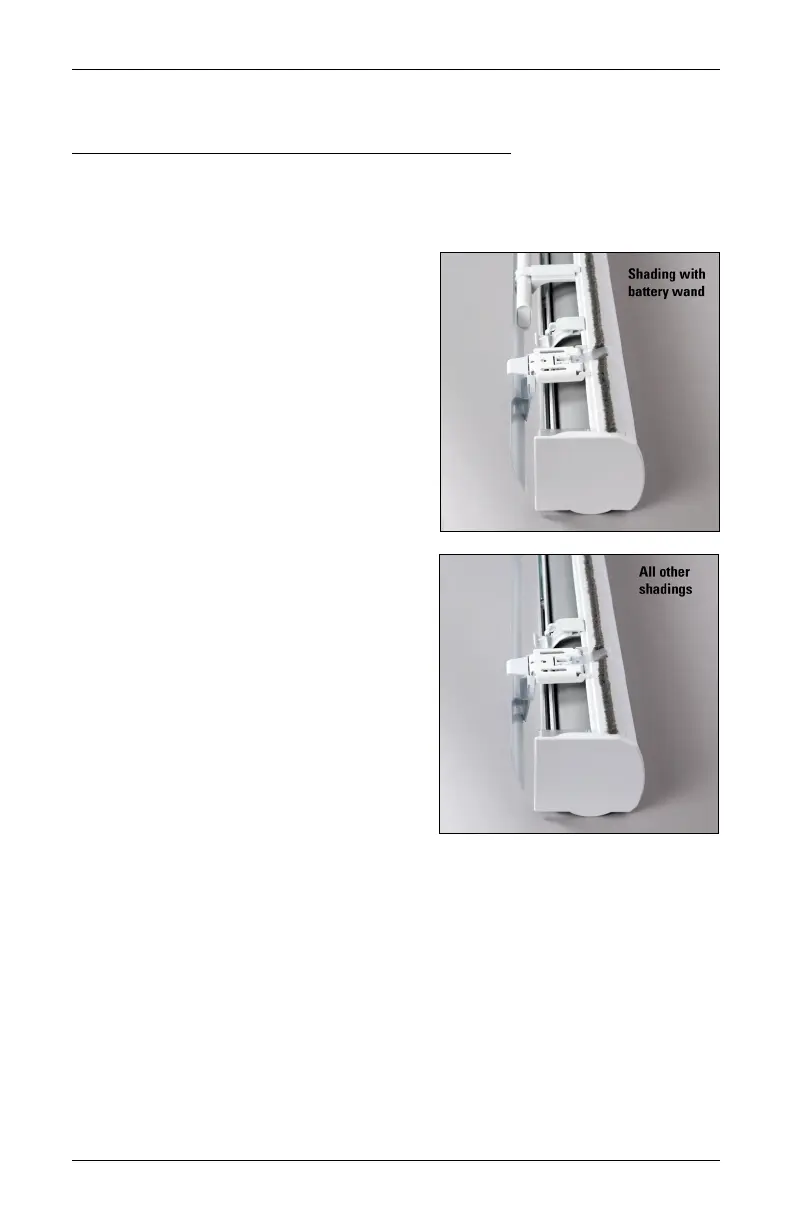
Install the back cover into the back cover brackets on the rear of the installation brackets,
as shown. If necessary, trim the back cover to the desired width.
➤
For PowerView
®
Gen 3 Only: On
shadings with battery wand(s), the top of
the back cover fits onto the top tab of the
back cover bracket.
IMPORTANT: If using a battery wand, do
not install the optional back cover until the
wand is installed. Refer to “STEP 2: Mount
the Battery Wand (PowerView® Gen 3)”
on page 10.
IMPORTANT: The back cover is not
available with the rechargeable battery
wand.
➤
On all other shadings, the top tab has
been removed and installs closer to the
installation bracket.








 To Next Page