16
6
DSC OPERATION
New2001
n DSC address ID
D Programming Group ID (Continued)
t Push [Y] or [Z] to set up to a 10-character ID name.
•Push[CH/WX] or [16] to move the cursor forward or backward.
•Push[CLR] to cancel and exit the programming mode, if de-
sired.
y Push [ENT] to program and return to normal operation.
D Deleting Group ID
q Push [MENU] to enter the DSC menu.
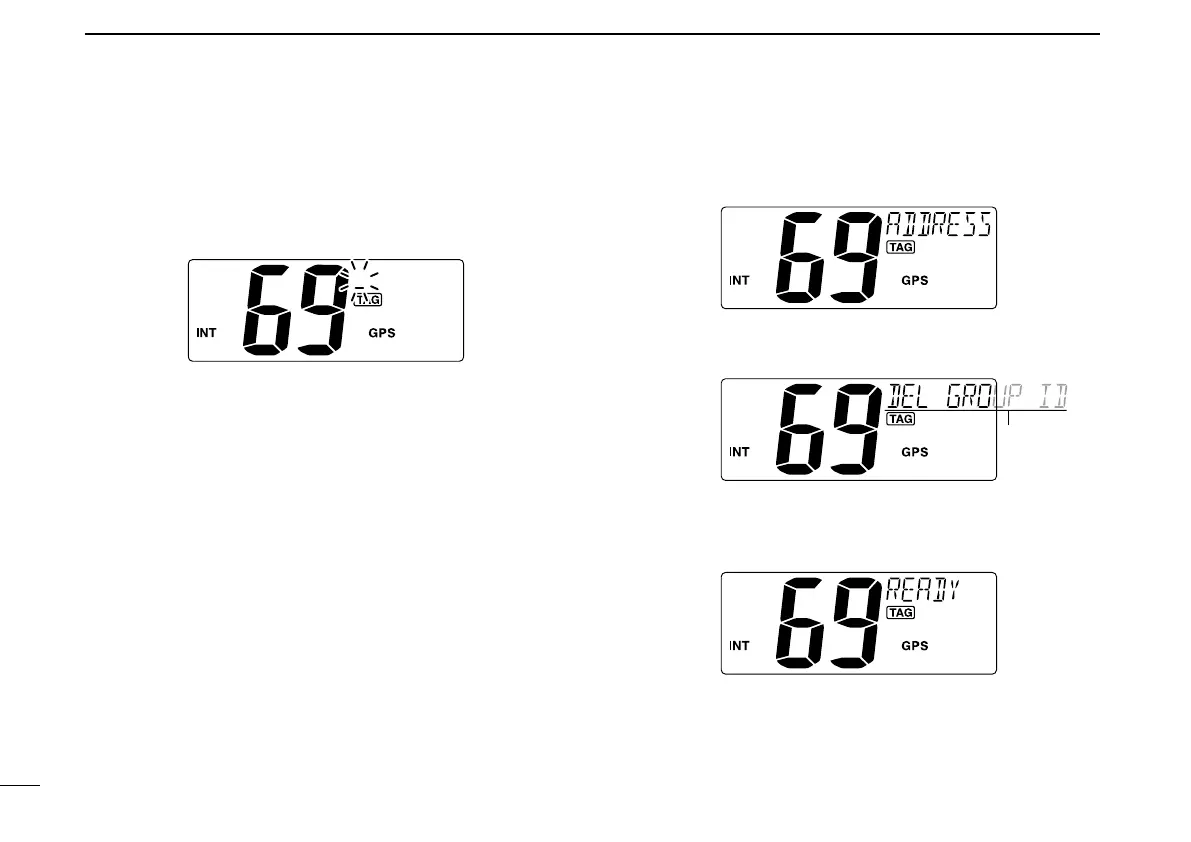
w Push [Y] or [Z] to select “ADDRESS,” then push [ENT].
e Push [Y] or [Z] to select “DEL GROUP ID,” push [ENT].
•WhennogroupIDisprogrammed,“NOID”isdisplayed.
r Push [Y] or [Z] to select a desired ID name for deleting
and push [ENT].
•“READY”appears.
t Push [ENT] to delete the selected group ID and return to
normal operation.



 To Next Page