34
6
DSC OPERATION
New2001
n Receiving DSC calls
D Receiving a Distress call
When a Distress call is received:
➥ The emergency alarm sounds for 2 minutes.
•Pushanykeytostopthealarm.
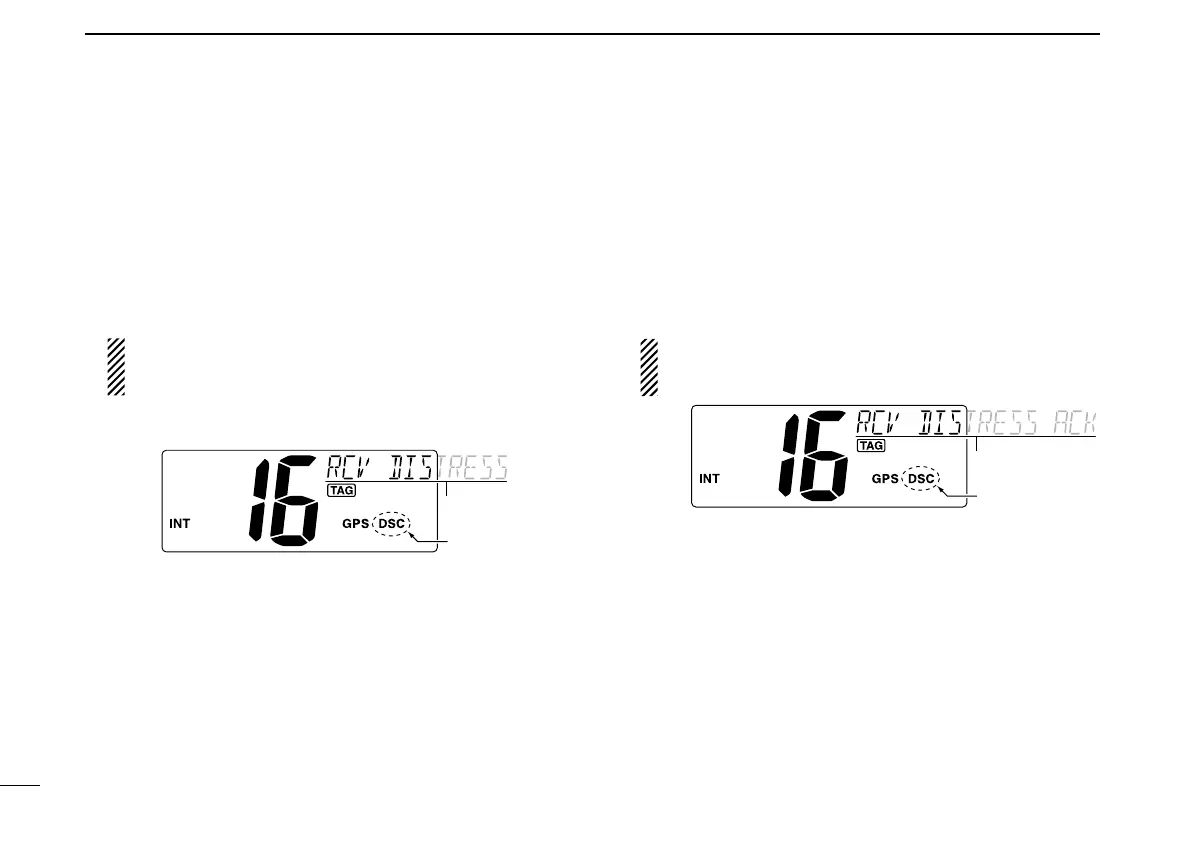
➥ “ DSC” appears and “RCV DISTRESS” scrolls in the chan-
nel comment display, then Channel 16 is automatically se-
lected.
This action can be changed, depending on the combi-
nation of the Auto Switch function and Auto Tune timer
settings. See pages 39 and 40 for more details.
➥ Continue monitoring Channel 16 as a coast station may
require assistance.
D Receiving a Distress Acknowledgement
When a Distress acknowledgement to other ship is received:
➥ The emergency alarm sounds for 2 minutes.
•Pushanykeytostopthealarm.
➥“DSC” appears and “RCV DISTRESS ACK” scrolls in the
channel comment display, then Channel 16 is automati-
cally selected.
This action can be changed, depending on the combi-
nation of the Auto Switch function and Auto Tune timer
settings. See pages 39 and 40 for more details.



 To Next Page