39
6
DSC OPERATION
New2001
1
2
3
4
5
6
7
8
9
10
11
12
13
14
15
16
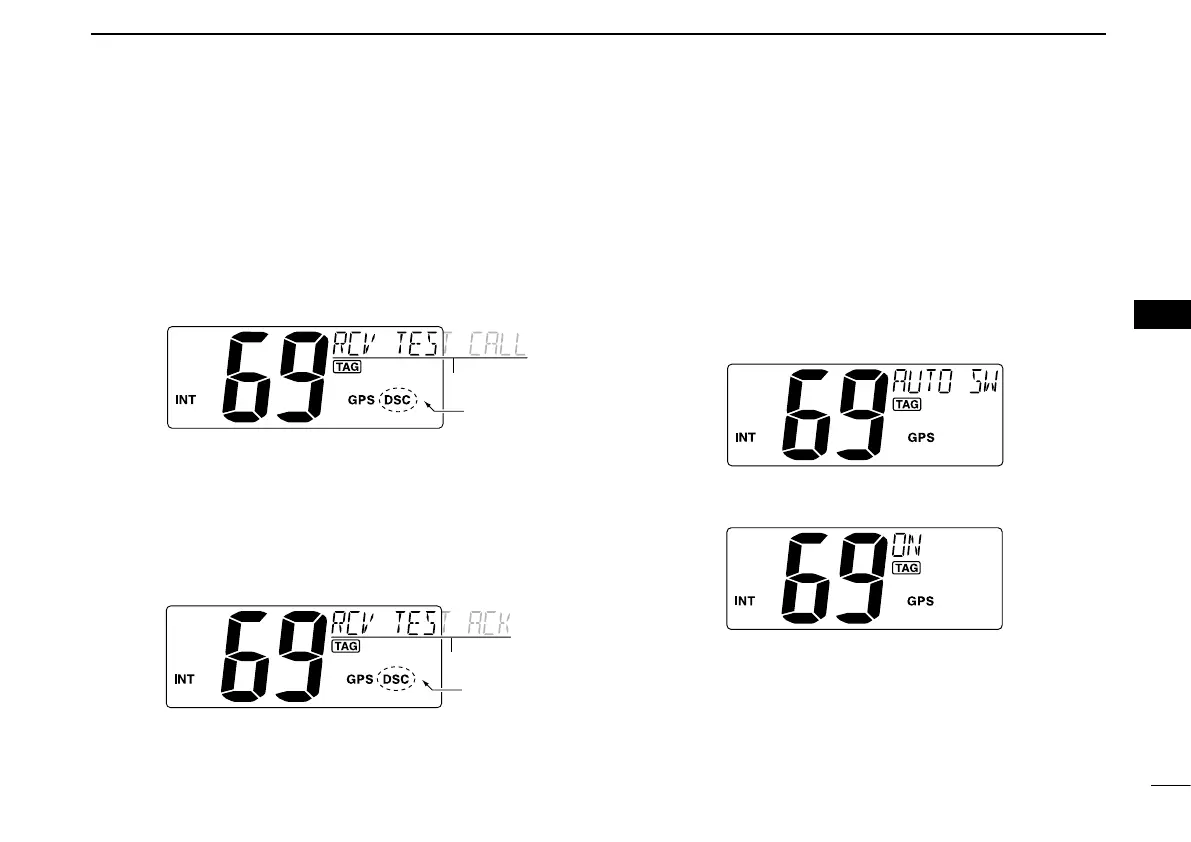
D Receiving a Test call
When a Test call is received:
➥ “ DSC” appears and “RCV TEST CALL” scrolls in the chan-
nel comment display.
➥ The beeps sound for 2 minutes.
•Push[CLR] to stop the beeps.
➥
Push [ENT] to reply to the call; push [CLR] to ignore the
call.
D Receiving a Test Acknowledgement call
When a Test Acknowledgement call is received:
➥ “ DSC” appears and “RCV TEST ACK” scrolls in the chan-
nel comment display.
➥ The beeps sound for 2 minutes.
•Push[CLR] to stop the beeps.
➥
Push [ENT] to reply to the call; push [CLR] to ignore the call.
D Auto Switch function
By regulation, after receiving a Distress call, the transceiver
basically switches the operating channel to Channel 16. How-
ever, when this setting is set to “OFF,” the function enables
the transceiver to remain on the operating channel even after
receiving a Distress call.
q Push [MENU] to enter the DSC menu.
w Push [s] or [t] to select “AUTO SW,” then push [ENT].
e Push [s] or [t] to select the Auto switch “ON” or “OFF.”
•Push[CLR] to cancel and exit the setting, if desired.
OFF : The transceiver remains on the operating channel
even after receiving a Distress call.
ON : The transceiver automatically switches the operat-
ing channel to Channel 16 after receiving a Dis-
tress call. (default)
r Push [ENT] to set and exit the setting.



 To Next Page