26
6
DSC OPERATION
New2001
n Transmitting DSC calls
D Transmitting a Group call (Continued)
About Manual Inputting:
Push [Y] or [Z] to input the 8-digit Group ID, then push
[ENT].
•Push[CH/WX] or [16] to move the cursor forward or backward.
•Push[CLR] to cancel and exit the entry.
•Therstonedigitisspecied‘0’foraGroupID.
The first two digits are ‘0’ for any Coast station ID.
•Gotothenextstepafterpushing[ENT].
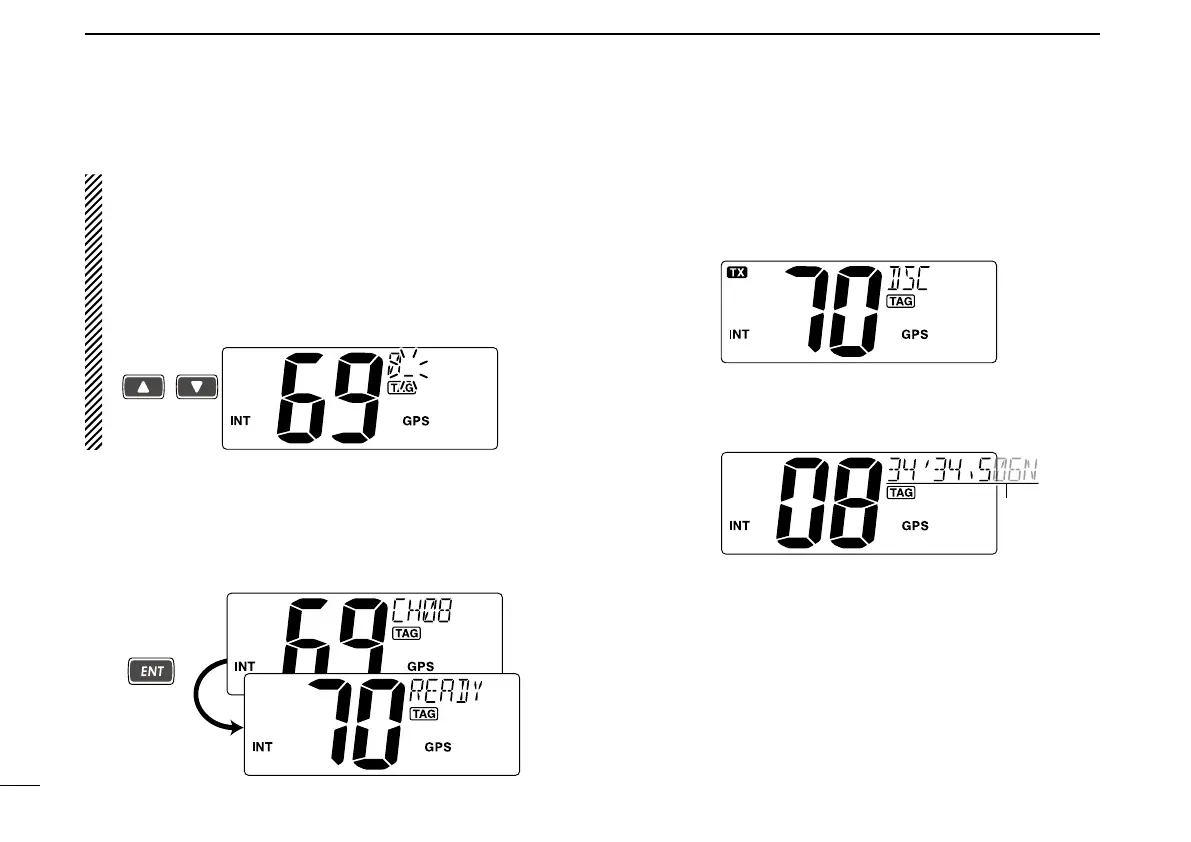
r Push [Y] or [Z] to select a desired intership channel, then
push [ENT].
•Intershipchannelsarealreadypresetintothetransceiverinrec-
ommending order.
•Afterpushing[ENT], Channel 70 is automatically selected and
“READY” appears in the channel comment display.
t Push [ENT] to transmit the Group call.
•IfChannel70isbusy,thetransceiverstandsbyuntilthechannel
becomes clear.
•Routinecategoryonlyisavailable.
y After the Group call has been transmitted, the specified
channel (in step r) is automatically selected.
u Hold down [PTT] to announce your message to the speci-
fied group ships.



 To Next Page